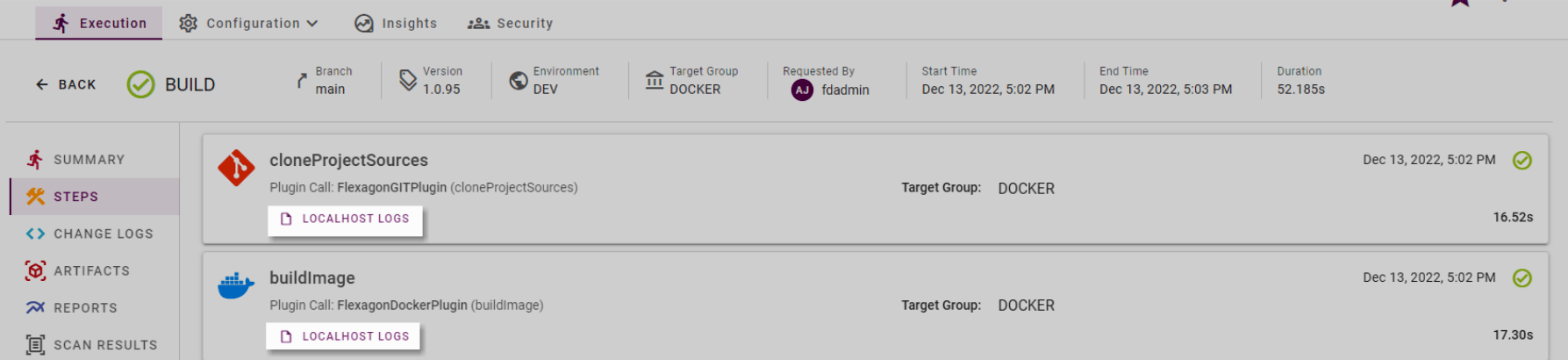
Build Execution
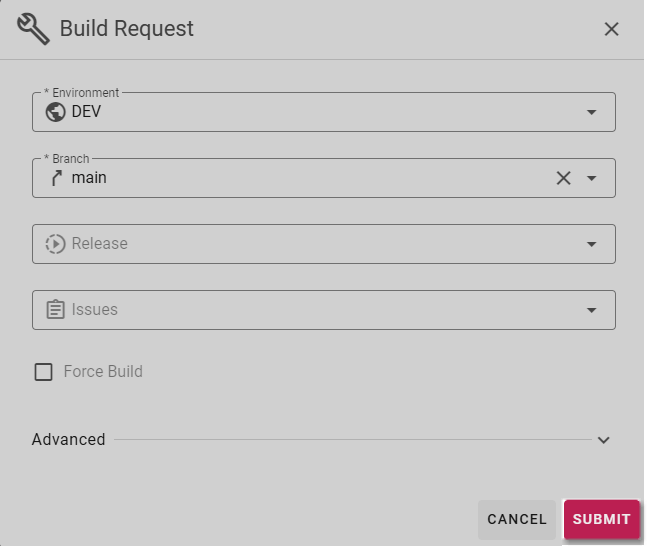
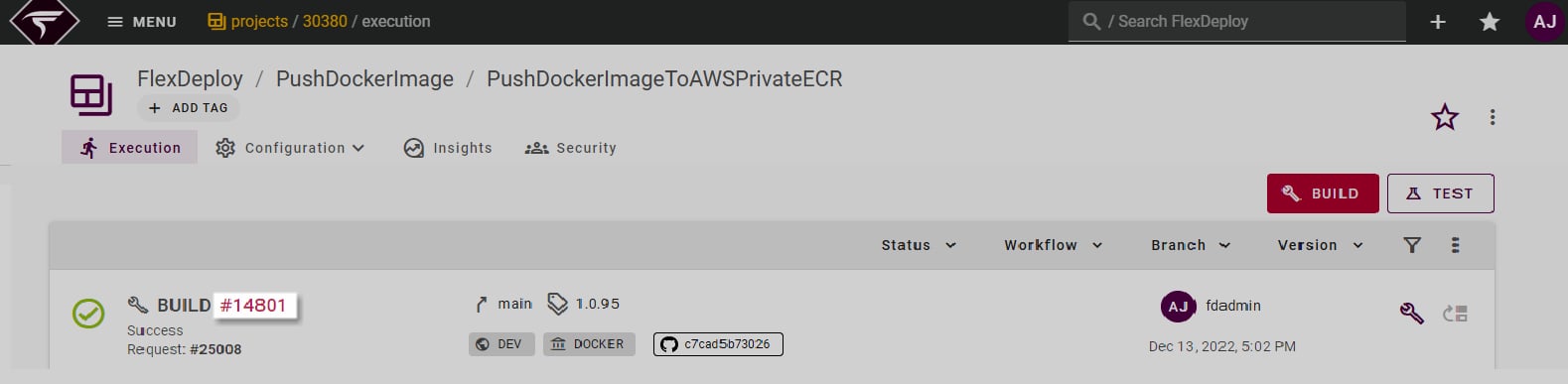
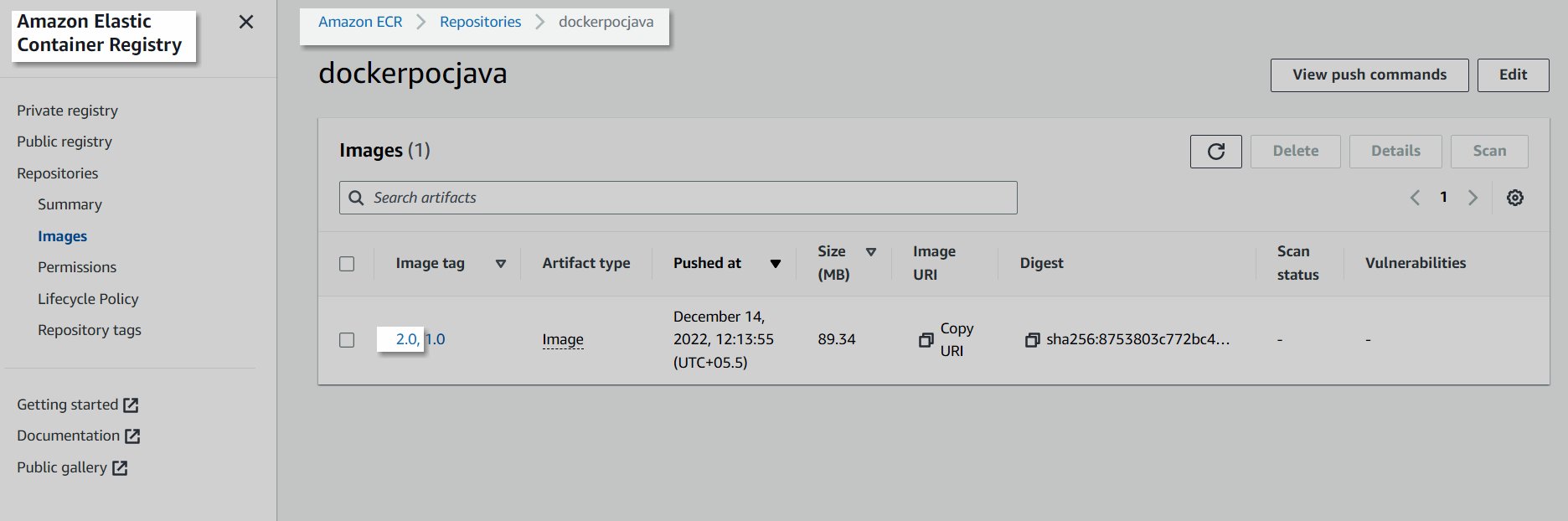
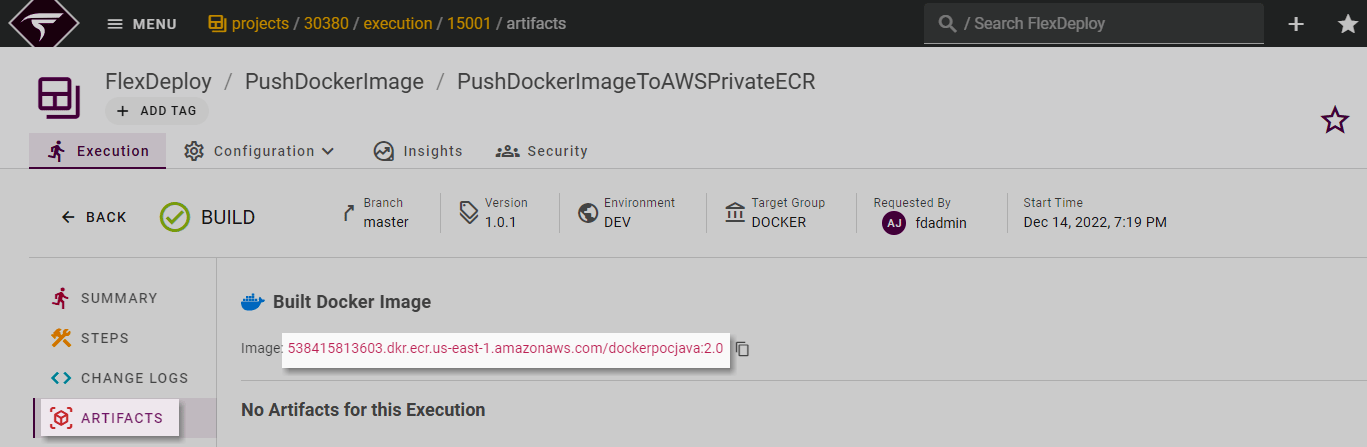
FlexDeploy is configured with everything that is required to execute a build request. We will consider creating and pushing a docker image on AWS private container registry to showcase the steps. The approach will be pretty much the same for other cloud providers as well. Let’s execute the first build. Navigate to the Project and click on the Execution tab to submit the build request. Click on Build.
- select the environment we want to build the composite in, the environments that had the Build Environment checkbox will appear in the dropdown
- select the SCM Branch that was configured on the project, this will be pre-populated if there is only one configured Branch.
- submit the request, this will initiate the Build workflow