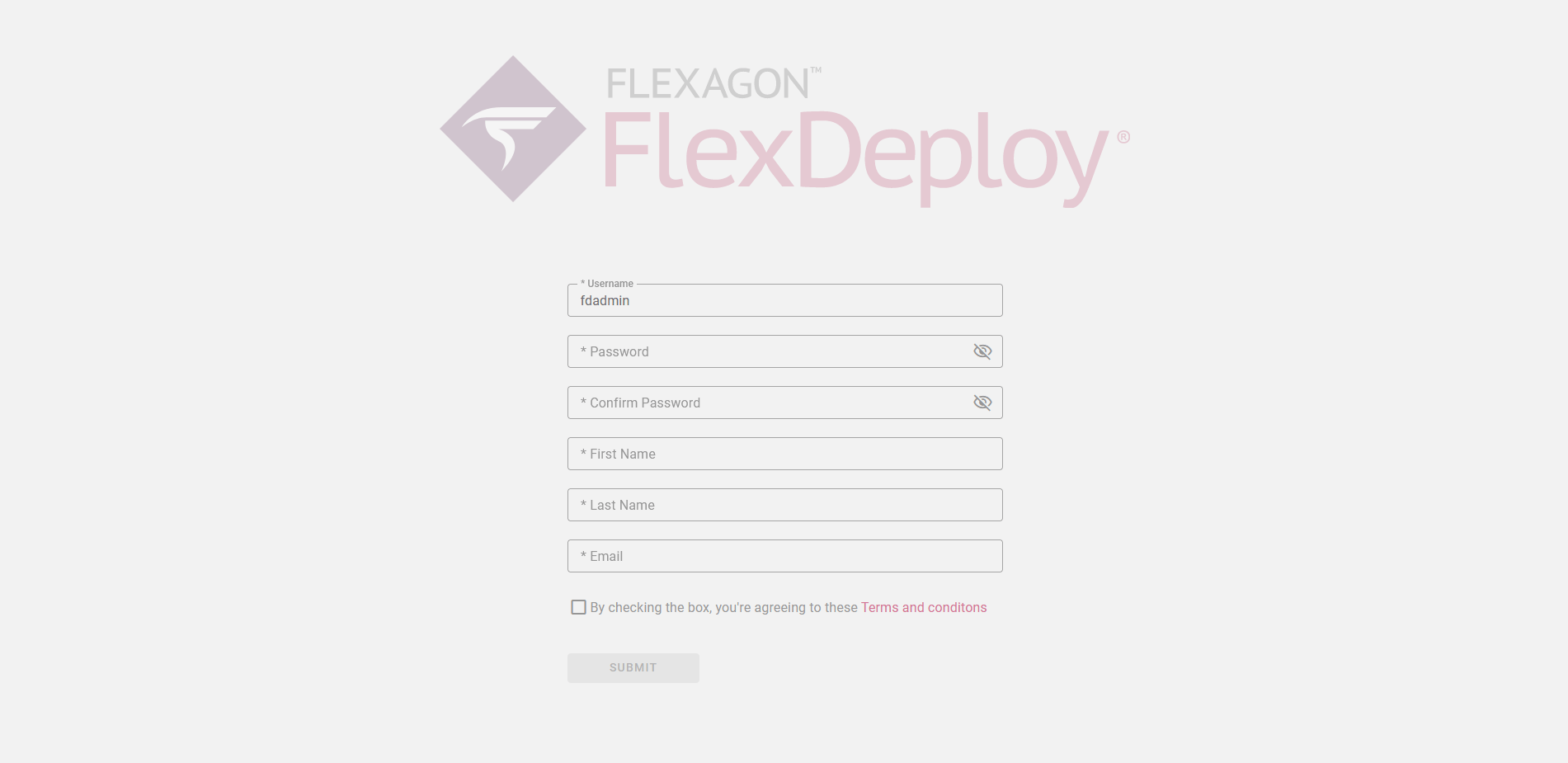
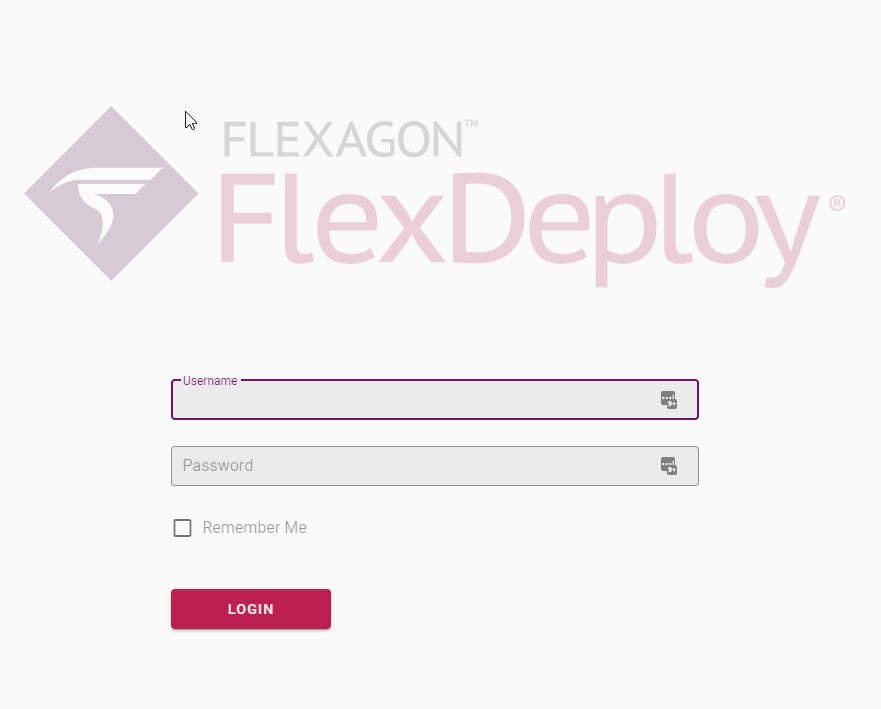
http://{host}:{port}/flexdeploy When FlexDeploy is started for the first time, you will need to finish Registration process. This will create admin user and you will be accepting the Terms and Conditions. You will see an Initial Registration screen. The User Name will default to fdadmin, which you can change if desired. Provide a Password, First Name, Last Name and Email. Also, you must read and agree to the Terms and Conditions. At this point, you can click Submit to finish Initial Registration process.