Scheduled Events Flow
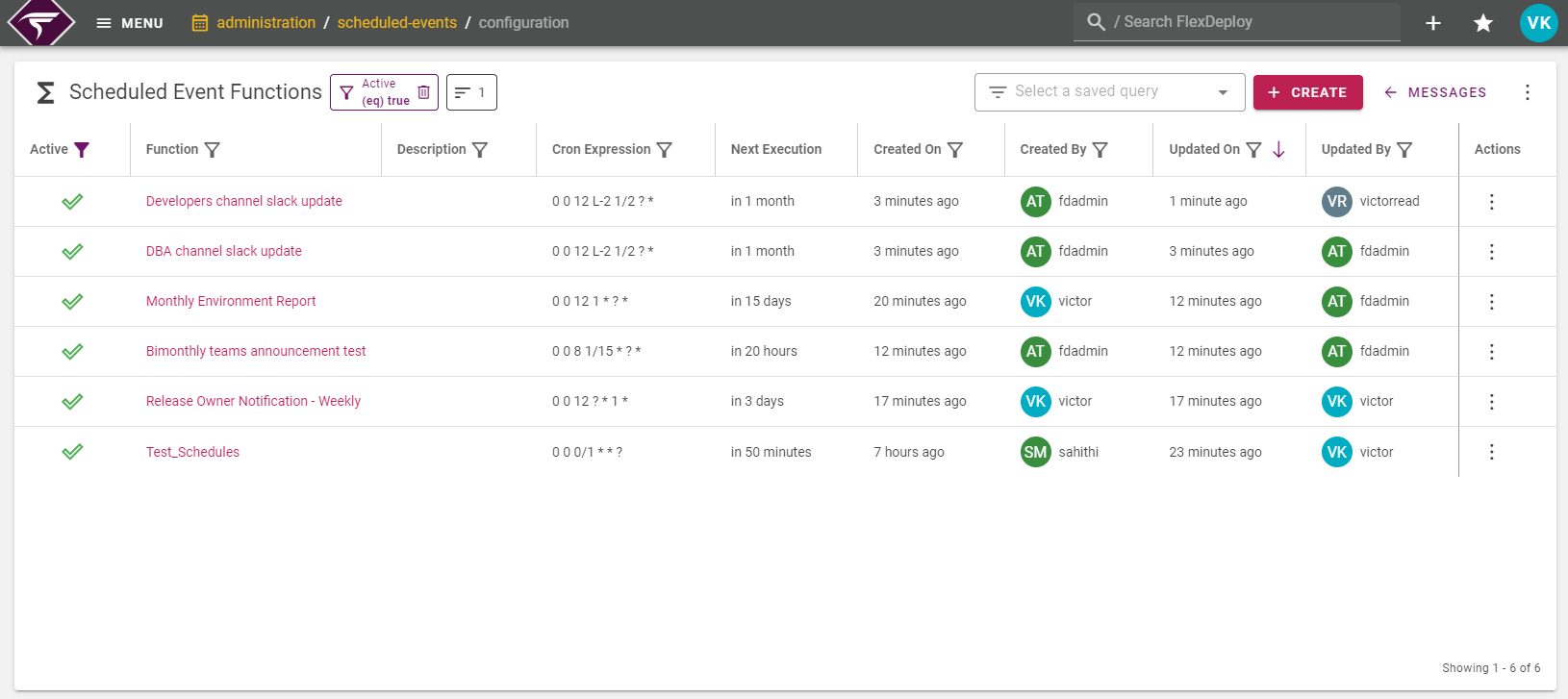
In order to take advantage of FlexDeploy’s Scheduled Events, you must first create a Function. When creating a function, setup a cron expression that specifies the interval of when the script will be executed. Once the next execution time specified by the cron expression is reached, FlexDeploy will automatically execute the script belonging to the function.Navigation
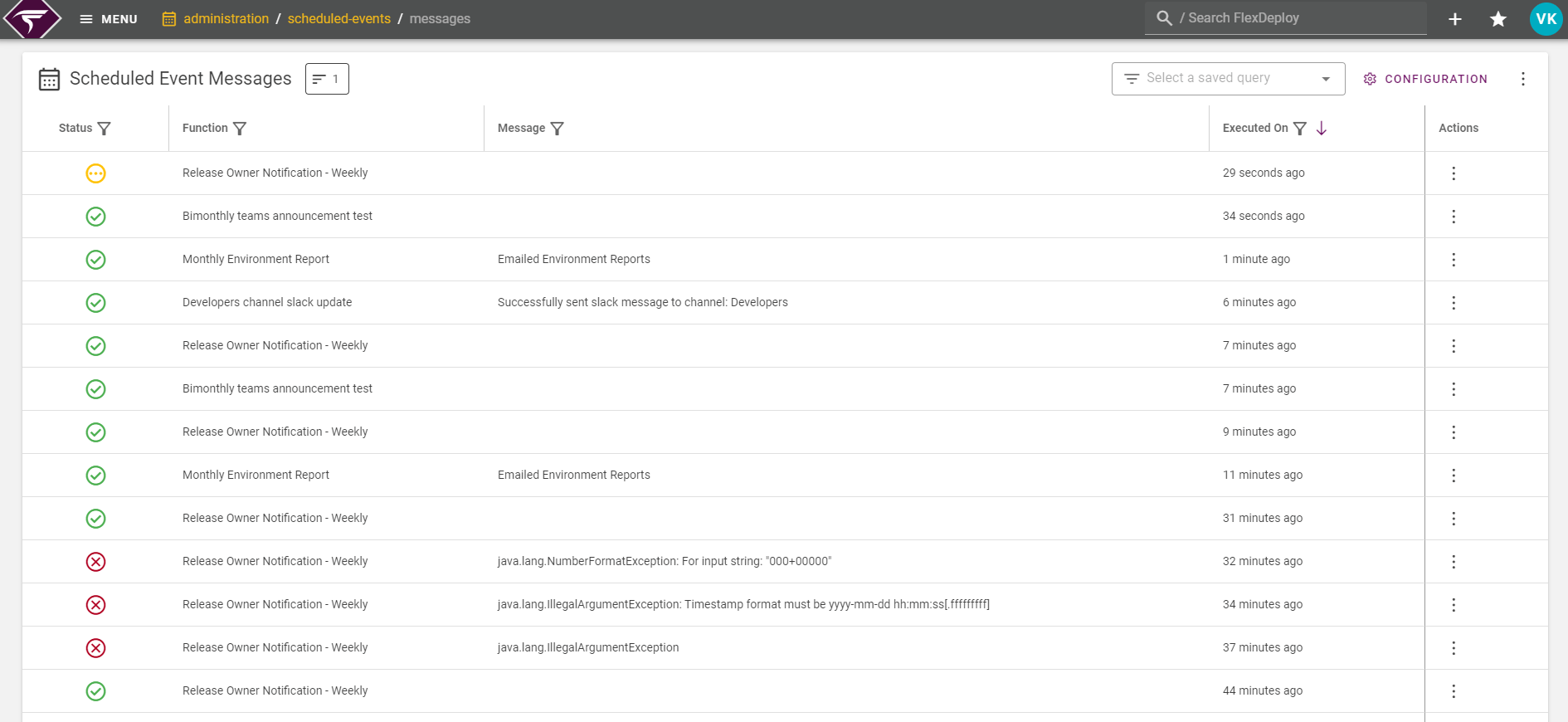
Scheduled Events can be accessed from Administration → Scheduled Events. This will show the Scheduled Event Messages that have been executed in FlexDeploy in the last week. You can click on any row to see more information about the scheduled event’s execution or resubmit the message for debugging.