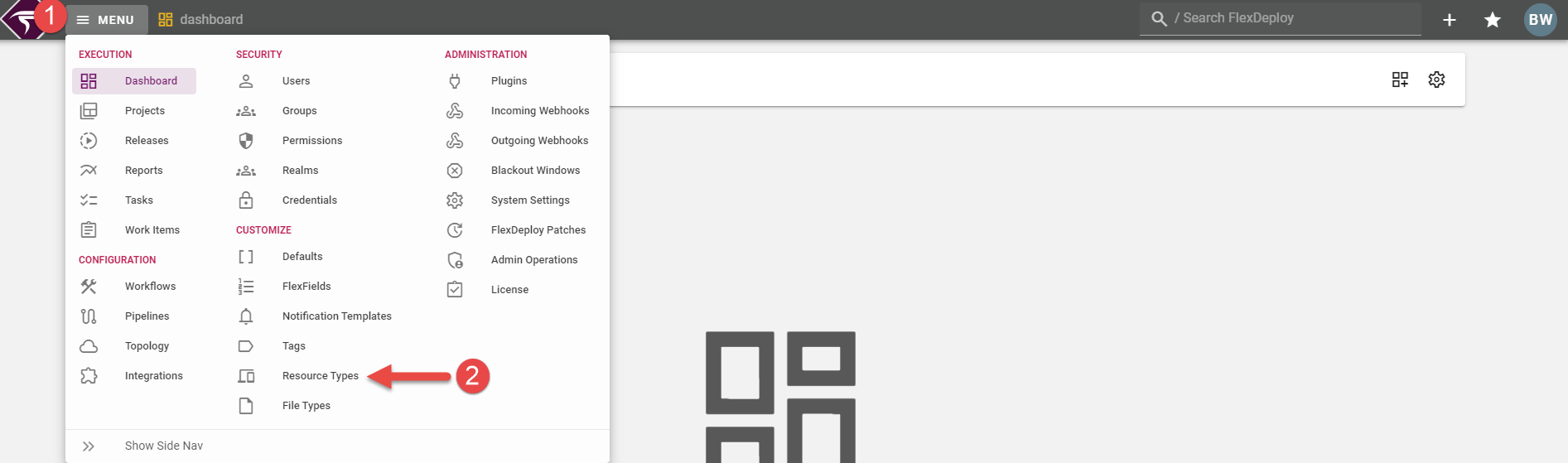
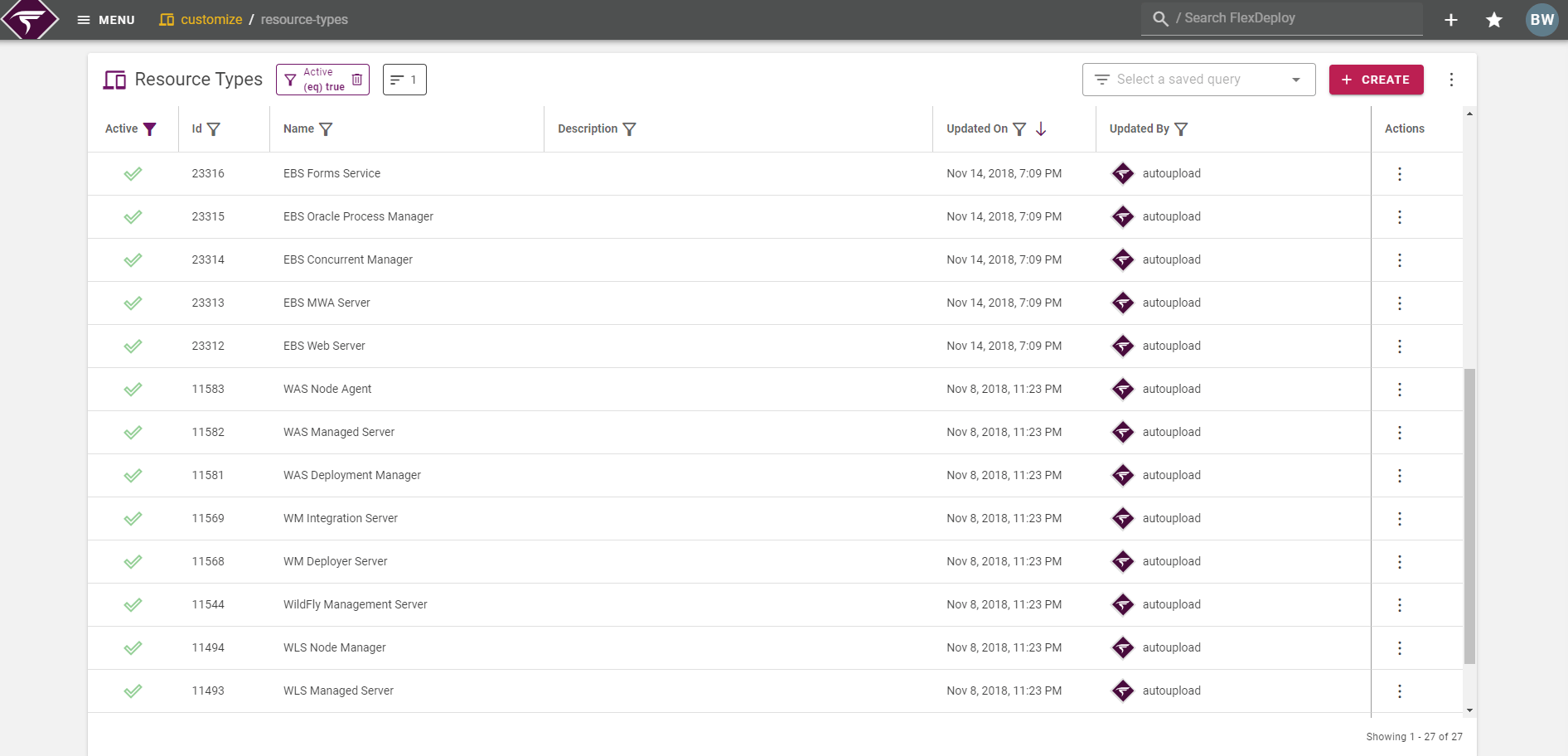
Create Resource Type
Click on the Create button to create a new resource type.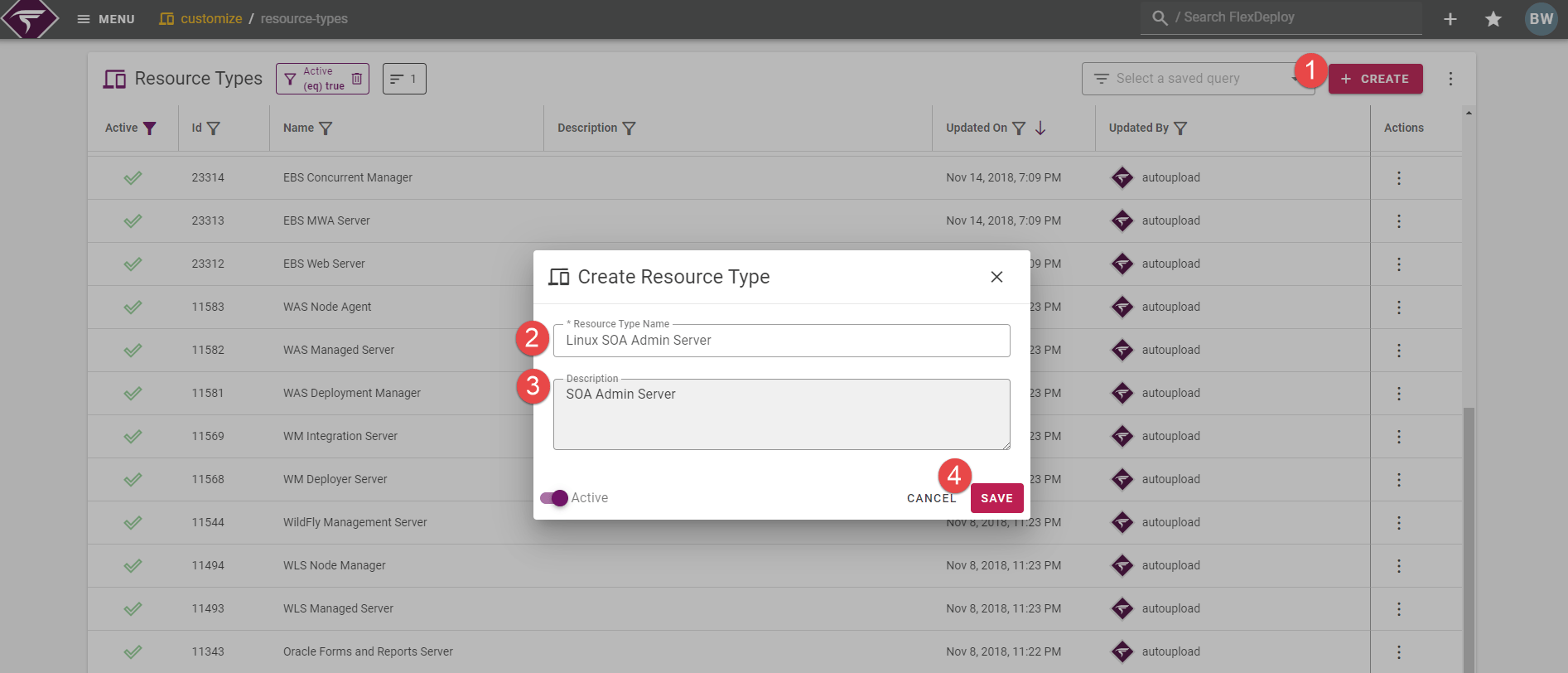
Delete Resource Type
Click on the actions menu on the row of the resource type you wish to delete, and then click Delete. A confirmation menu will appear to make sure you want to delete that resource type. Once deleted, it cannot be reverted.
Assigning Resource Type to Endpoint
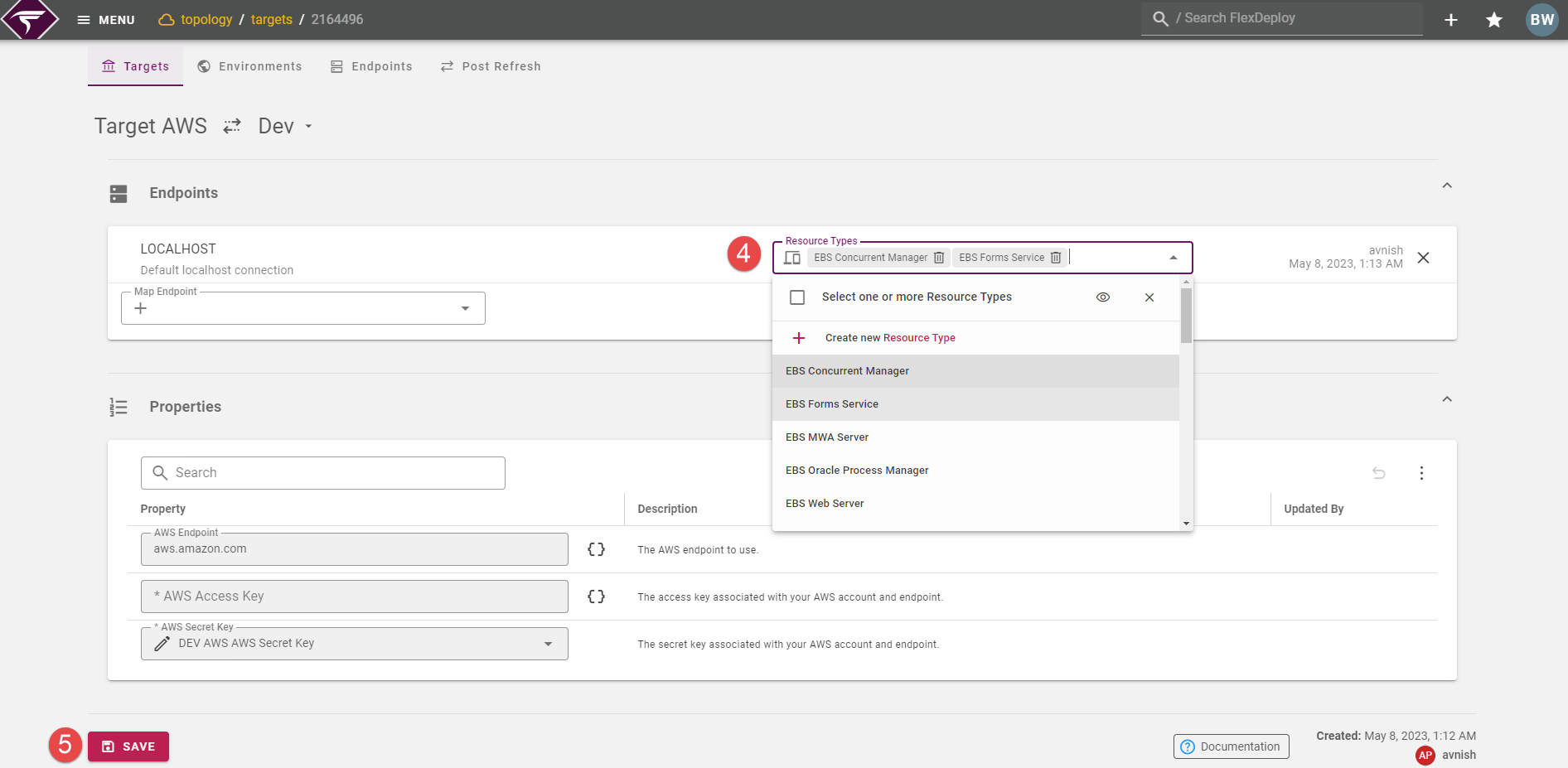
Once a resource type has been created, it can be assigned to an endpoint added to an Environment in a Target. Navigate to Topology on the menu and open the Targets tab. From there select a target, click on an associated environment, and lastly choose the resource types from the select box on the desired endpoint(s). Click the Save button once the desired resource types are selected.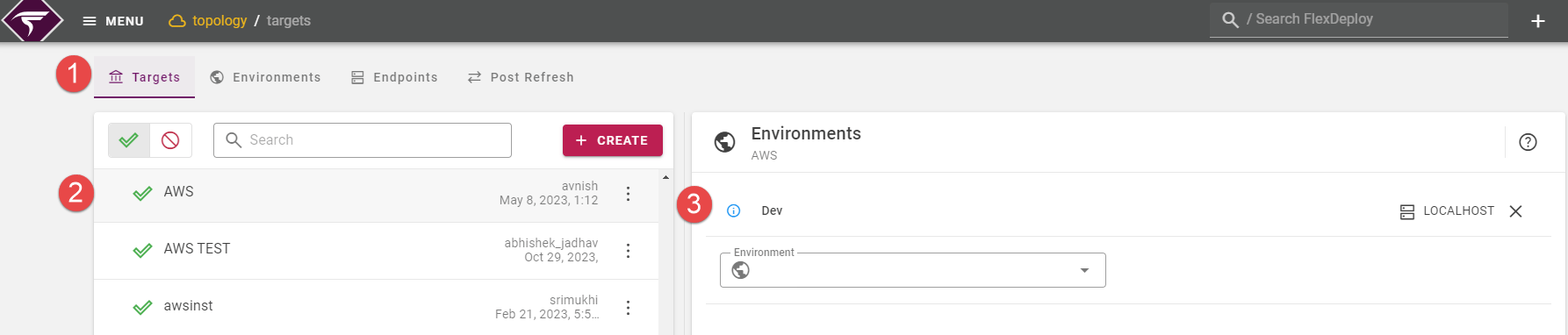
Using Resource Type on Workflow Activity
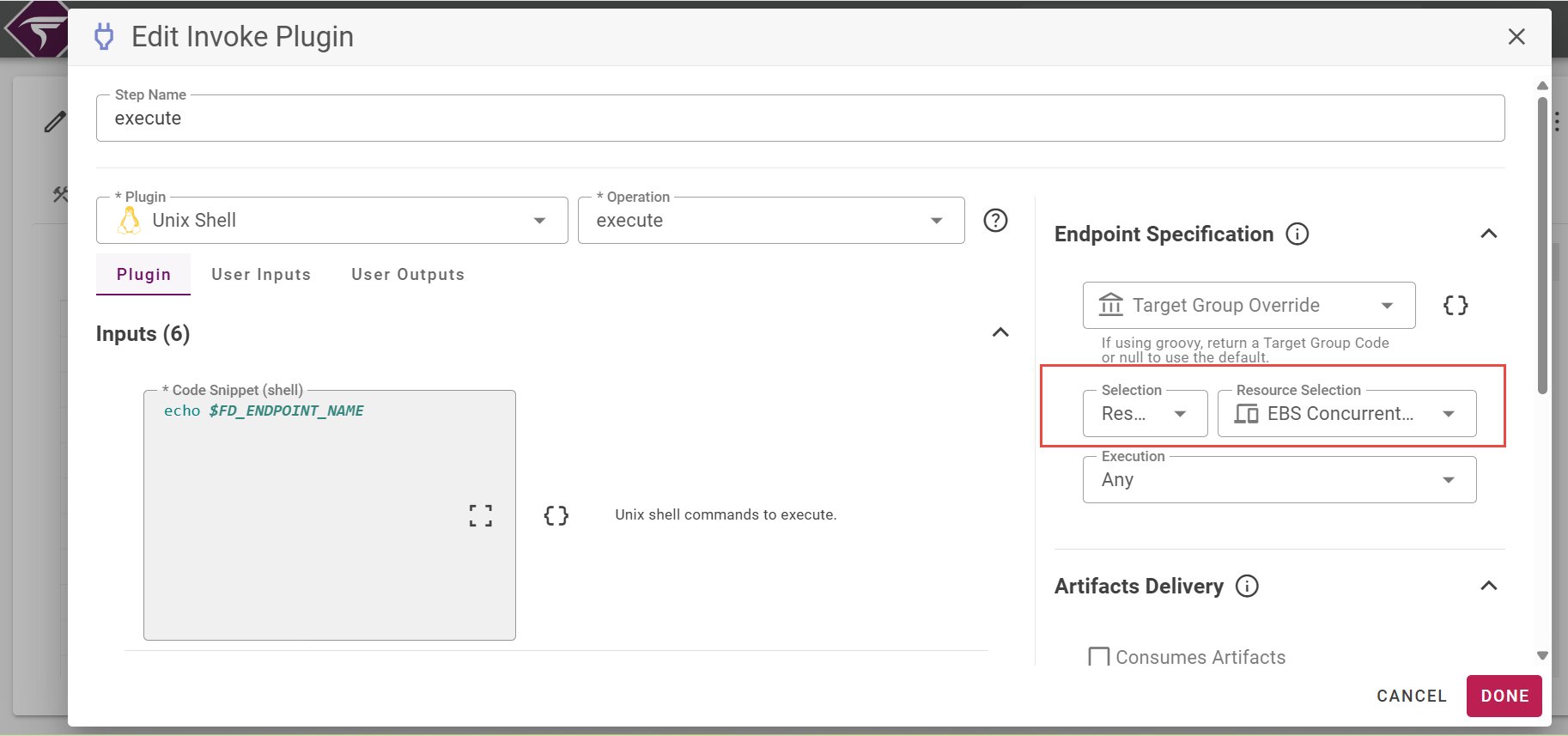
Now that the endpoint for the given environment instance has been assigned the appropriate resource type, the endpoint selection can be selected for within plugin steps of workflows. Select the Workflows menu and go to the definition tab of the desired workflow. Click on the Make Copy button to open the workflow for editing.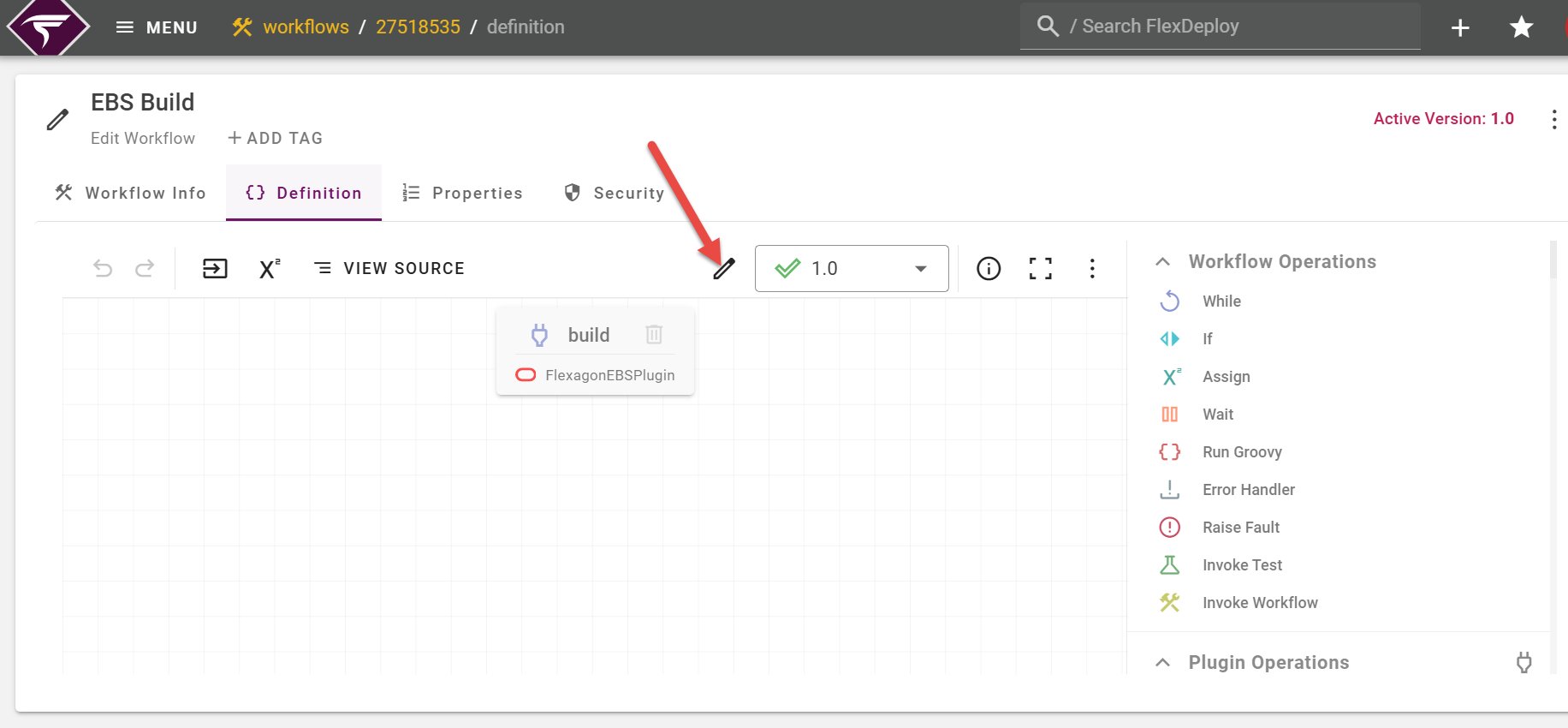
Click on the execute activity step in the workflow to adjust the endpoint selection.