
- Projects
- Packages
Accessing favorites
Click the star to the left of your profile image to locate your selected favorites.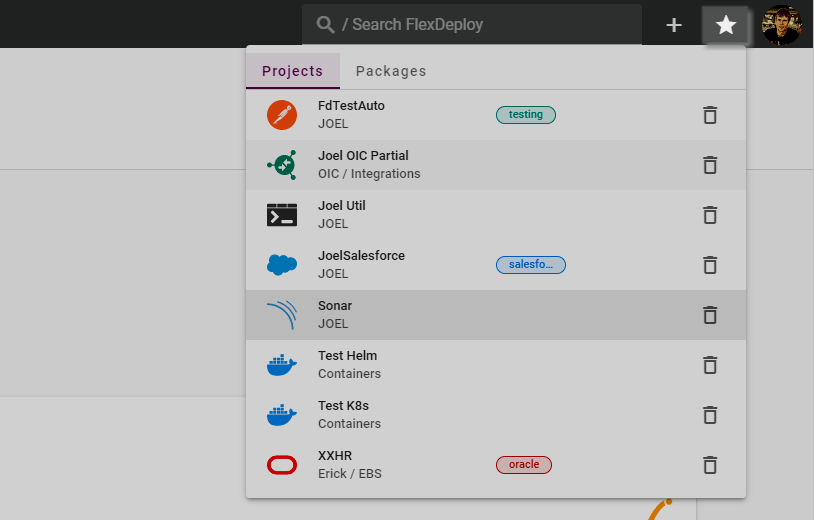
Adding Favorites
Favorites can be added by clicking on the Star Icon wherever seen throughout FlexDeploy.Favoriting from Global Search
Items can be favorited when they show up in Global Search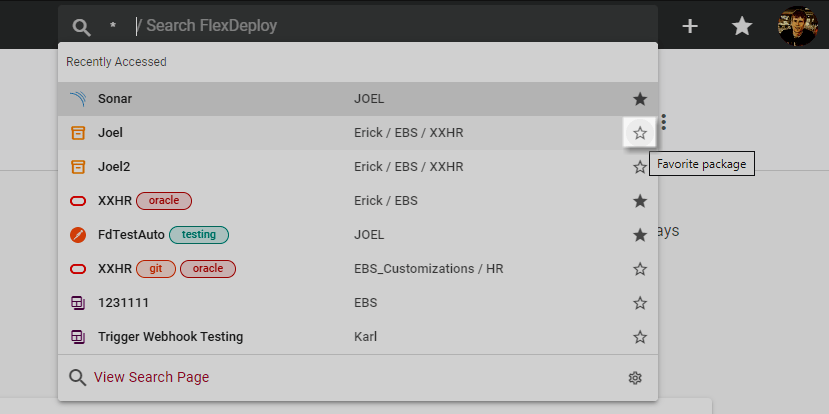
Favoriting from the page
Items can be favorited from the page directly as well.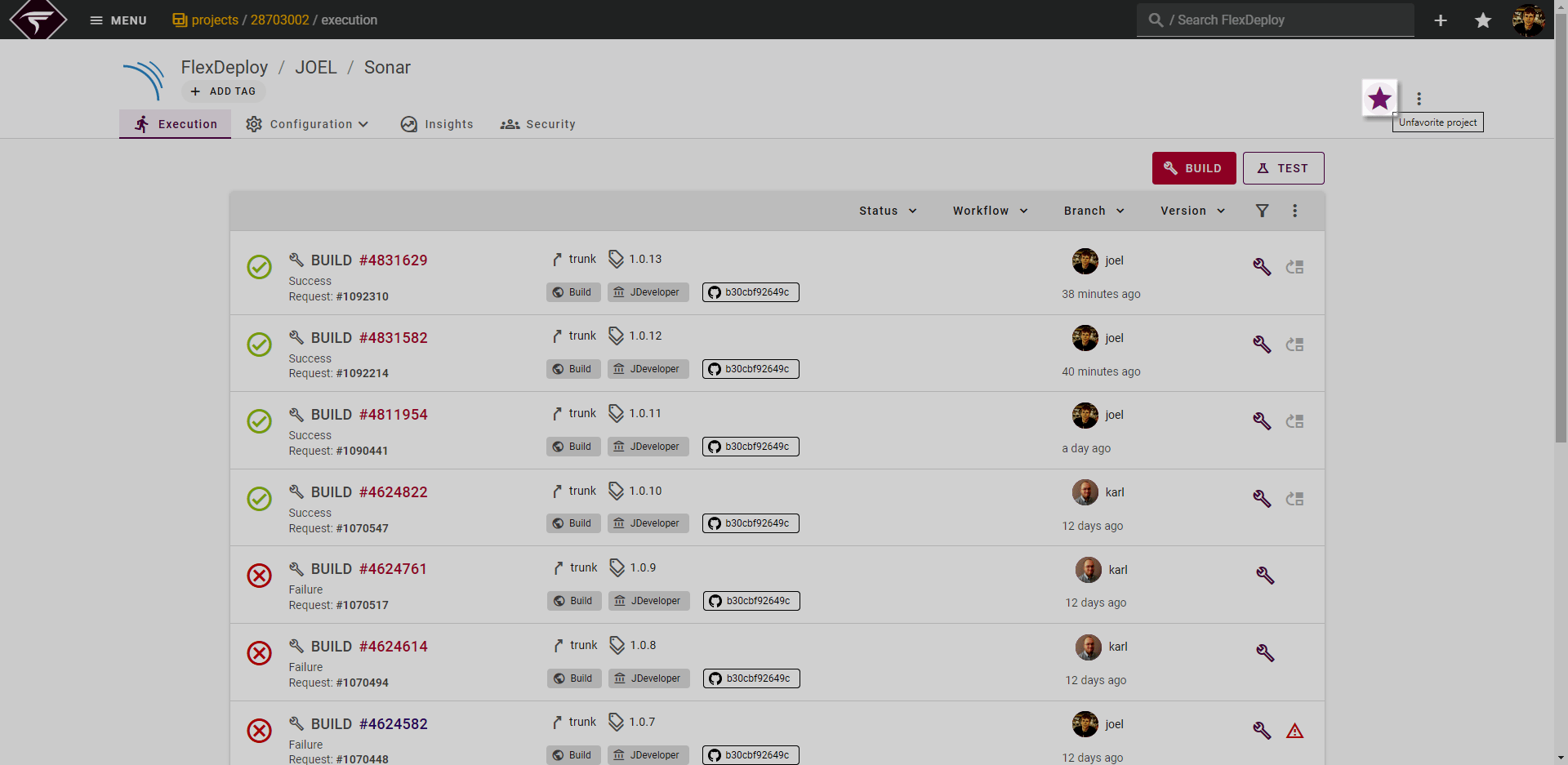
Removing Favorites
Favorites can be removed or unfavorited from any location where they were originally favorited. In addition to those options you can unfavorite by clicking the Trash Icon on the favorites menu.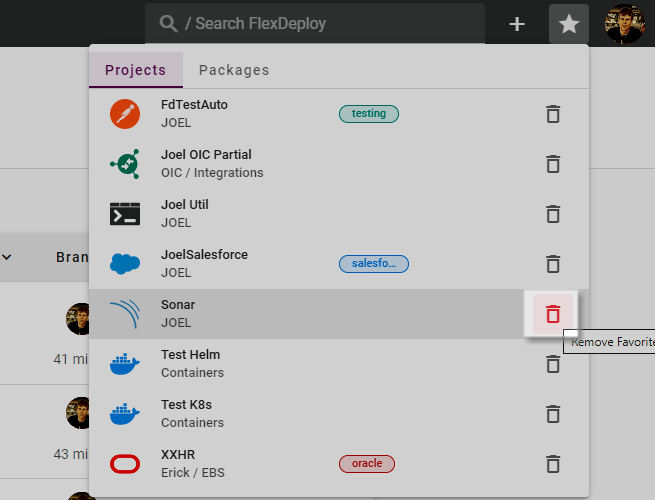
Additional Benefits
Favorites is one of the 3 tabs on the Projects Screen. In addition to listing your favorite Projects here it will show recent or current deployments of your favorite projects on the right hand side.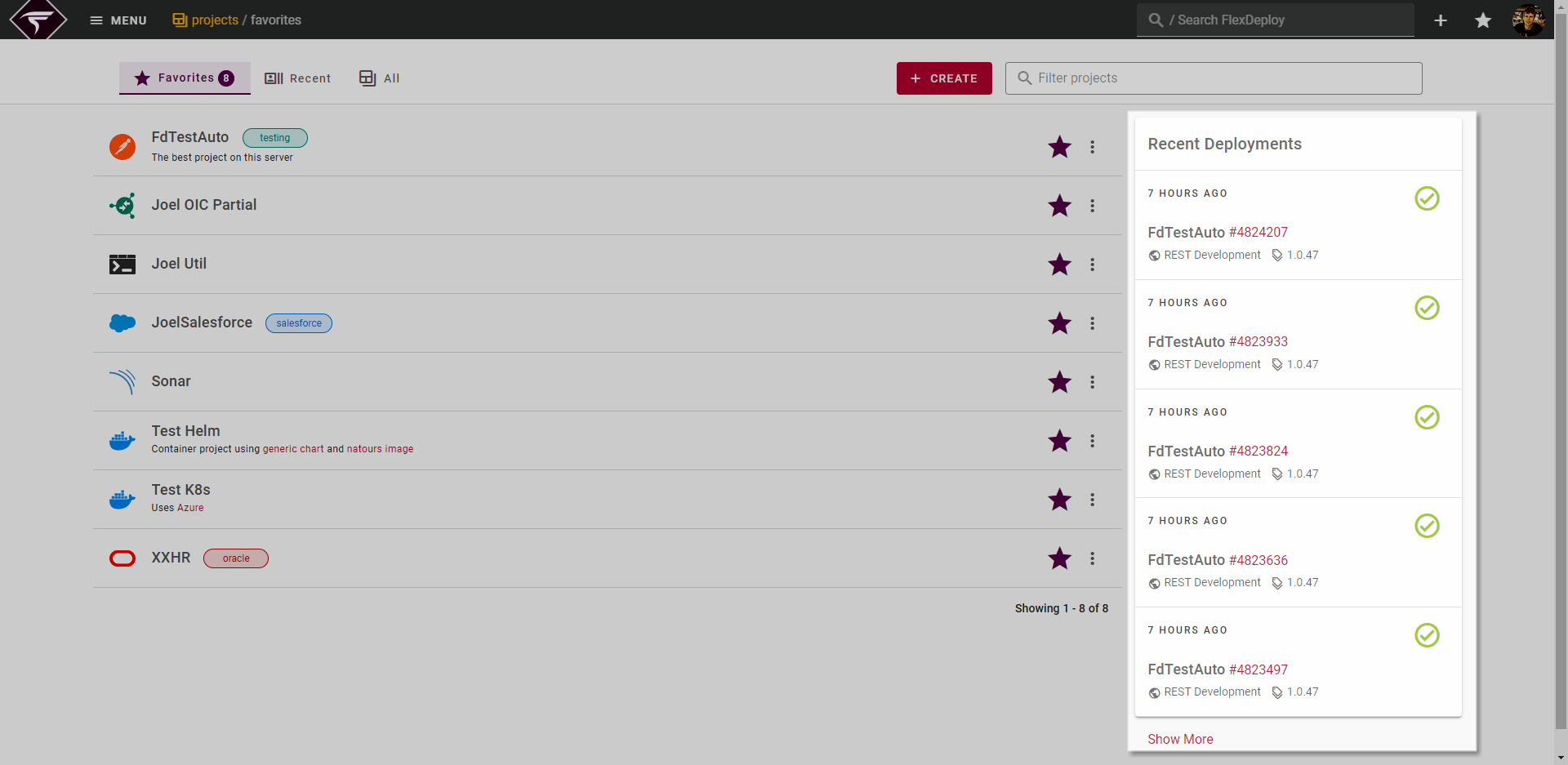
The Favorites tab opens by default when accessing the Projects page. If you would like to change this behavior you can do so from your Navigation User Settings