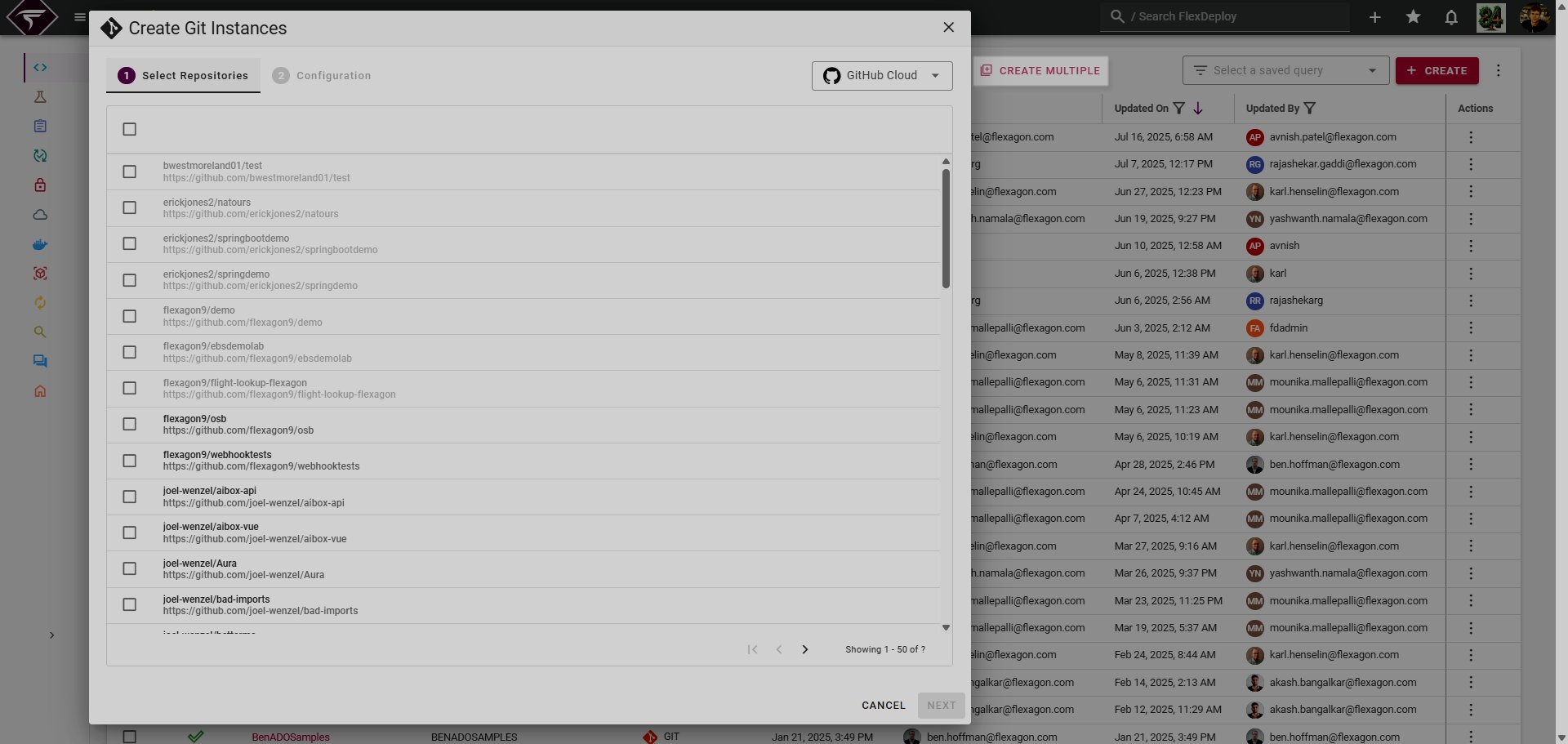
Connected Apps allow seemless integration with 3rd party Applications across the FlexDeploy platform.
The Connected Apps page allows users to integrate with 3rd party applications in numerous ways. User-scoped applications defined in System Settings → Integration Settings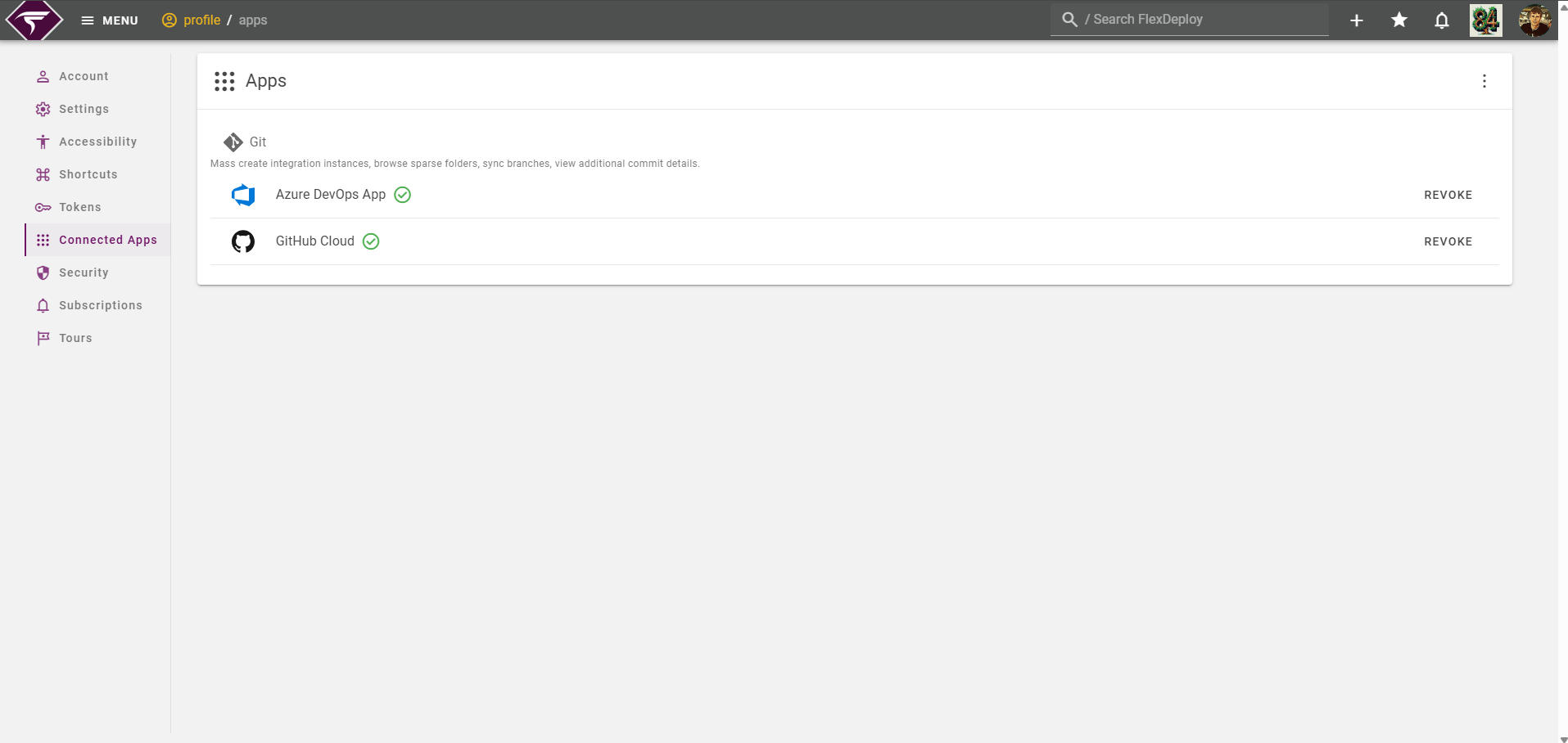
Authorizing an App
First and foremost the Application should be set up in Integration Settings by a system administrator. After that is complete, simply click Authorize on the desired Application.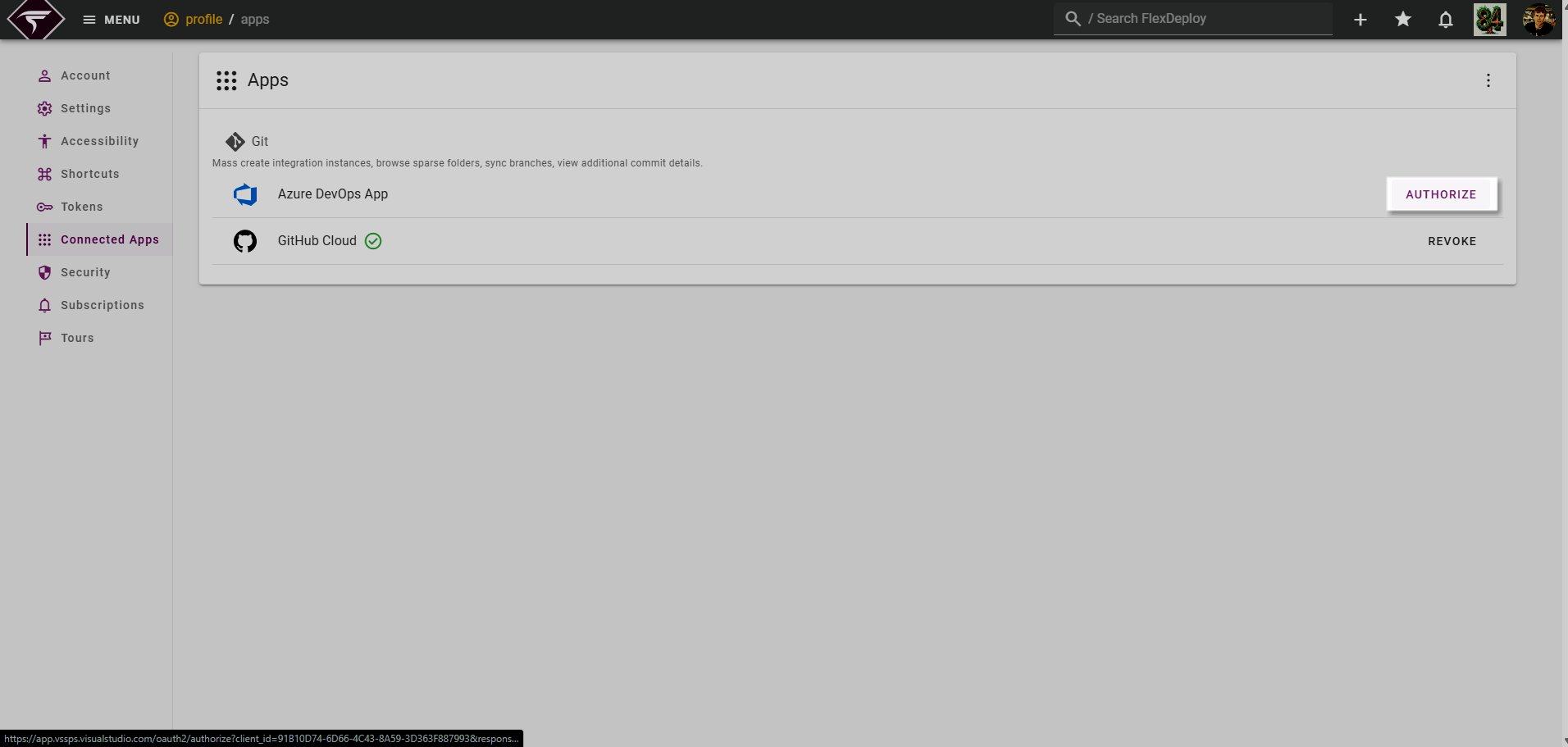
Revoking an App
At any point an Application can be revoked by clicking on the Revoke button.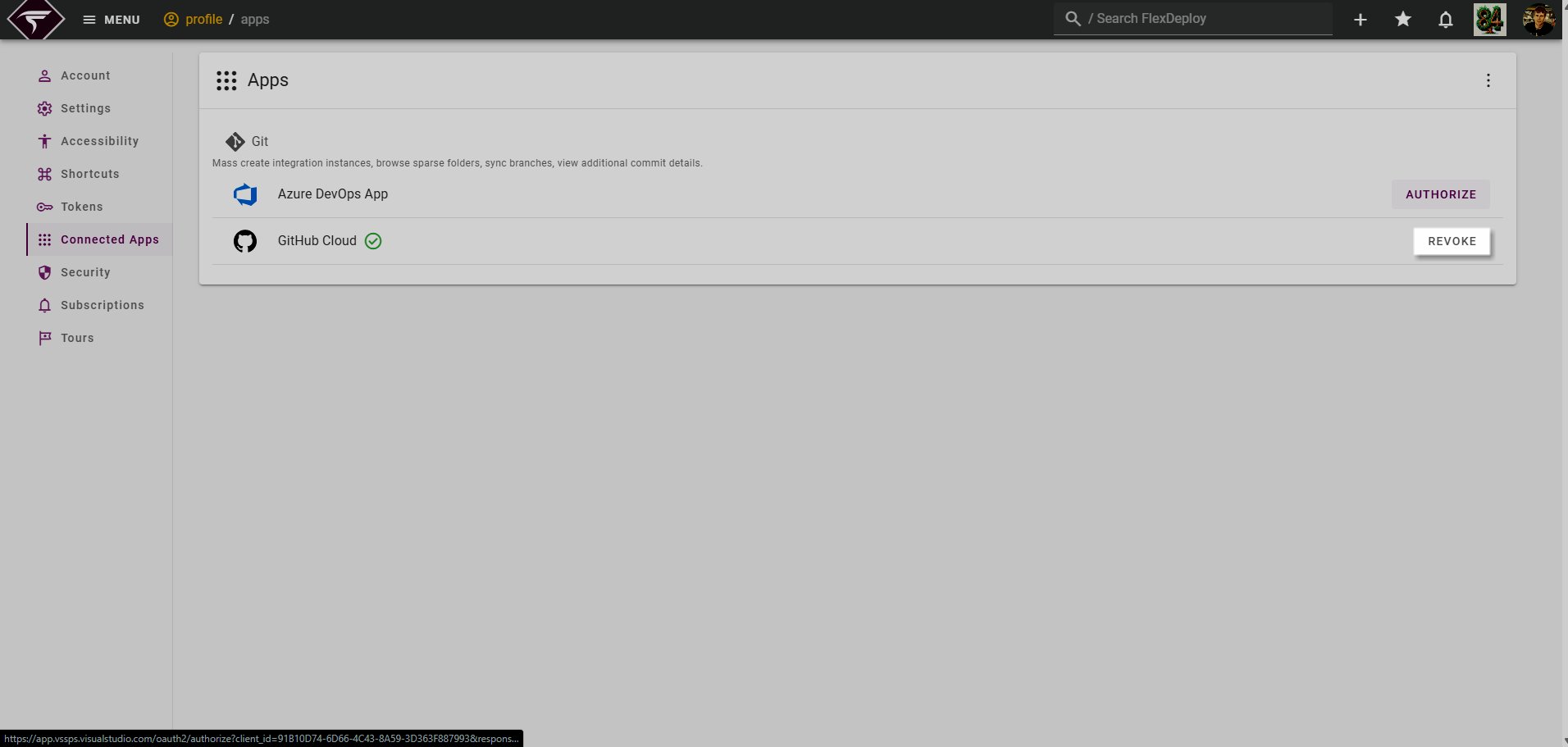
Git Applications
The majority of Applications revolve around integration Git providers, such as GitHub, Azure DevOps and Gitlab. Described below are some of the benefits of connecting a Git Application.Usage in Blueprints
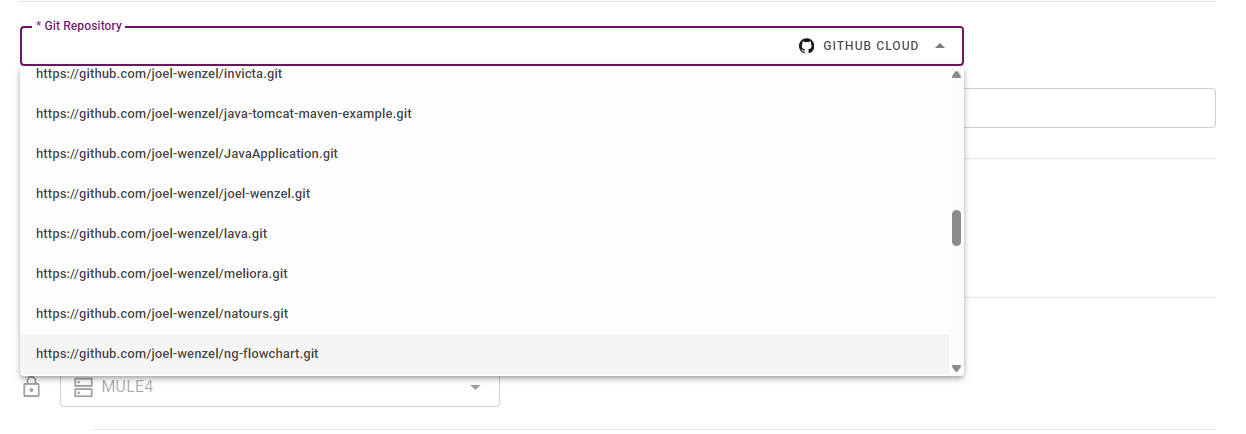
When configuring a new Project via Blueprint you may use authorized Applications to quickly select a repository and subfolder you would like to use for your new project.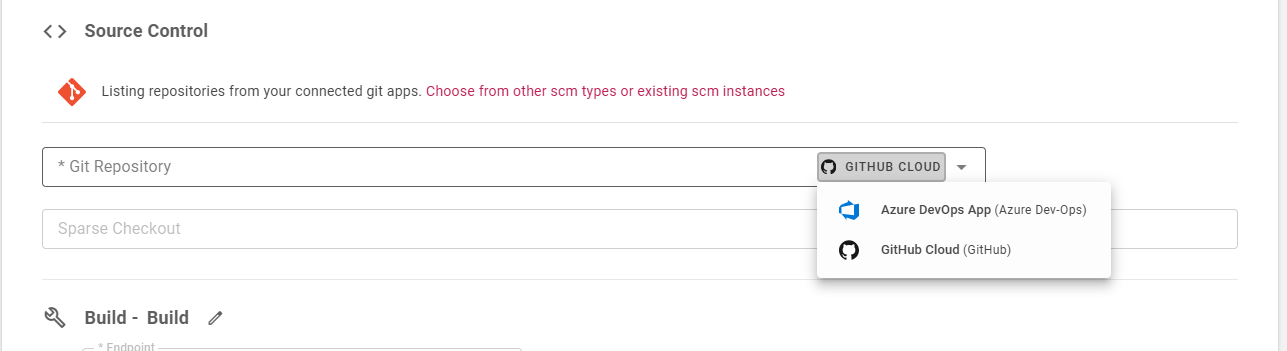
Usage in Project Source Control
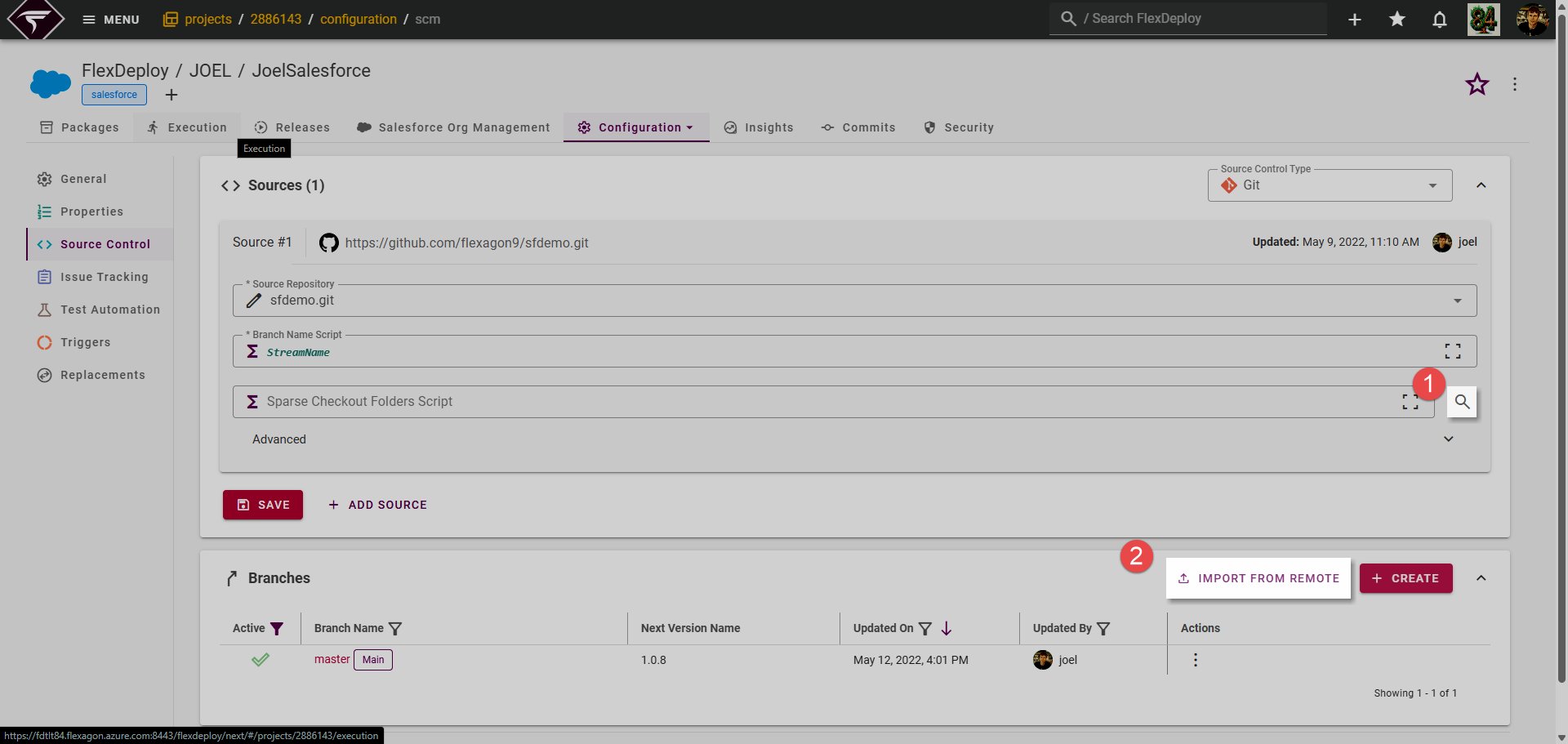
On the Project Source Control screen you can inspect the repository contents to ease with selecting a sparse folder. Branches can also be added in FlexDeploy directly from the repository
 .
Usage in Integration Instances
Multiple Source Control Repositories can be created or imported all at once on the Integrations page. Learn more here.