
What is Two Factor Authentication
Two-factor authentication (2FA) is a security process that requires users to provide two distinct forms of identification before gaining access to FlexDeploy. Typically, this involves a combination of something the user knows (like a password) and something the user possesses (like a code provided by an authenticator or sent to their phone) to enhance the overall security and reduce the risk of unauthorized access.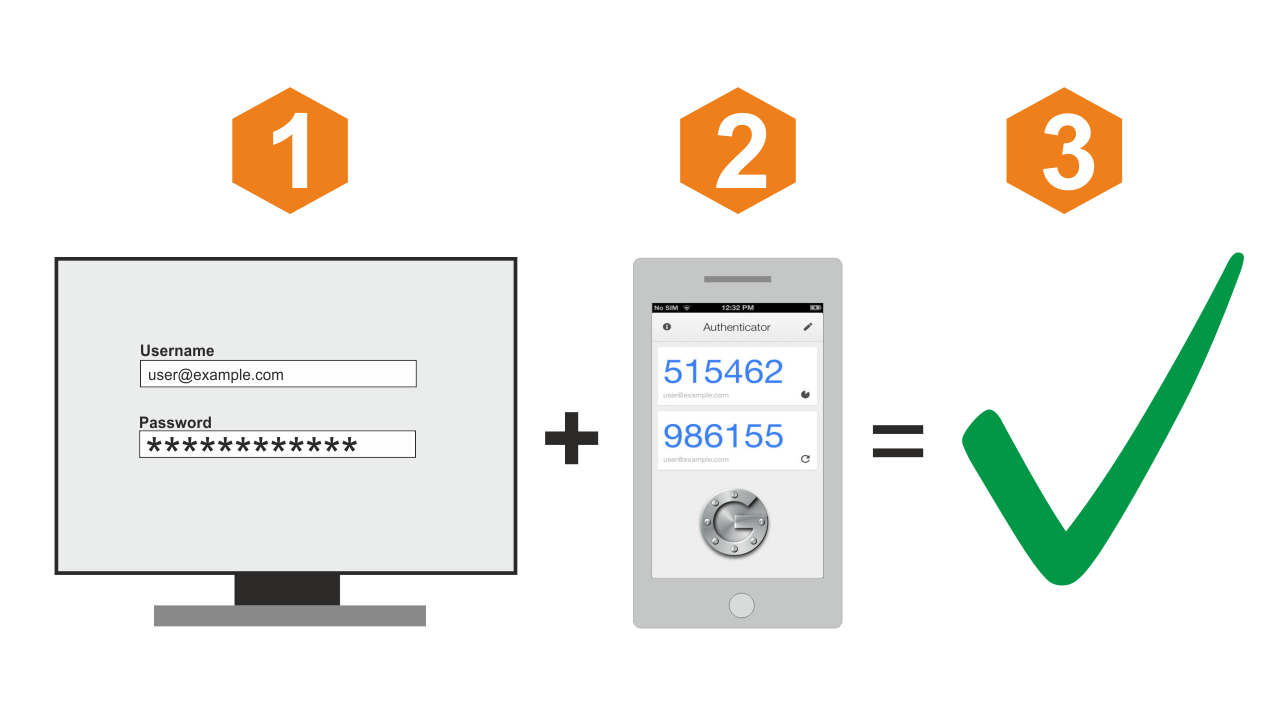
By default, 2FA is not enabled for a new user. Each user must opt into 2FA by configuring it in the user’s profile.
Configuring Two Factor Authentication
In order to start using 2FA for a given user perform the following: Login into FlexDeploy normally and navigate to your Profile → Security

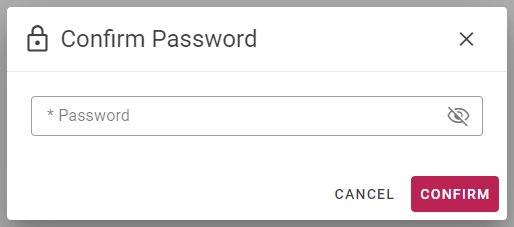
 Click the Enable Two Factor Authentication button and enter your password (the FlexDeploy user who is currently logged in).
 Setup your external authenticator application by scanning the provided QR code with your phone or device. Alternatively, if scanning is not possible or it does not work, copy the shared key and manually configure your authenticator using the key,
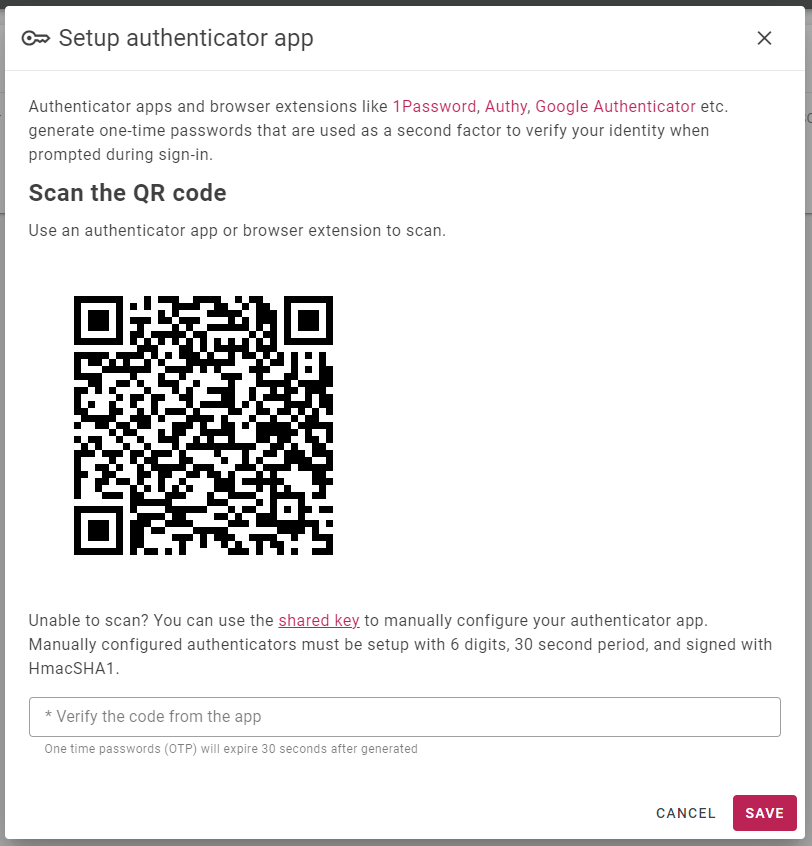
When manually configuring the authenticator make sure of the following:
- The generated code is 6 digits long
- The period is 30 seconds
- HmacSHA1 is used as the hashing algorithm.
 Enter the current code from your authenticator and click “Save”. If the code is valid, the popup will close and snack message will say 2FA is successfully configured.
Remember a Device
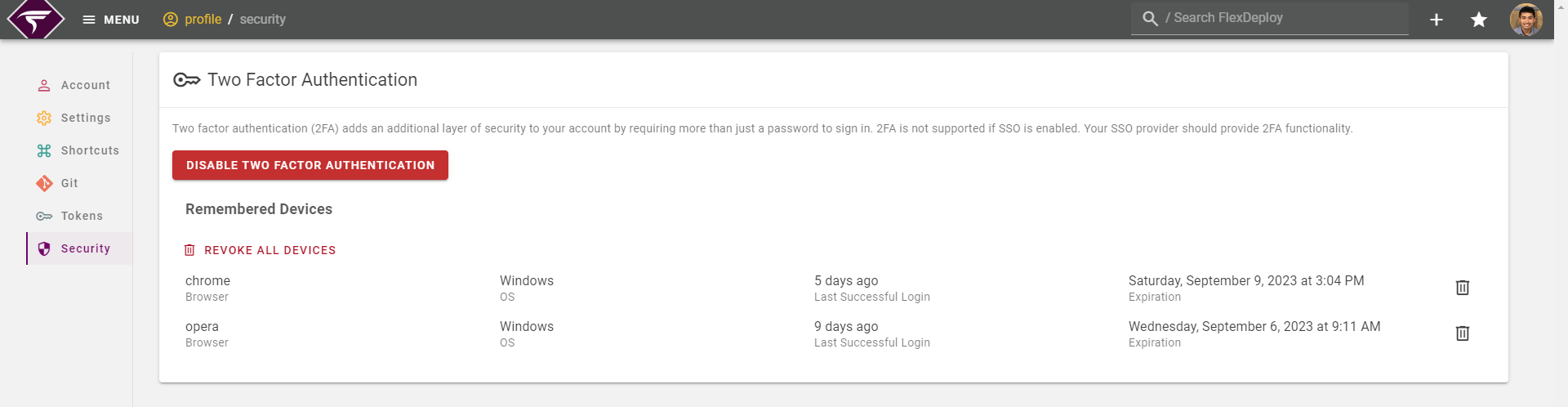
2FA Remember Device in Two-Factor Authentication (2FA) allows users to bypass the second authentication factor on trusted devices for 30 days. With this option, users can experience a more seamless login experience on their trusted devices while still maintaining a strong level of security. In order to remember a 2FA login, enable the checkbox on the 2FA login (when the code is entered).
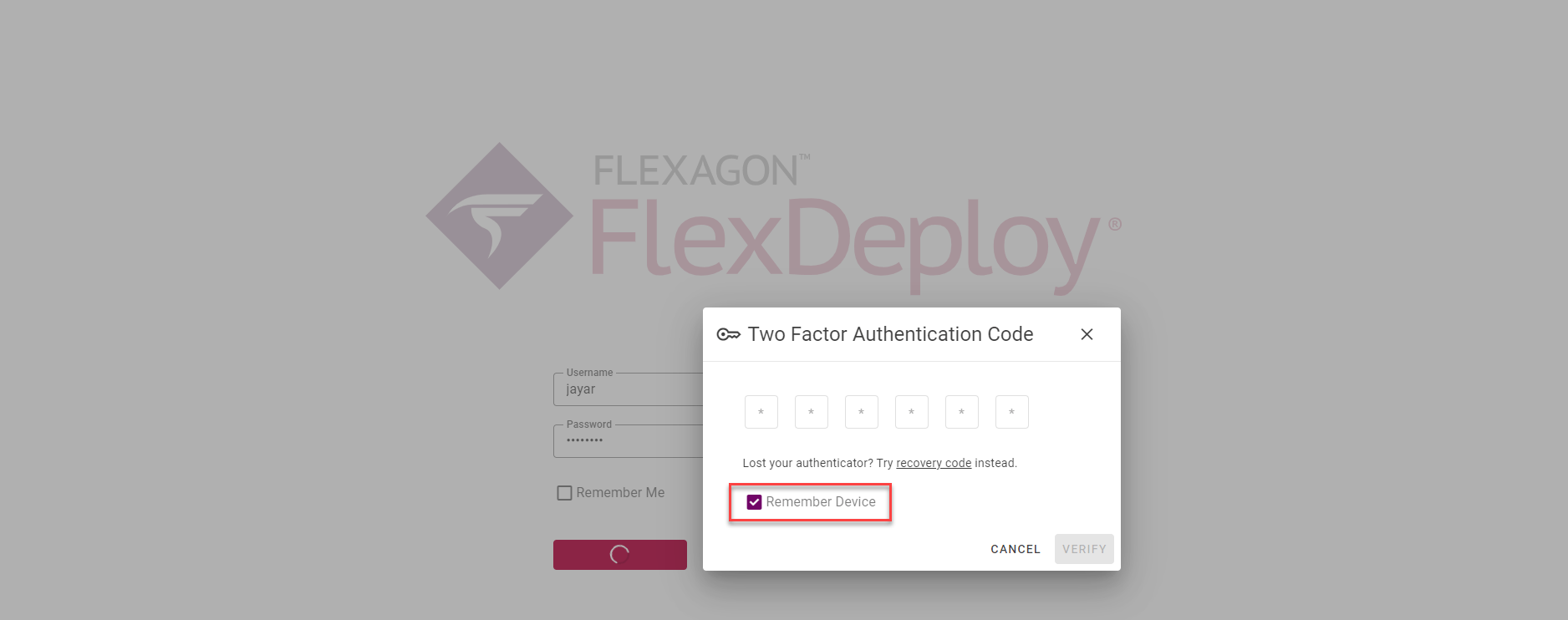 Remembered devices will always display on the users profile → security. You may revoke all or some devices if desired. Users should do this should they lose their phone or any registered device.
FAQ
Help I lost my authenticator device. How can I login?
As long as your FlexDeploy user has a valid email associated, email settings are configured in FlexDeploy to send mail, and you have access to the email, then you can still login. From the 2FA prompt, click “recovery code” and then click send “new recovery code”. You should receive an email shortly with your 2FA recovery code which you can enter on screen to login. Beware the recovery code will only last a short period of time. Once you have logged in with the recovery code you should either disable 2FA in your Profile or reconfigure it with a new device.Does 2FA work with LDAP?
Yes and setup is the same.Does 2FA work with SSO?
Short answer is no. FlexDeploy does not handle the login portion when Single Sign On is enabled and, therefore, we cannot provide 2FA. Check with your SSO provider for 2FA or MFA functionality.When Single Sign On is enabled, the 2FA still works for a local FlexDeploy user. To use local FlexDeploy user, you need to use the direct login URL.