Appearance
Any settings customizing the appearance of the UI will be shown here.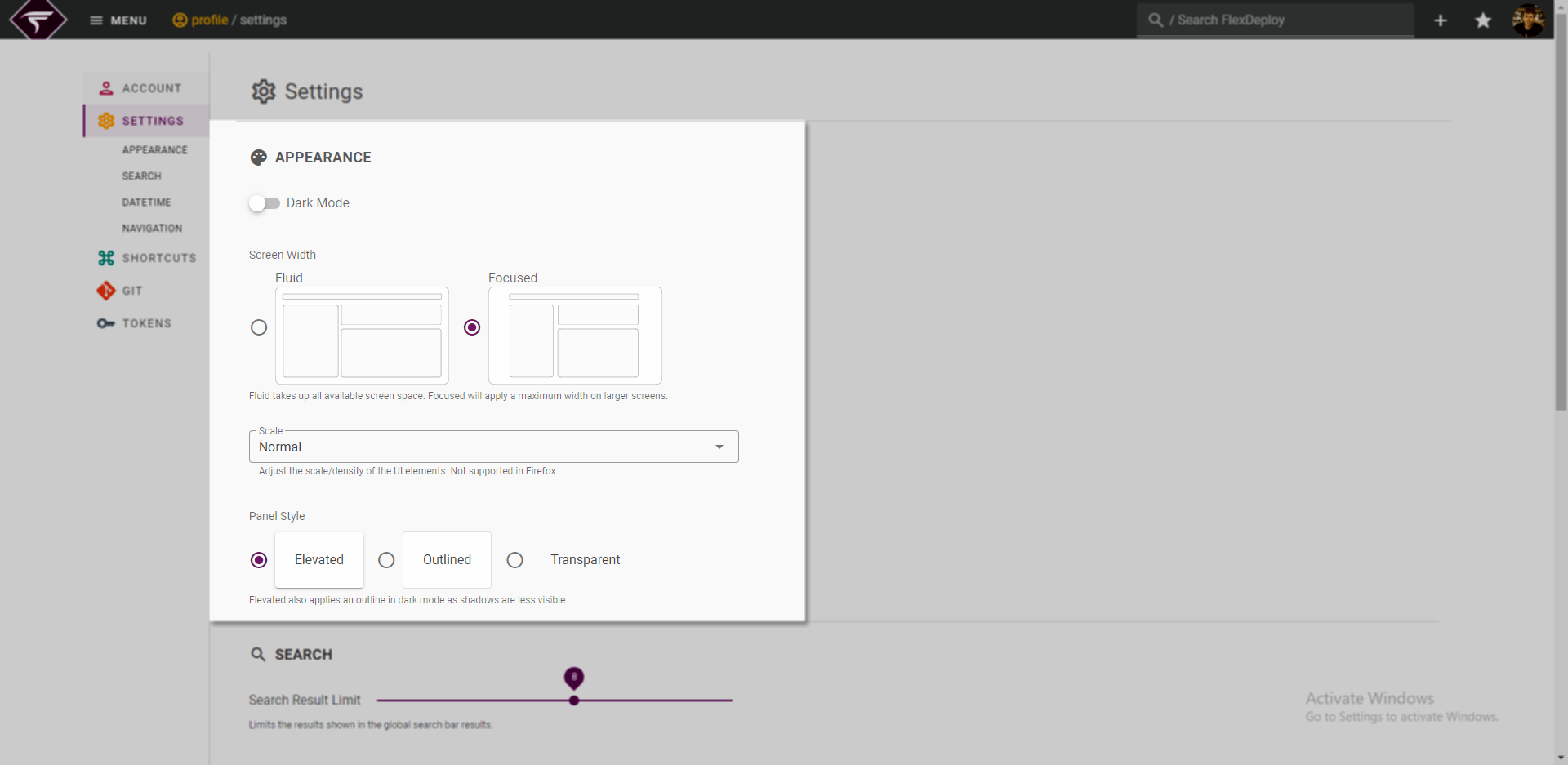
Further field information
- Screen Width - Focused increases the white space on the left and right of the page. On smaller screens this change may not be noticeable.
- Scale - Scale is ONLY supported on Chrome and Edge browsers. This feature will not show any change on Firefox.
Search
Any options to customize global search or page search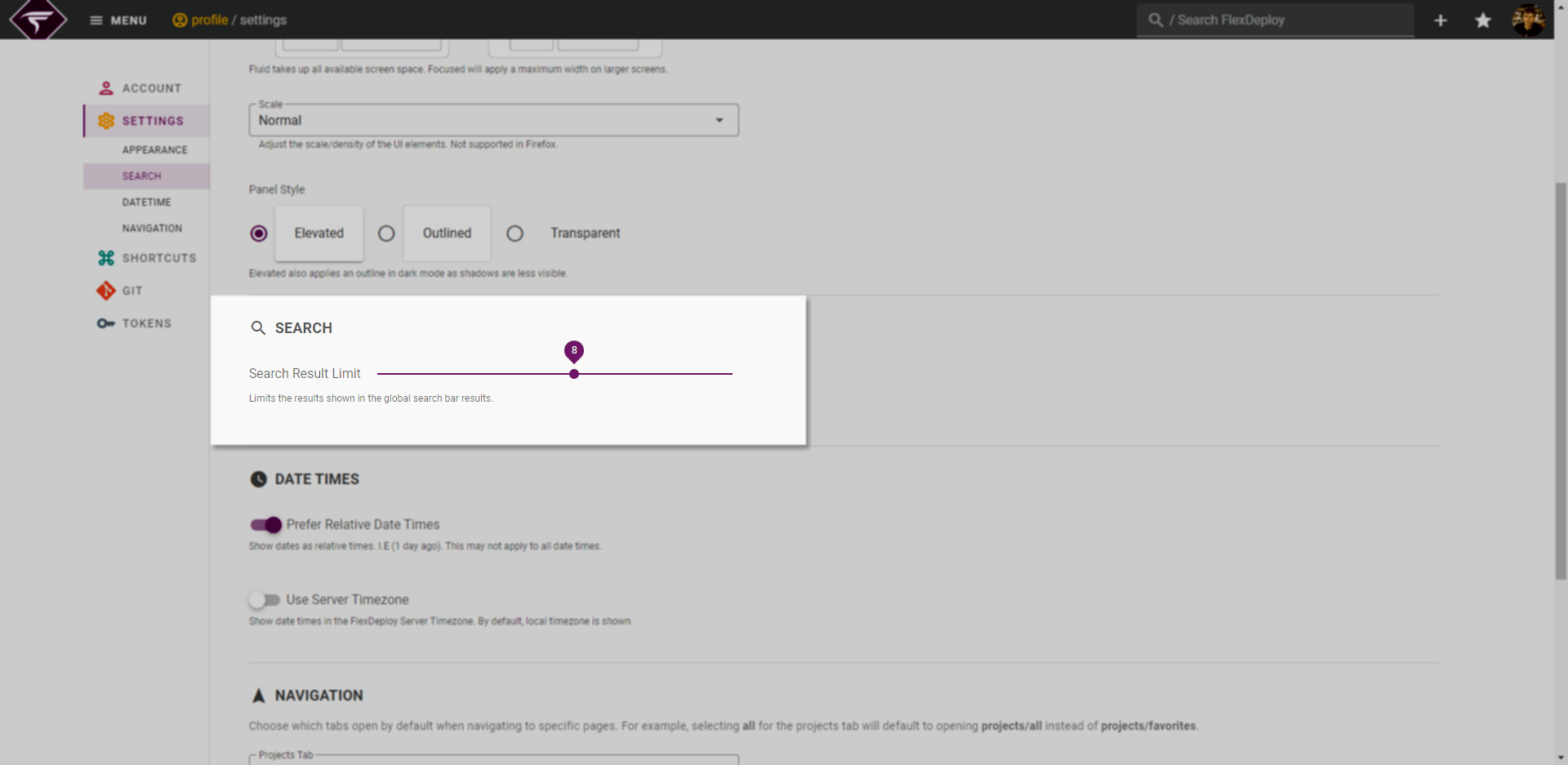
Date Times
Settings related to how dates are displayed in the UI.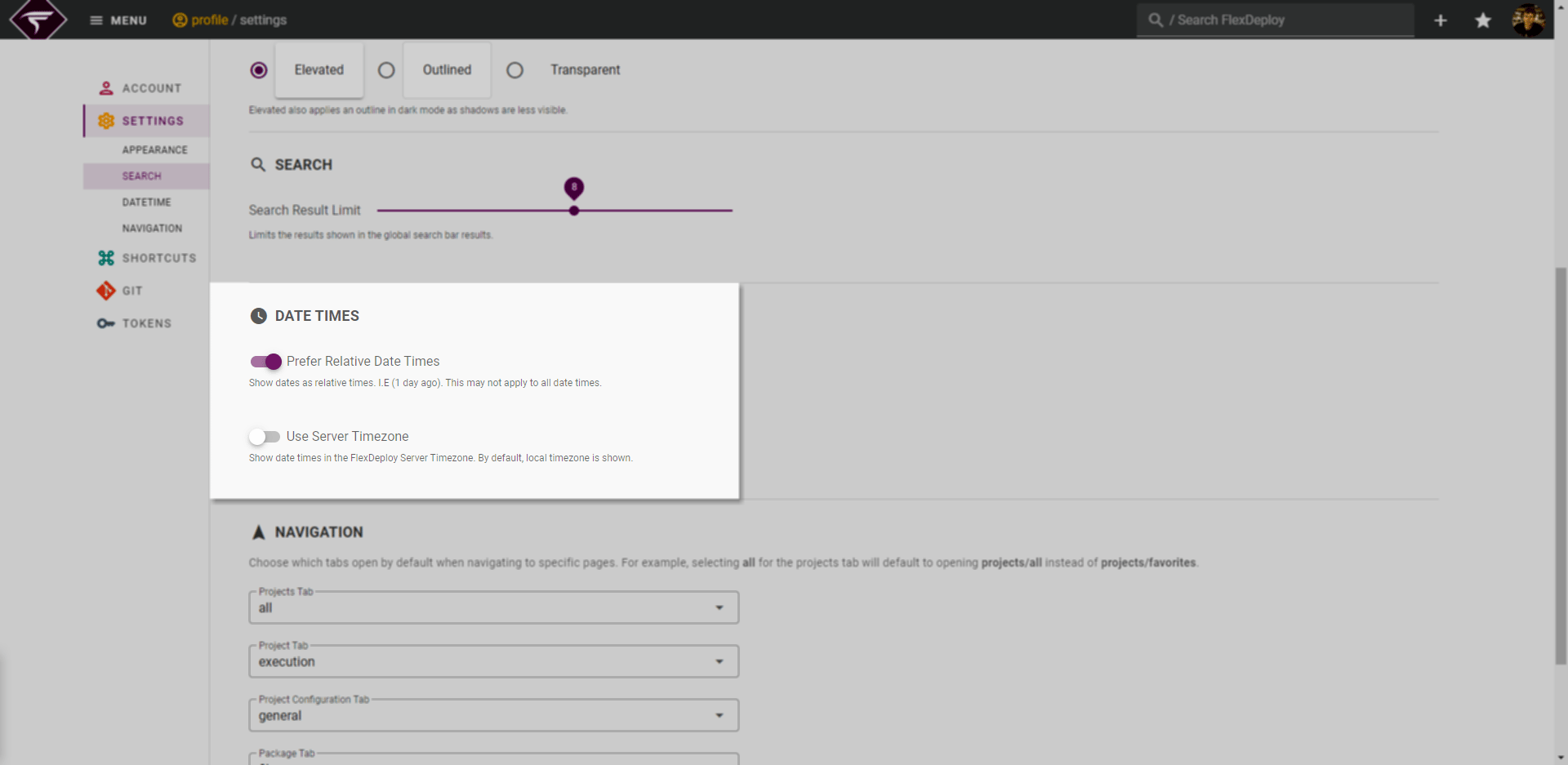
Further field information
- Use Server Timezone - Note that this setting is purely cosmetic and does not affect scheduled or execution times for other users.
Navigation
Custom navigation behavior can be configured here.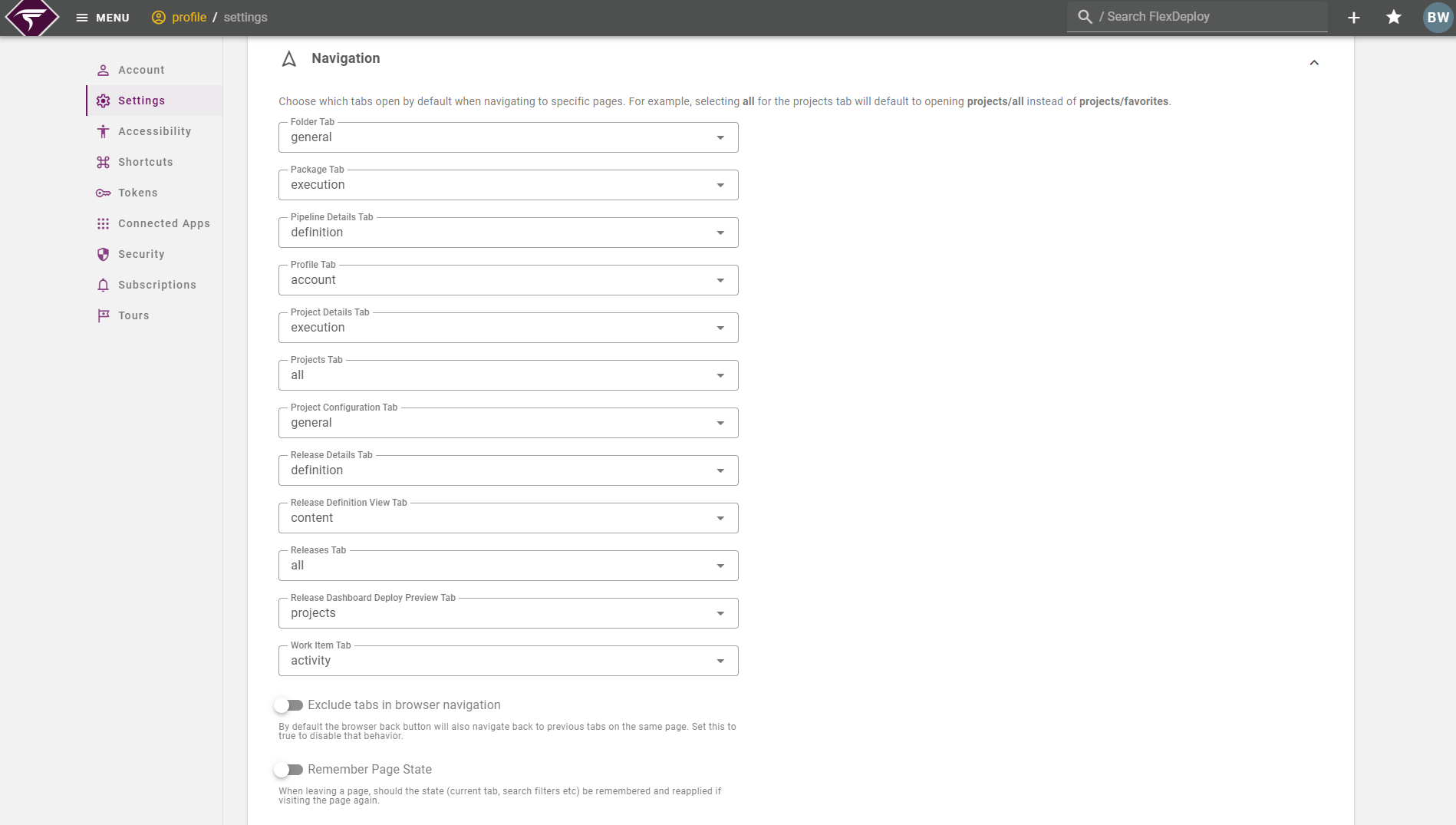
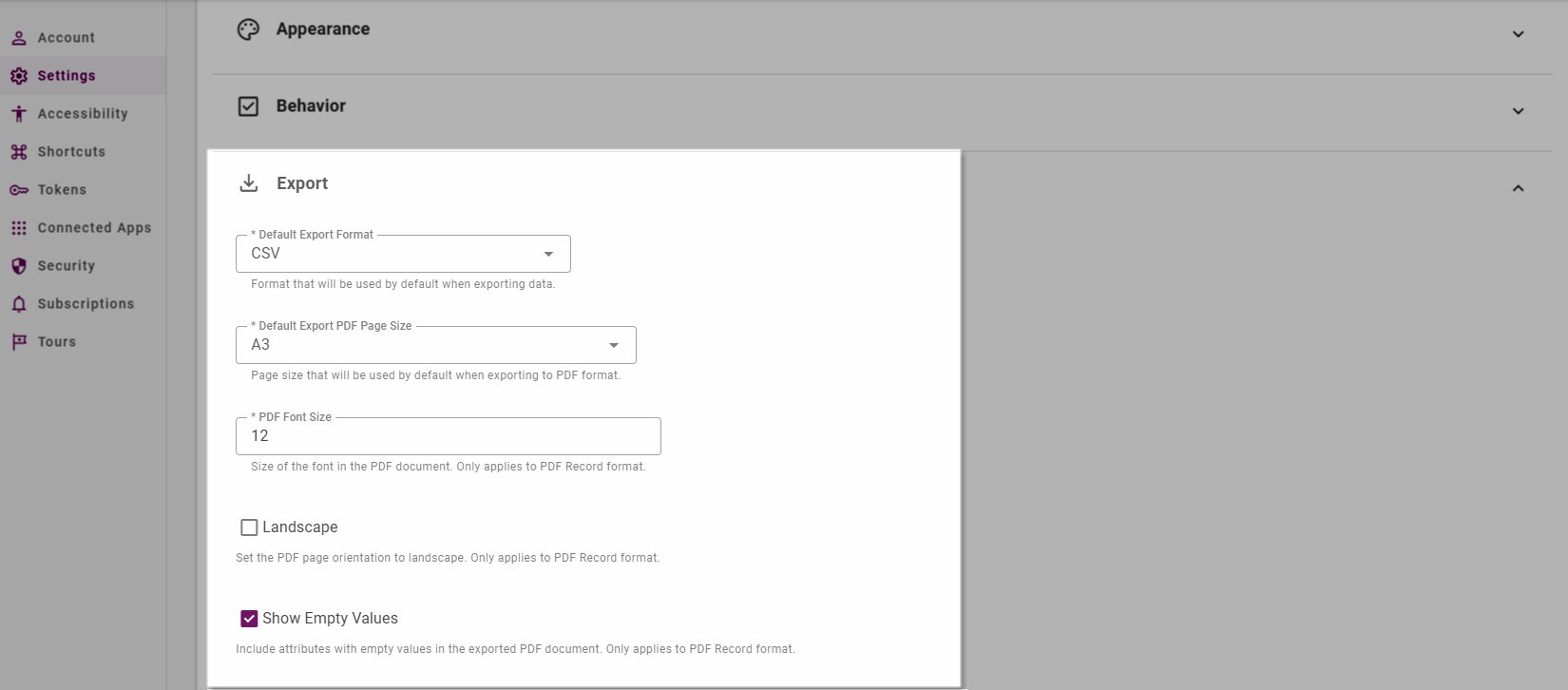
Export Settings
Options related to default settings when exporting data.