Account Information
Your account information contains your Log In credentials, personal information, and email.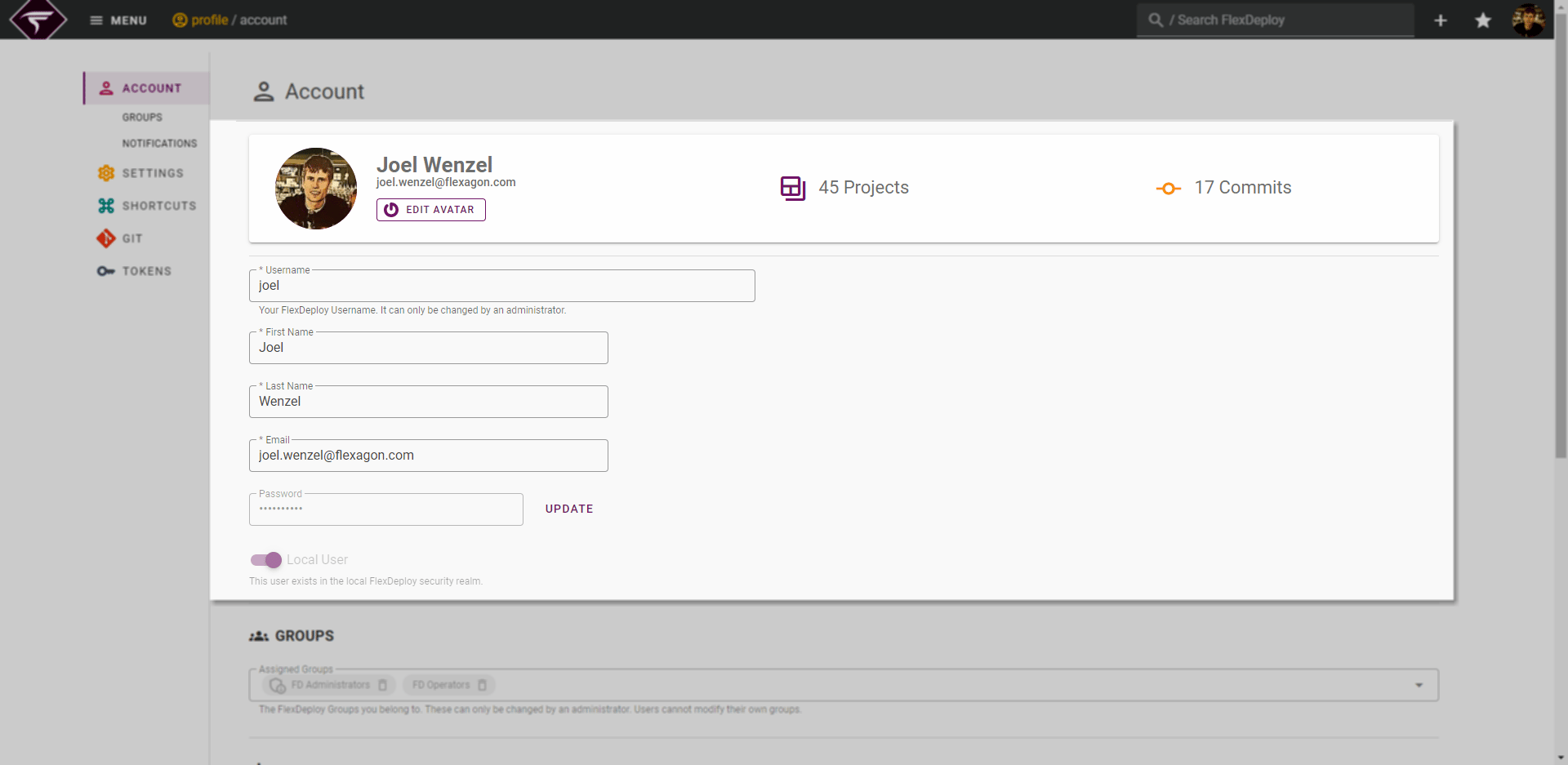
Updating your Password
If you wish to change or reset your password, click the UPDATE button next to the password field.
If you cannot reset your own password, an administrator can reset it for you from Administration -> Security -> Users (email verification applies to the administrator).
Updating your User Avatar
FlexDeploy user avatars are sourced from Gravatar. If you wish to change or create your Gravatar, click the Edit Avatar button on your account banner.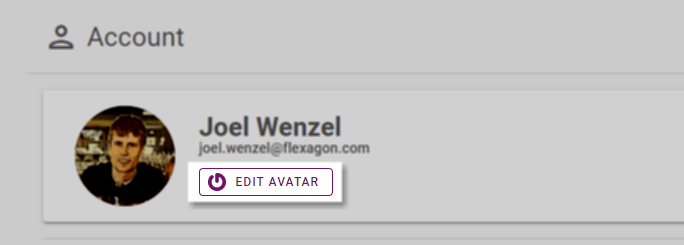
User Groups
Also displayed are the User Groups to which you belong. Both groups applied locally and inherited from an External Realm, such as Microsoft AD, will be shown here.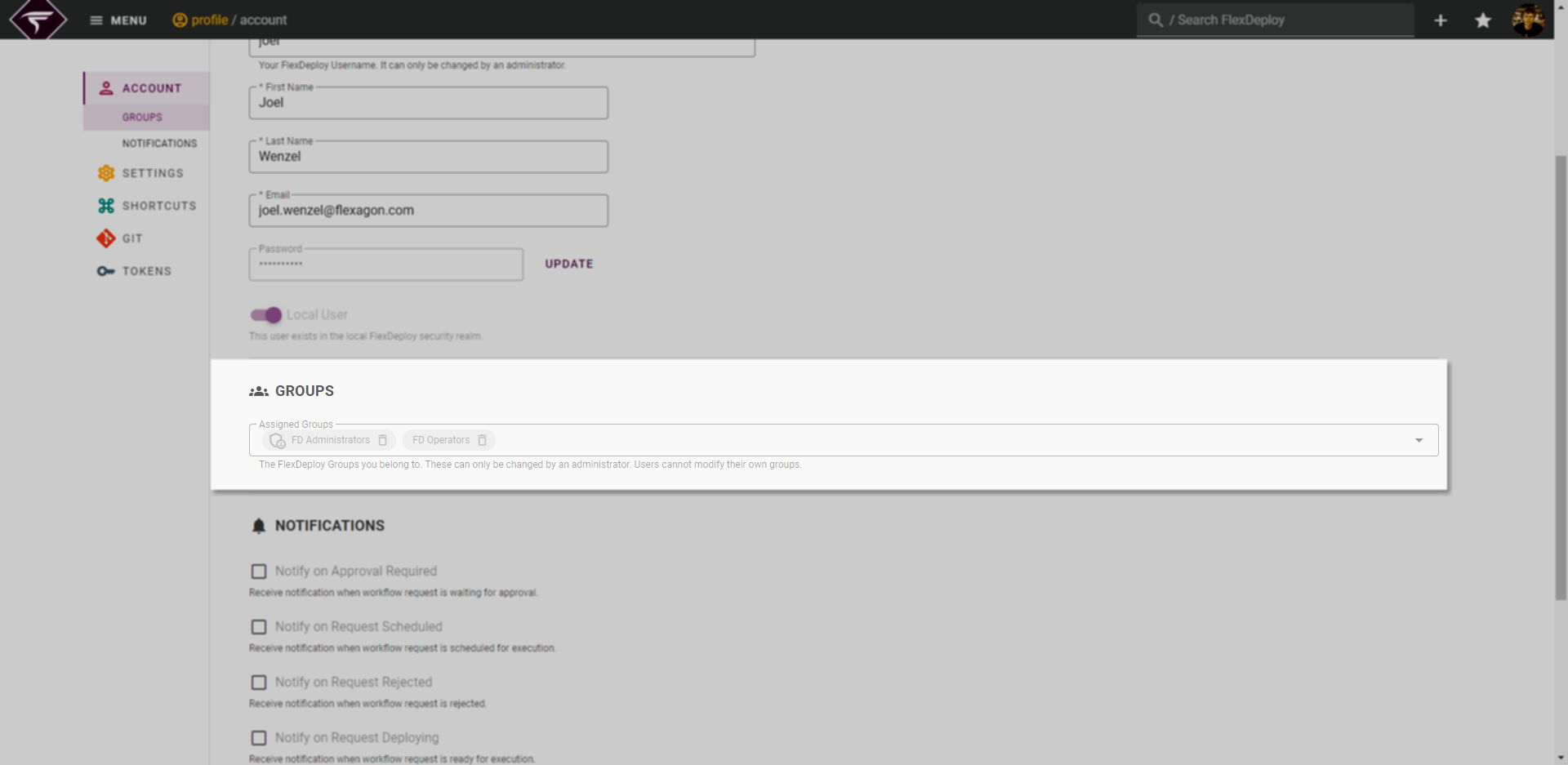
Users cannot modify their own groups
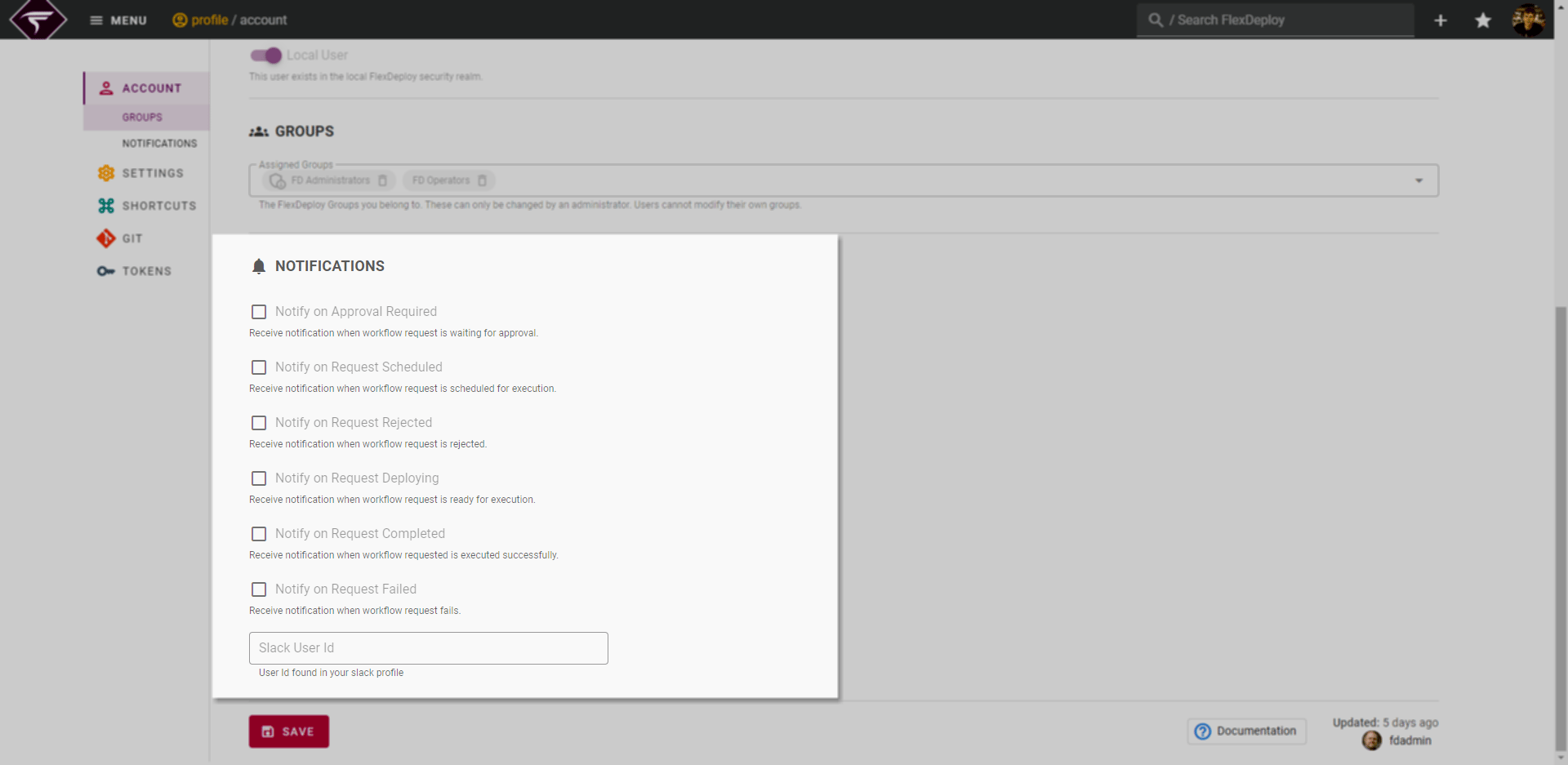
Notification Settings
There are also options for which email notifications should be received. Check all events for which this user should receive notifications when they are the submitter of a build, deployment, utility or test request. The user will then receive an email notification when the corresponding event occurs. See Project Execution Notifications for more details on events.