Initial Setup
Create the Project
To start running migrations from a FlexDeploy project, create a package-based project of type Configuration Management.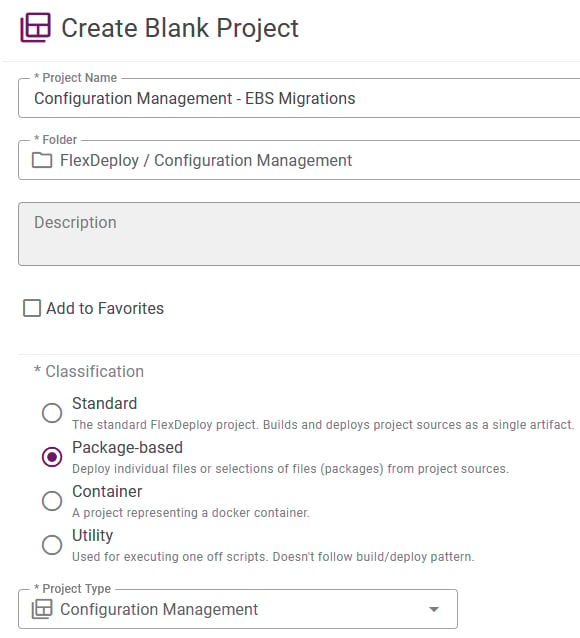
Build and Deploy Workflows
The project will need a build workflow containing the Build Migration operation and deploy workflow containing the Deploy Migration operation. See Configuration Management Operations for more information on all available operations.Project Configuration
Add the new workflows within the new project configuration. Set the build and deploy target groups to run against a Localhost endpoint.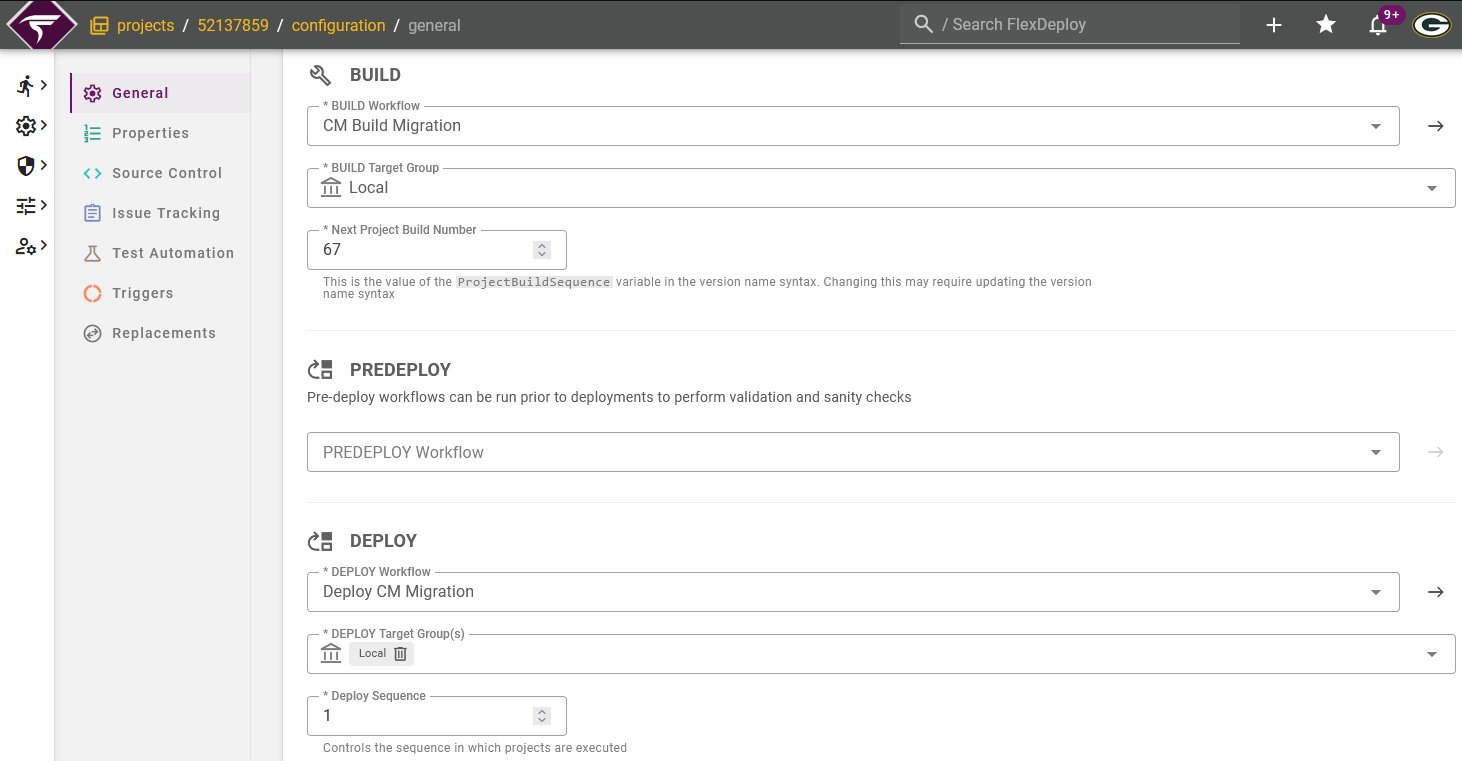
Topology
Navigate to the target group configured on the project. For each target, set the Configuration Management environment associated to this FlexDeploy environment. This is the environment which will be used as a source when required for initiating requests.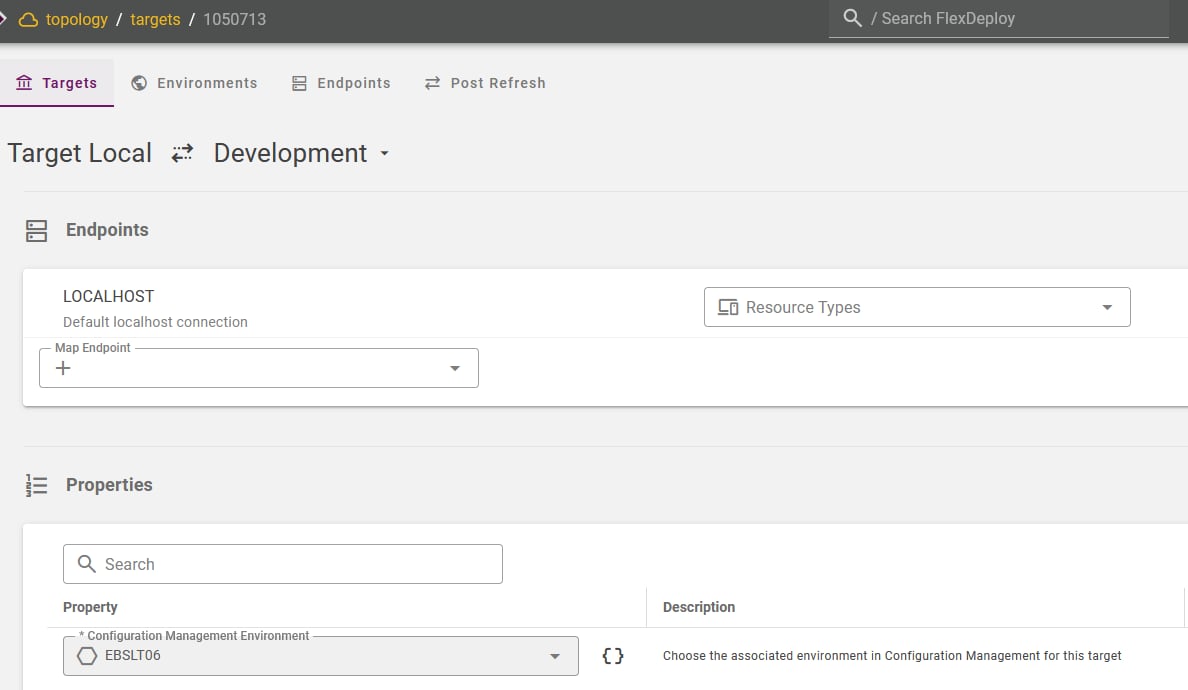
File Catalog and Packages
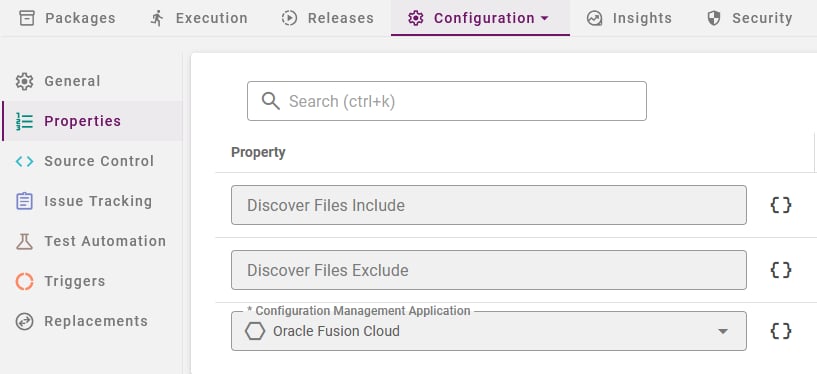
Once the project is configured, select Discover on the File Catalog to load all migrations for the selected application. File paths will follow the naming convention /<Plan name>/<Migration name>. After initial file discovery, migrations will be auto-discovered on creation and synced if any changes occur.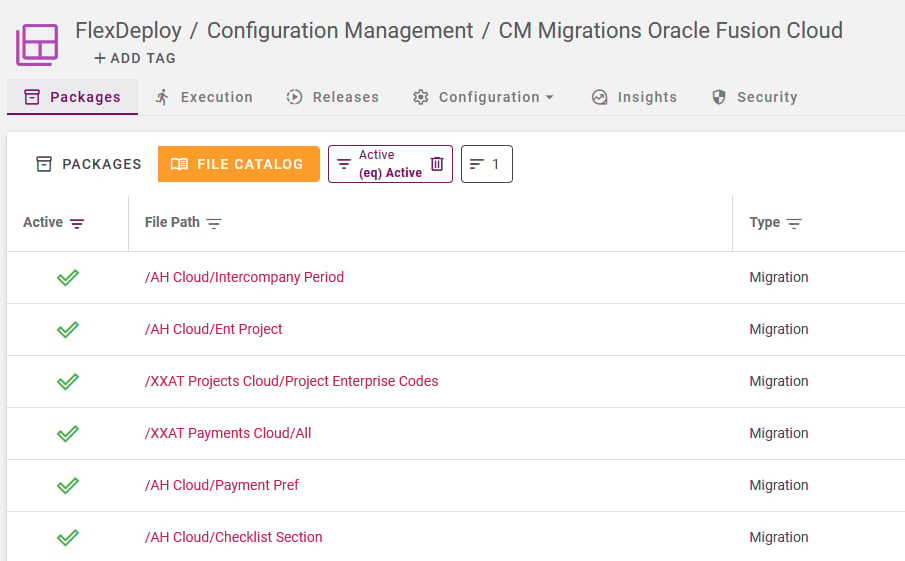
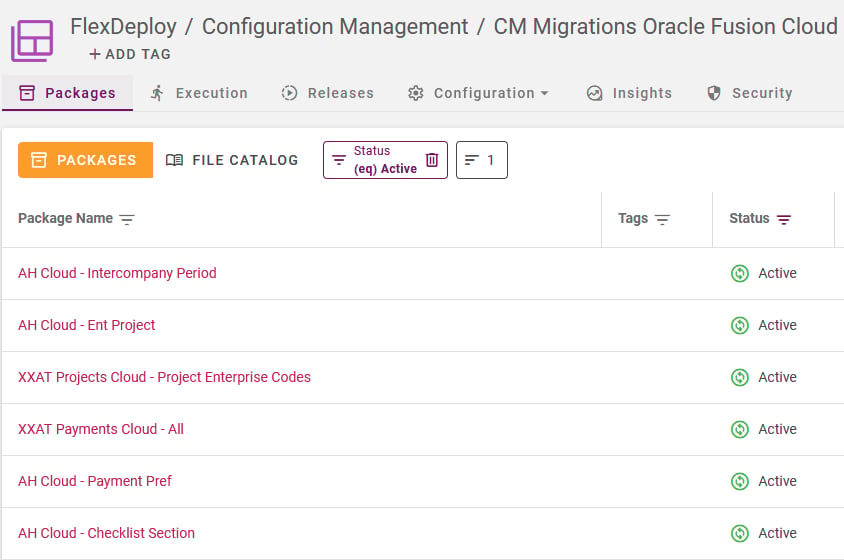
Running Configuration Management Operations
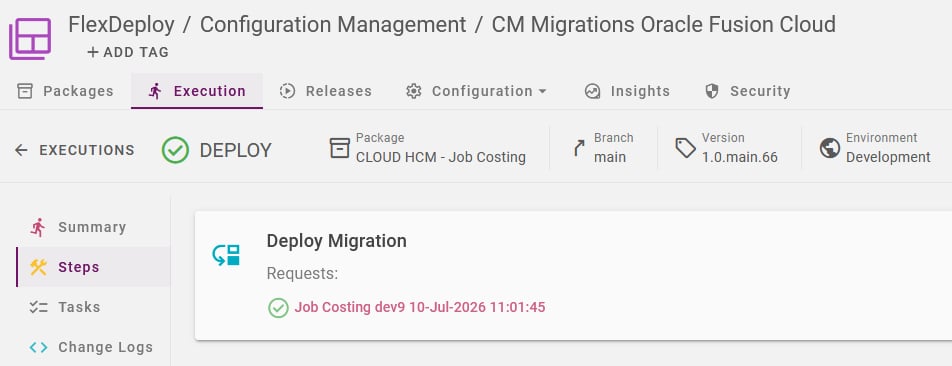
Migration packages can be built and deployed at the project level. A build execution will verify plan data is loaded for the migration(s) in the package. A deploy execution will perform the actual migration sourcing from the selected environment. Under execution steps, any requests made in Configuration Management will be shown, along with the status and a link to view more details.