
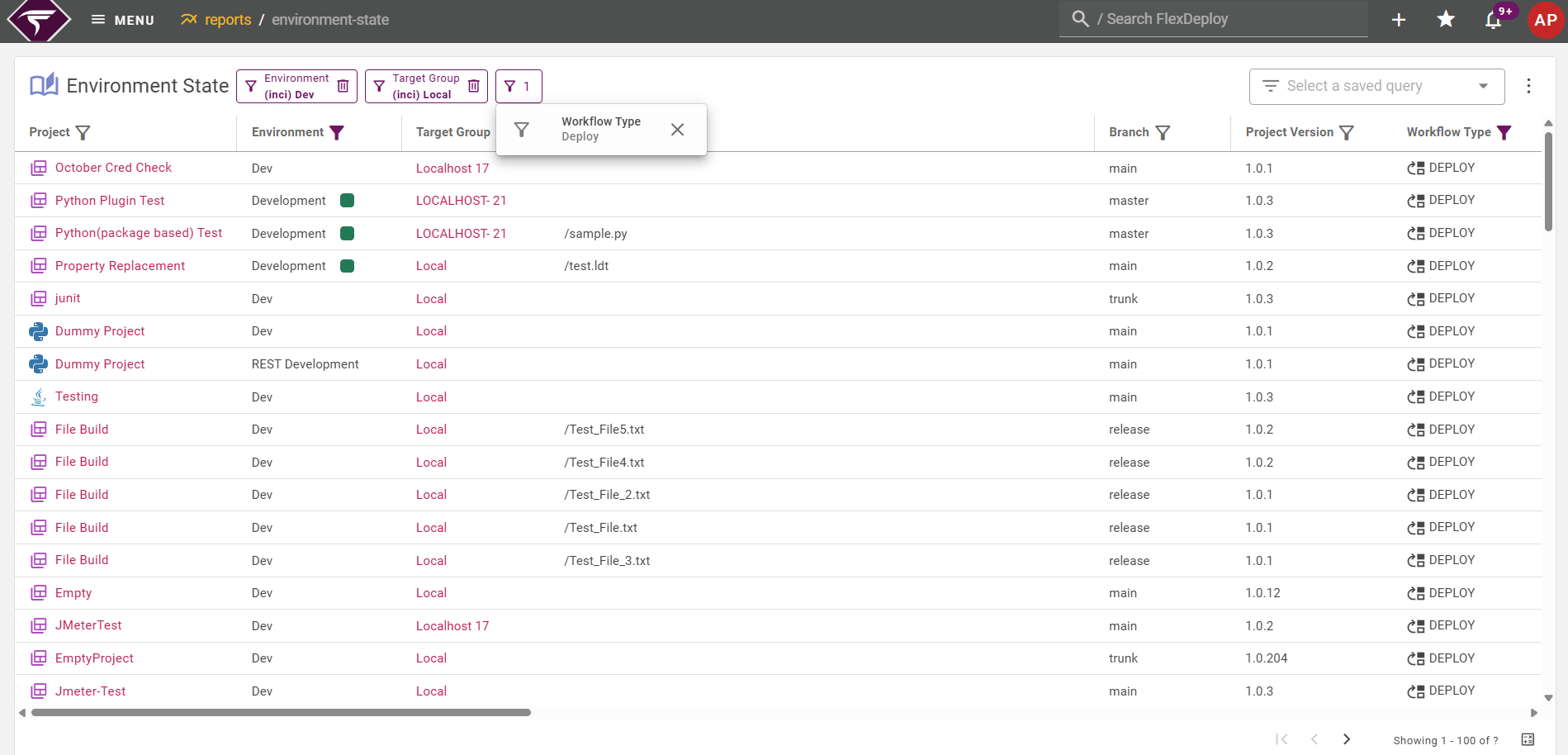
Viewing Reports
To access the reports, select the Reports menu and click on the report you wish to view.Filtering
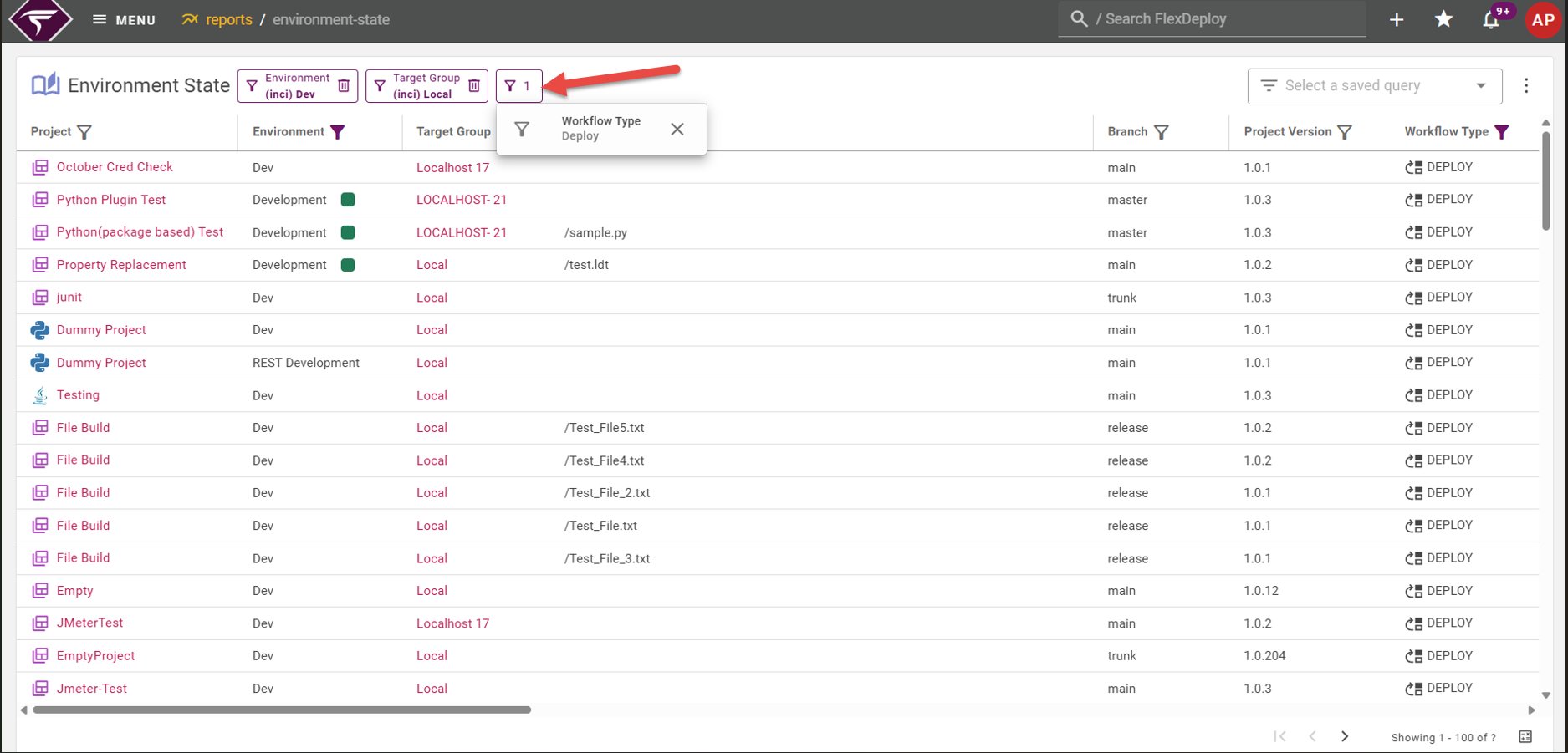
To filter a column, select the
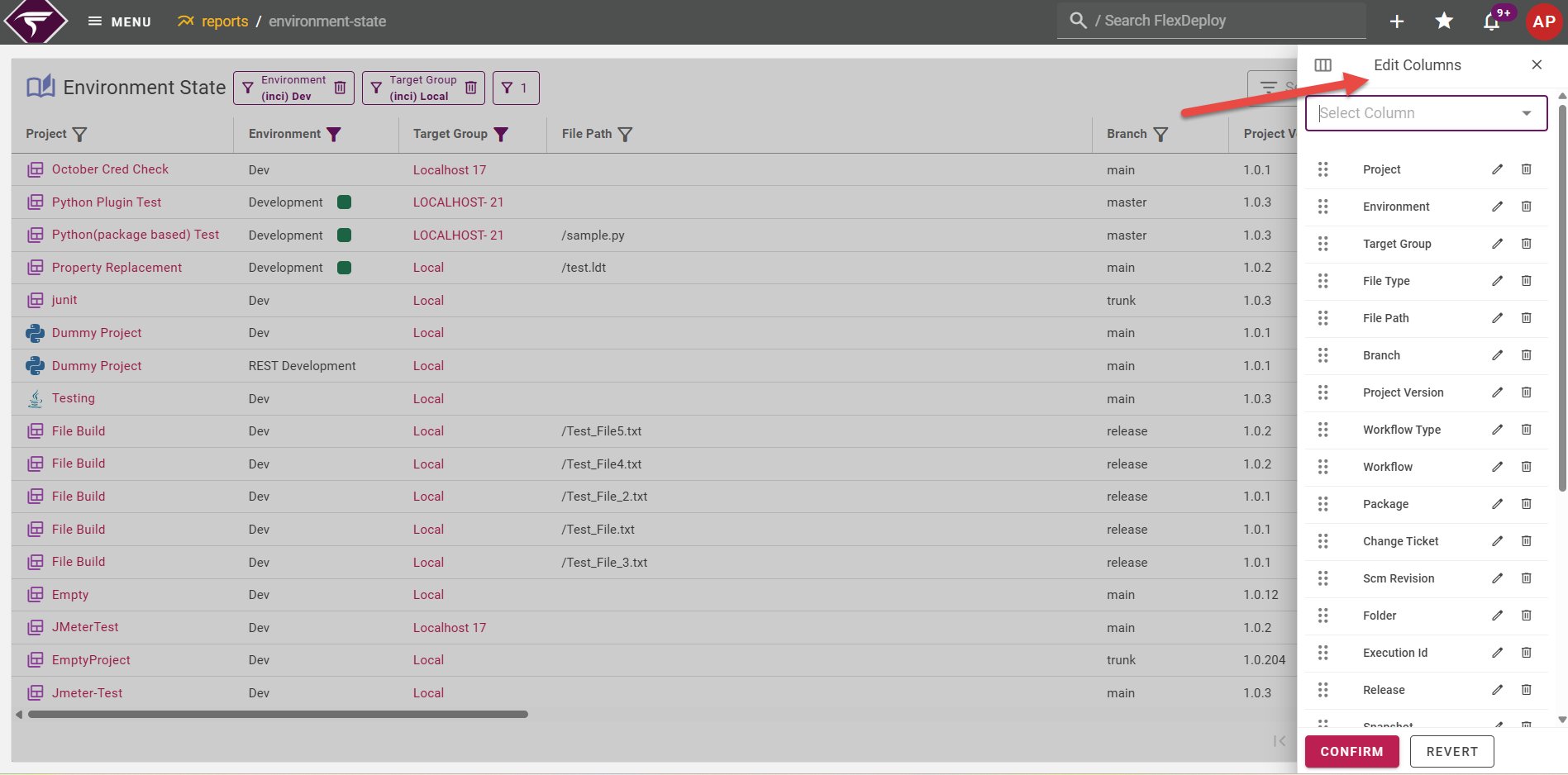
Manage Columns
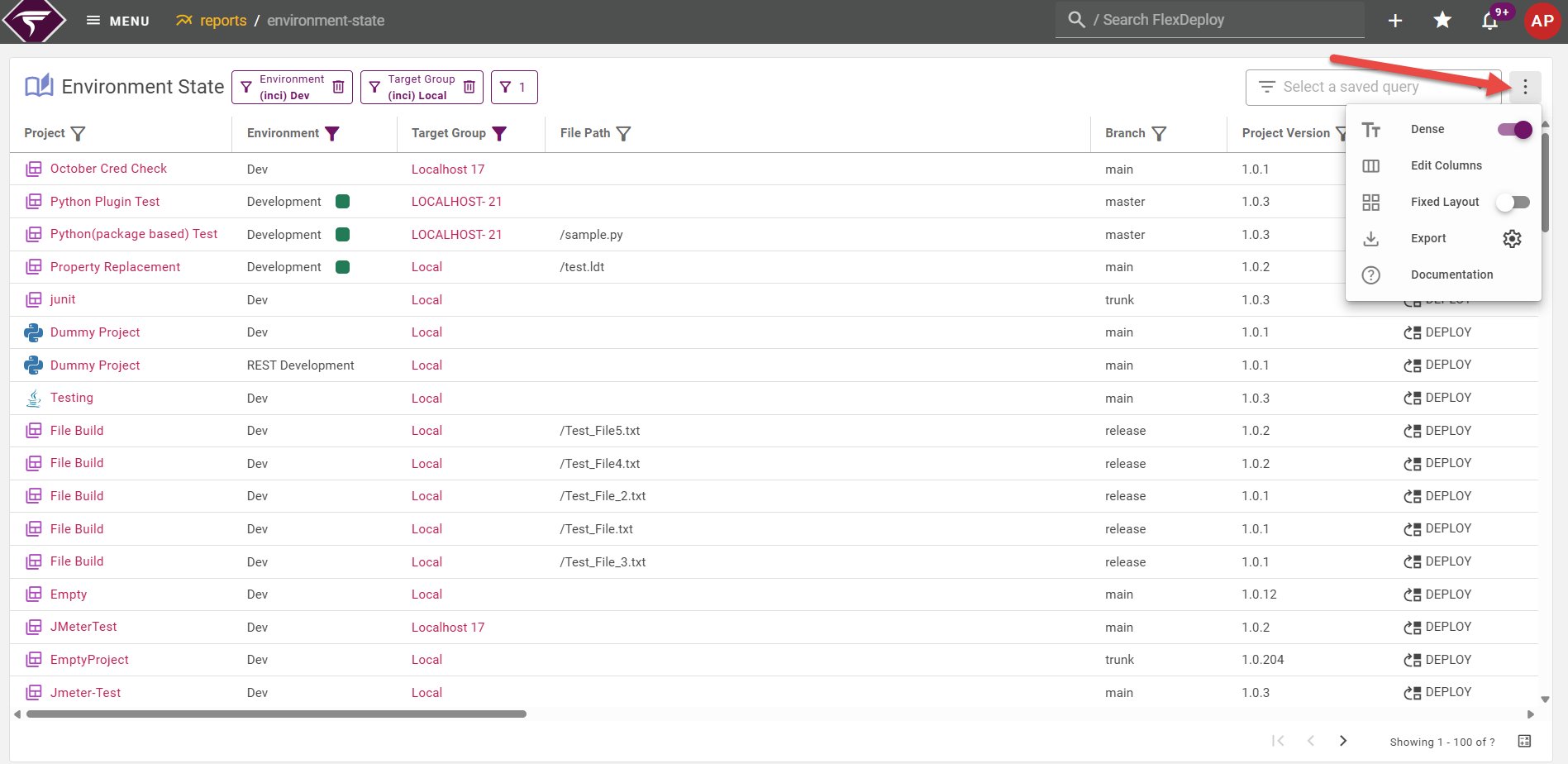
Select the

Options
Option | Description |
|---|---|
Dense | Enable dense view to reduce the height of the table rows |
Fixed Layout | Fixed layout has fixed column widths but allows you to manually resize each column |
Reset | Resets the column widths, column visibility, column order, filters, and sort |
Export CSV | Download the report content in csv format |
Export PDF | Download the report content in pdf format. Limited to 15 selected columns. @Since 11.2.0.0, the PDF heading is the report name, and when filters are applied it also includes those filter values. |
Report Pages
See more information about each report on the pages below.- Approval Tasks Report
- Blackout Window History Report
- Configuration Audit Report
- Deployment Audit Report
- Environment State Report
- Environment History Report
- Environment Discrepancies Report
- Group Permissions Report
- Release Snapshot State Report
- Scheduled Tasks Report
- Test Automation Report
- Users Report
- Login Attempts Report
- Weekly Commit Count Report