Working with Git
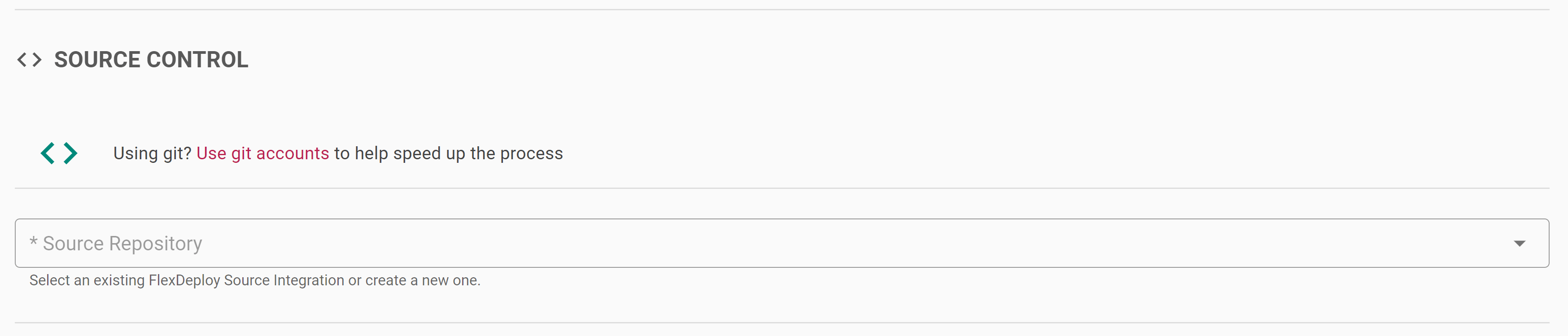
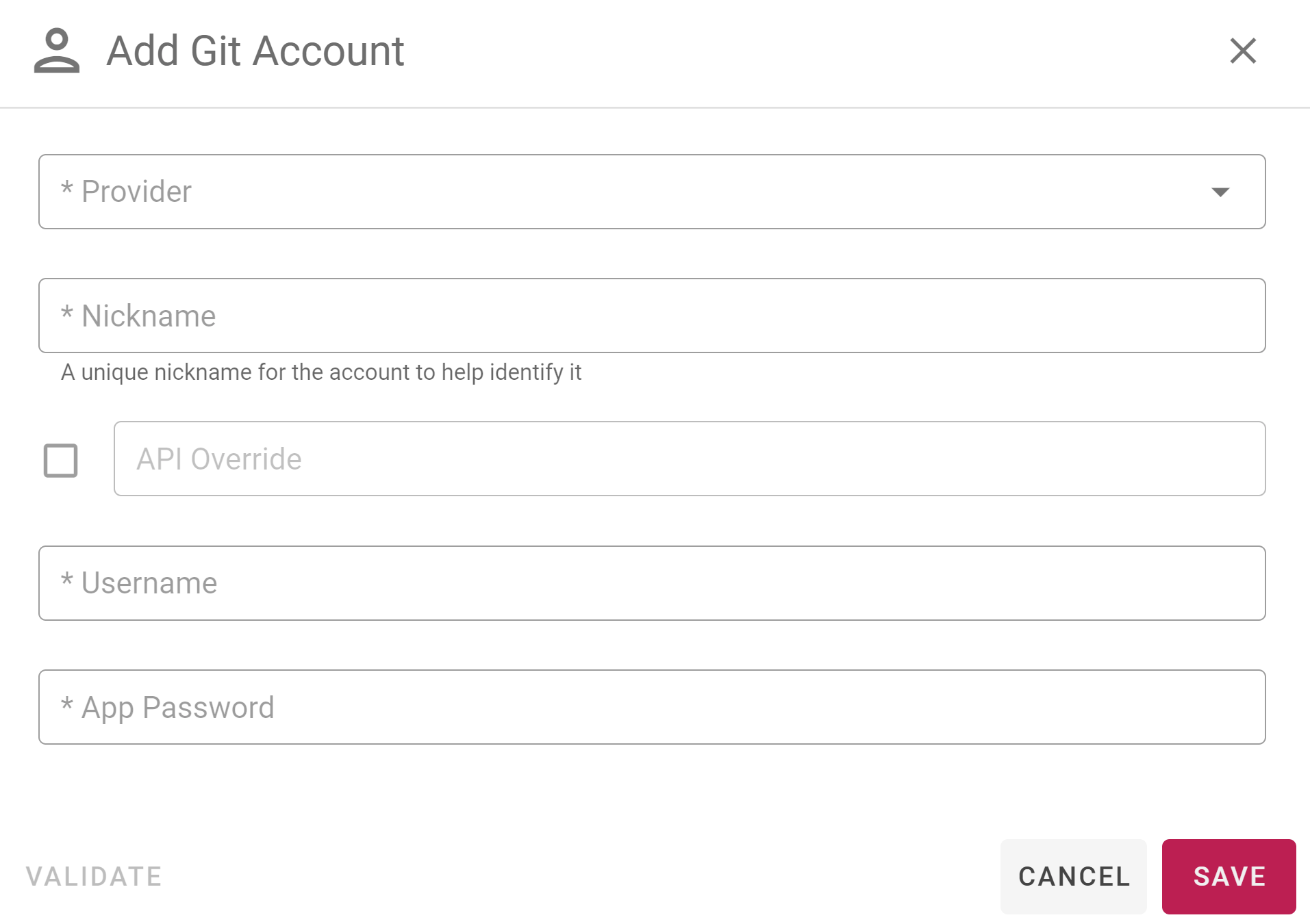
When choosing Git as your Source Control System you get the option to link directly to your GitHub, Bitbucket, GitLab, or Azure DevOps account which allows easier configuration when running through Blueprints.First, you should select Use git accounts under the source control sections of Blueprints:
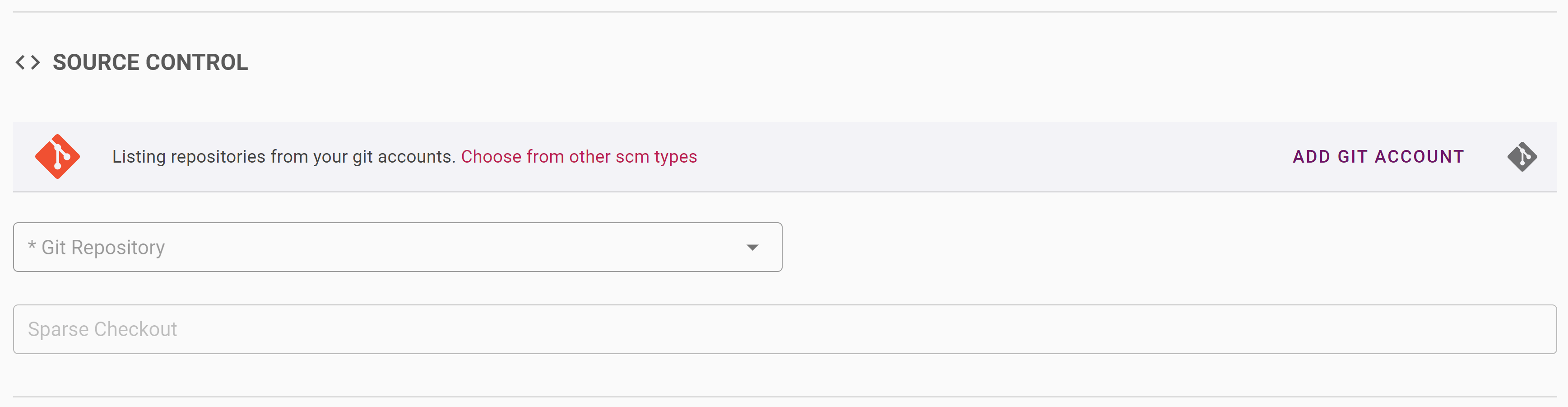
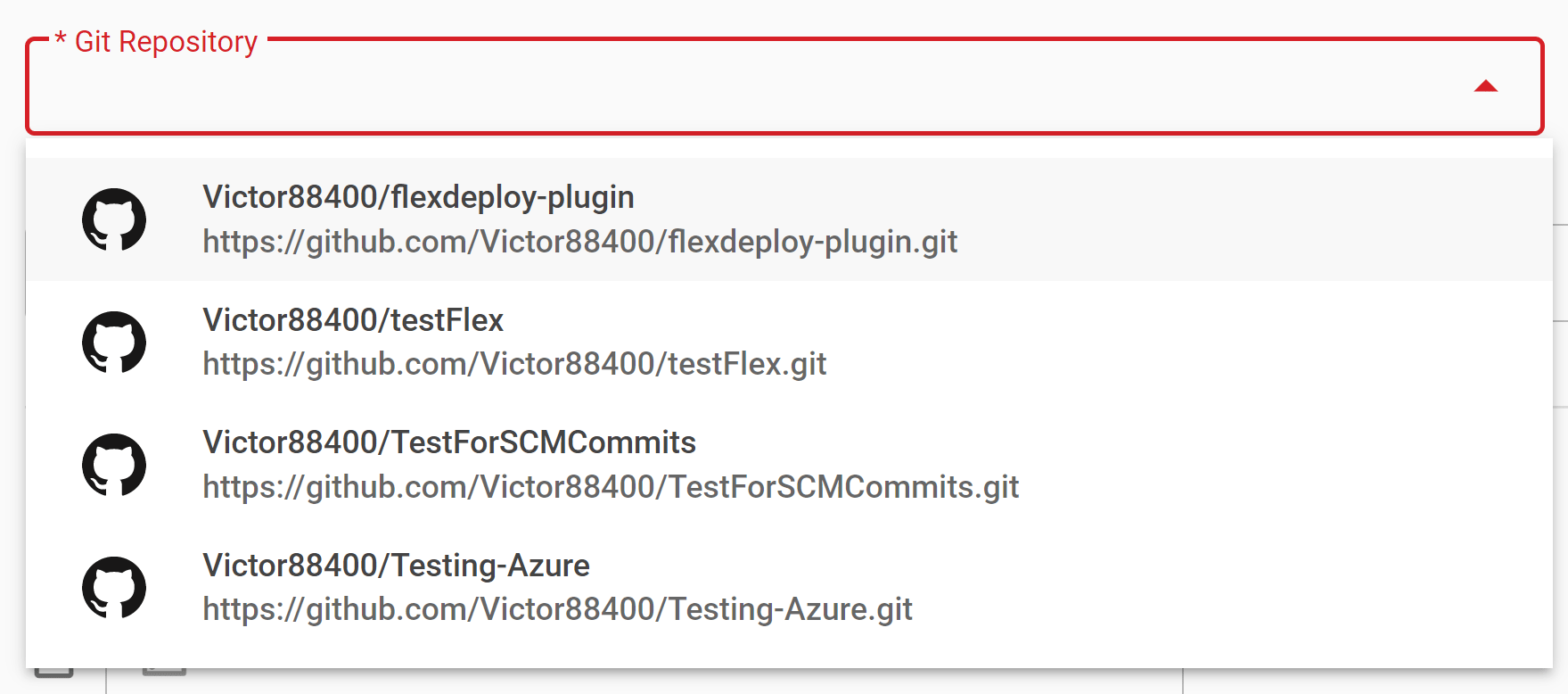
Next you can select the repository you want to use from your git accounts under the Git Repository dropdown:
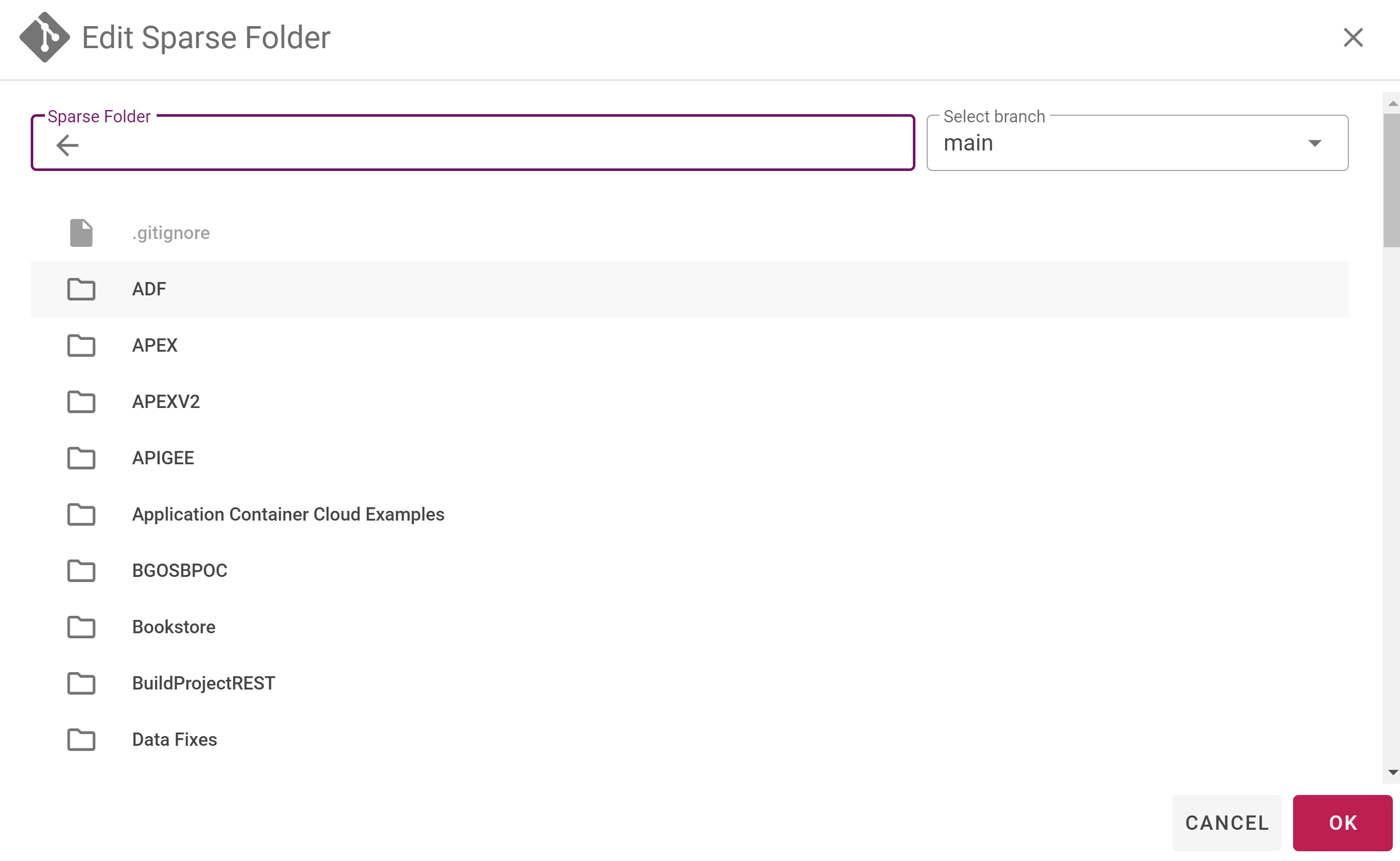
Finally you can select an optional Sparse Checkout Folder if needed in the Edit Sparse Folder popup: