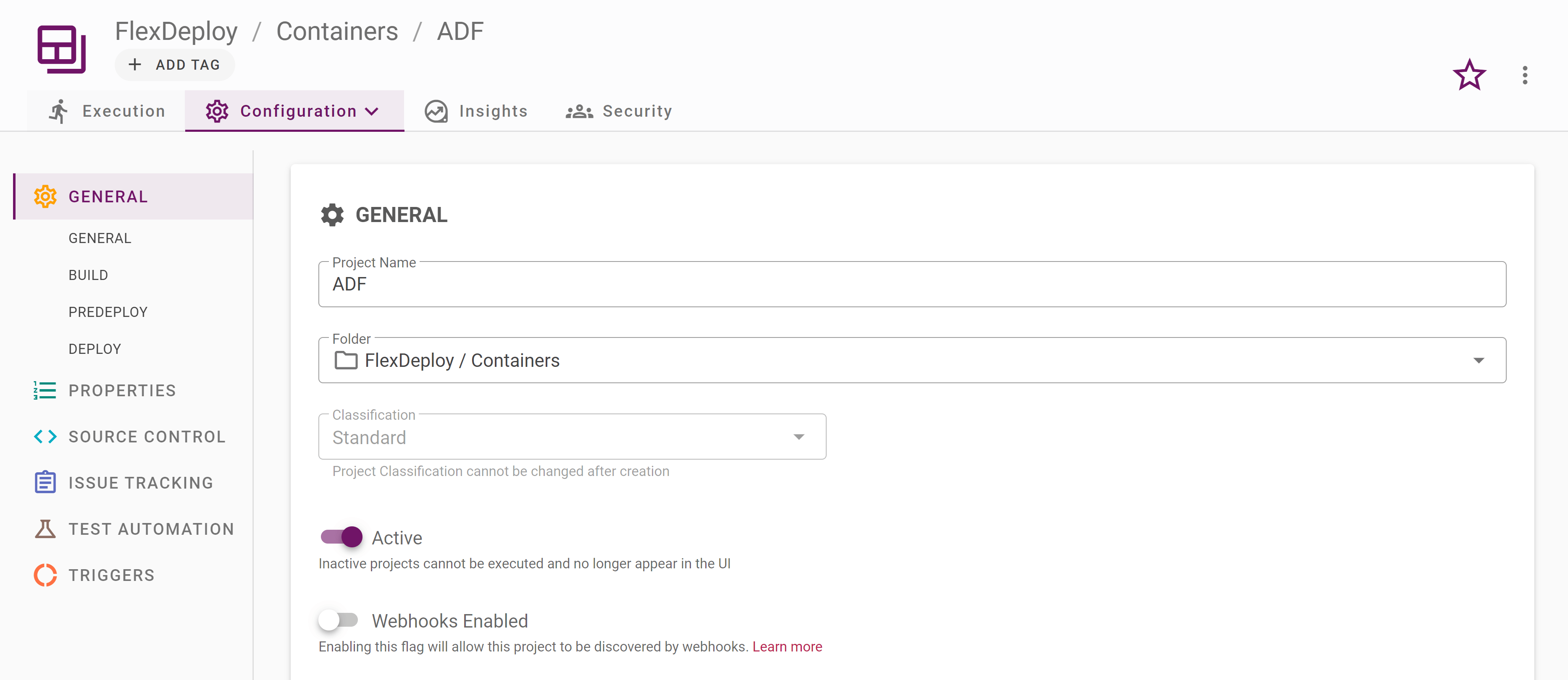
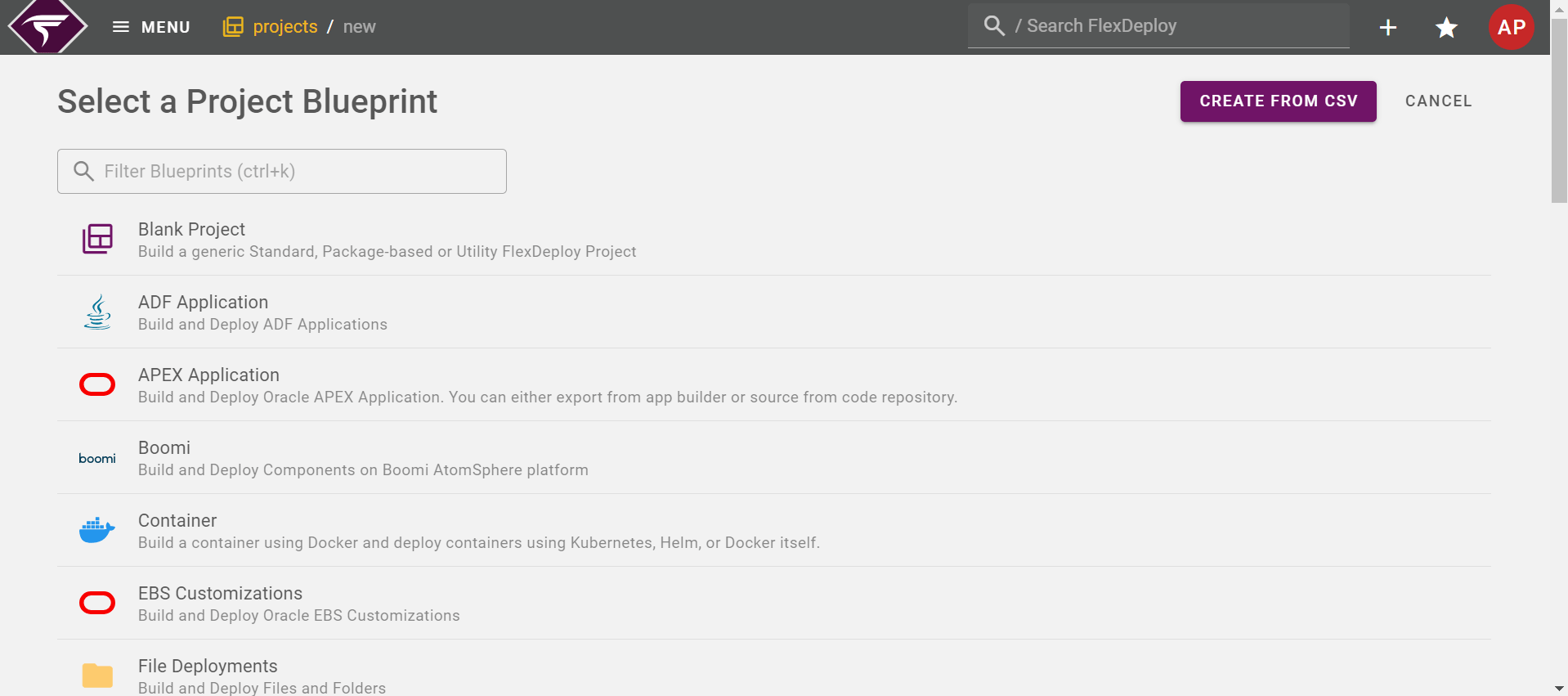
Step 1 - Select a Blueprint
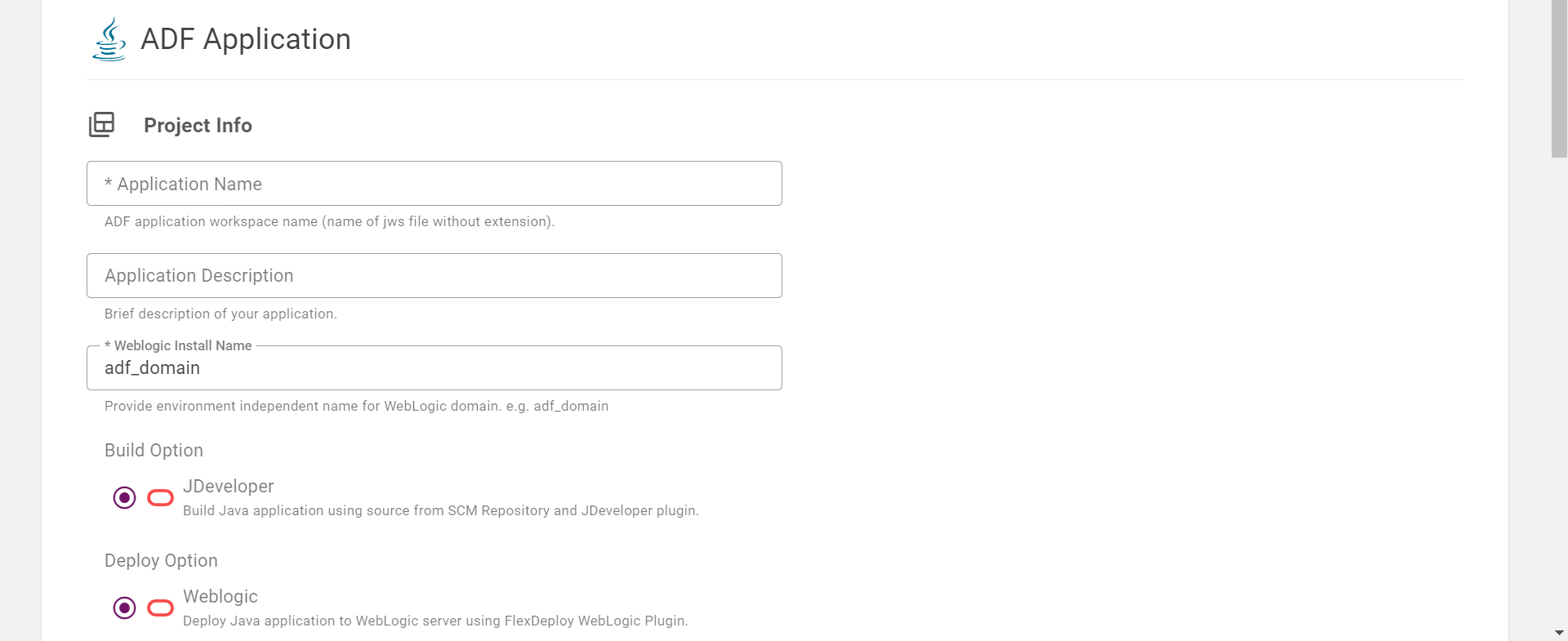
Step 2 - Where is your source code?
Below the Project Information section, select the Source Control Management System for the project.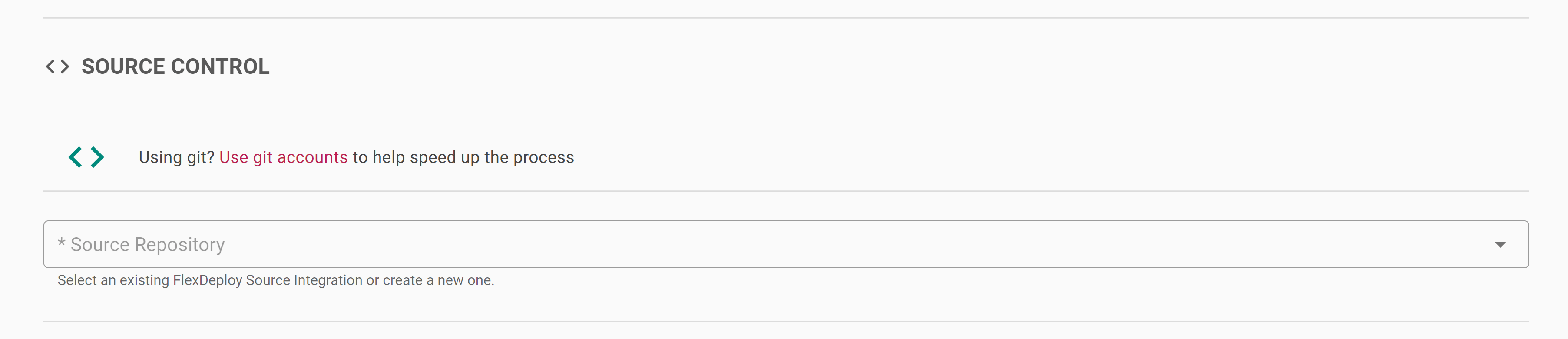
Using Git
Checkout Tips and Tricks for deeper Git Integration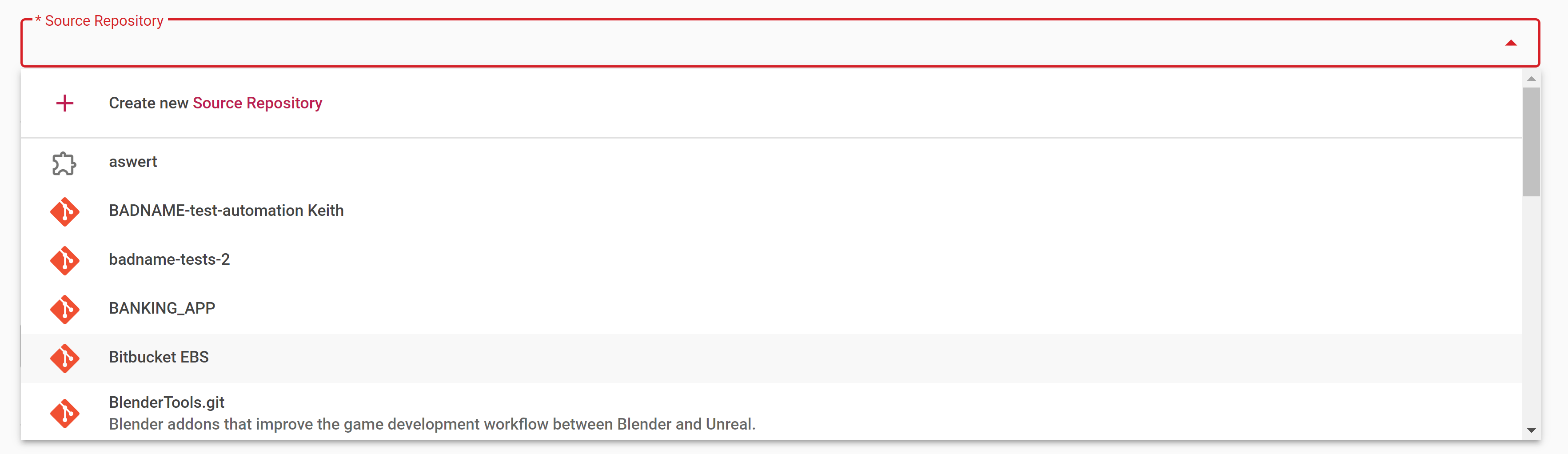
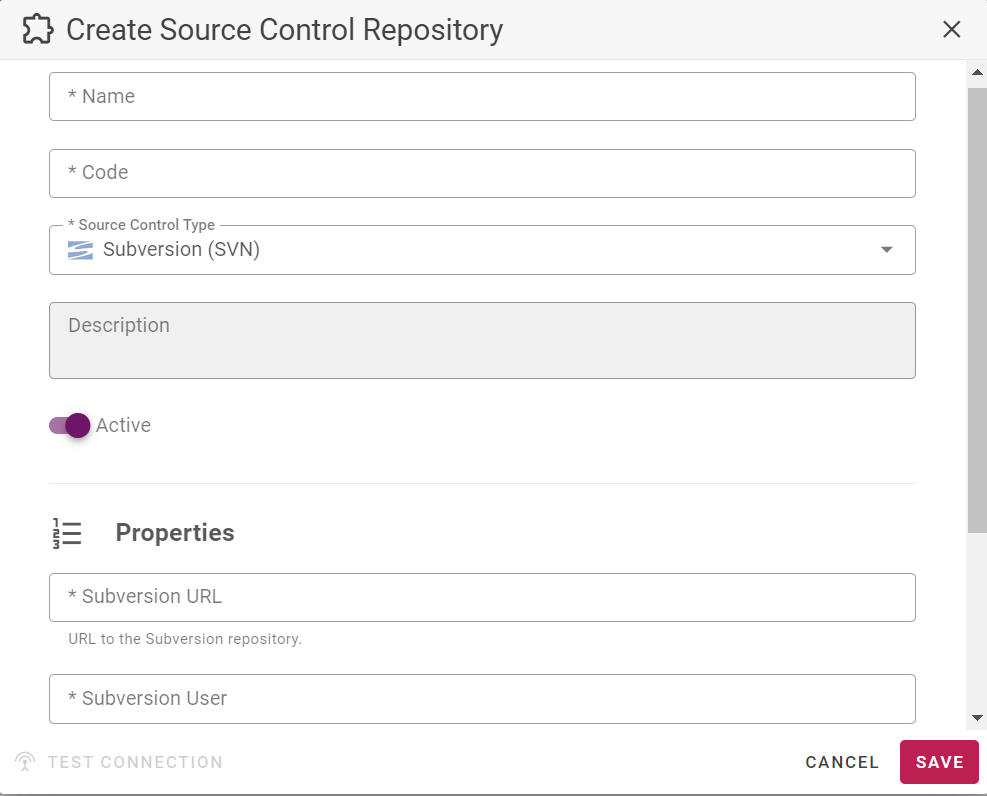
Step 3 - Gather Build information
This step will collect any environment specific build properties and identify which endpoint to execute on.

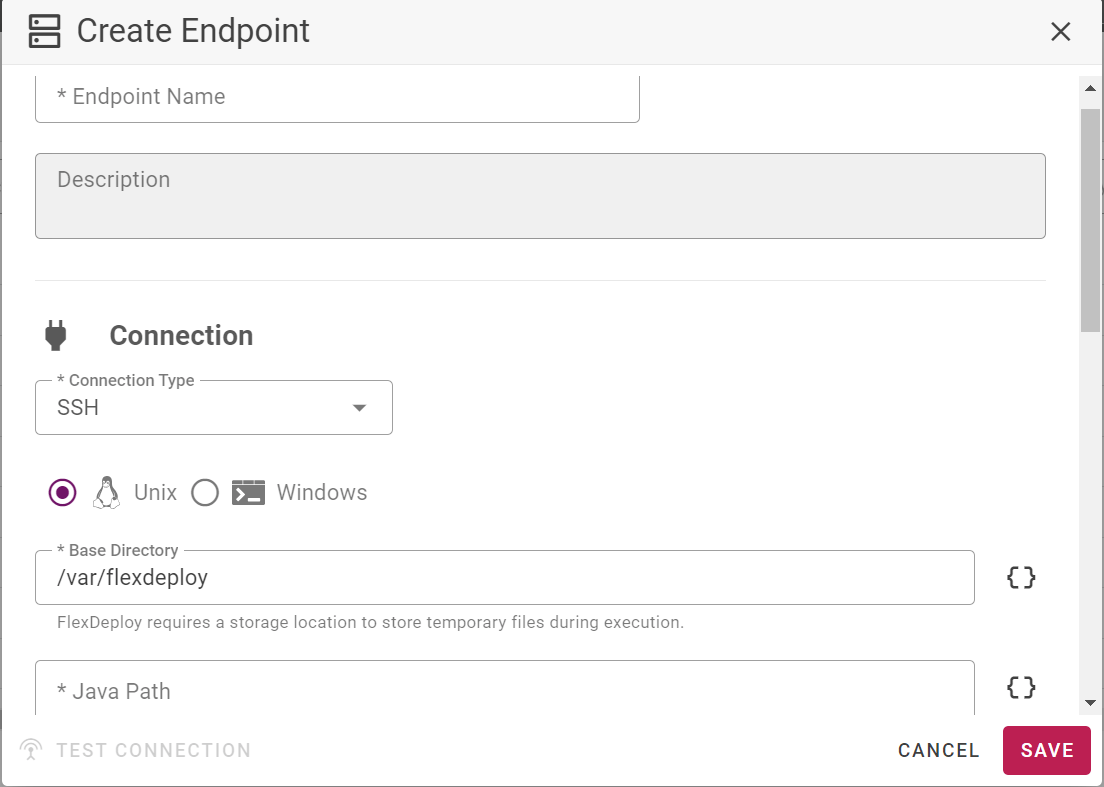
Step 4 - Gather Deployment Information
This step will collect any environment specific deployment properties and identify which endpoint to execute on.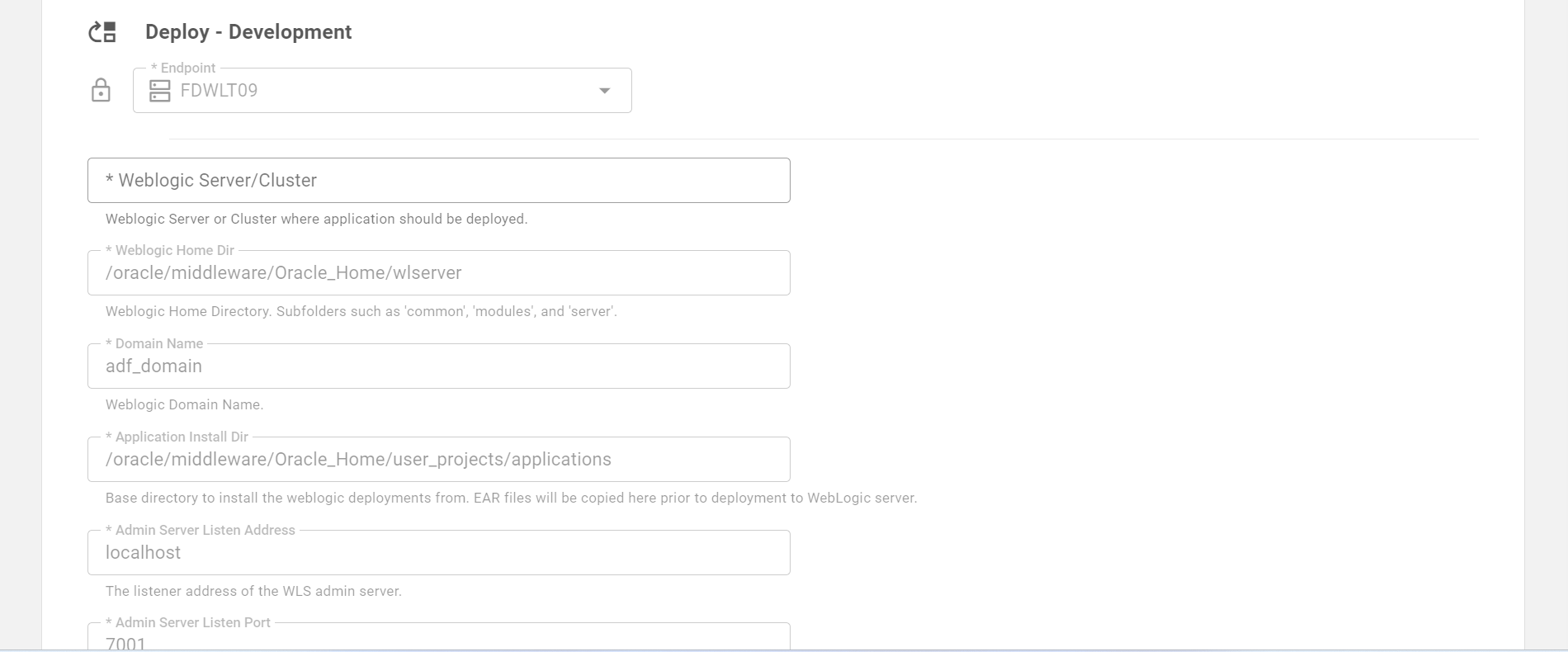
Step 5 - Final Review
The final step is to review the information and generate the project and supporting components. Once ready, select the CONFIRM button at the bottom of the page to create the project. On creation, you will be redirected to the project’s page.
Summary
The Blueprint creates the Topology configuration, the build and deploy workflows, the source code repository connection, the project, and the linkages between them.Topology
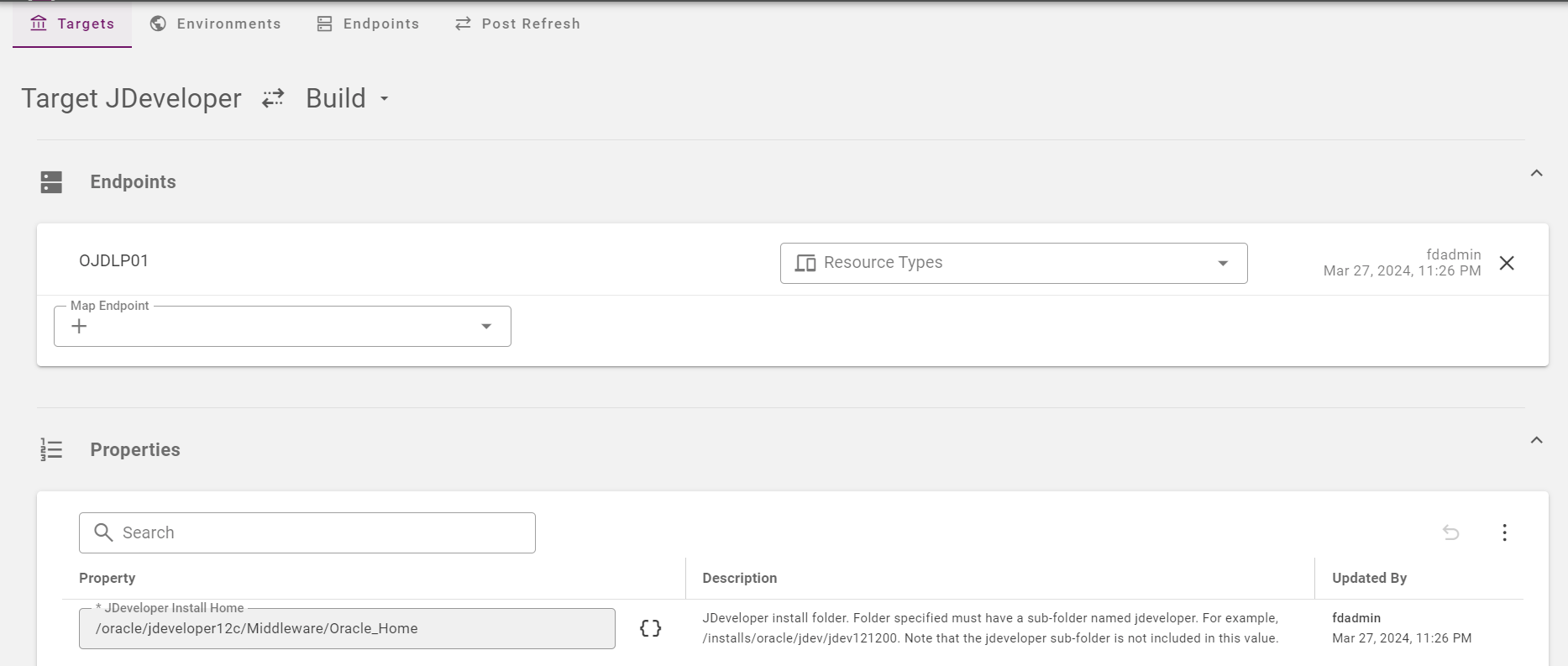
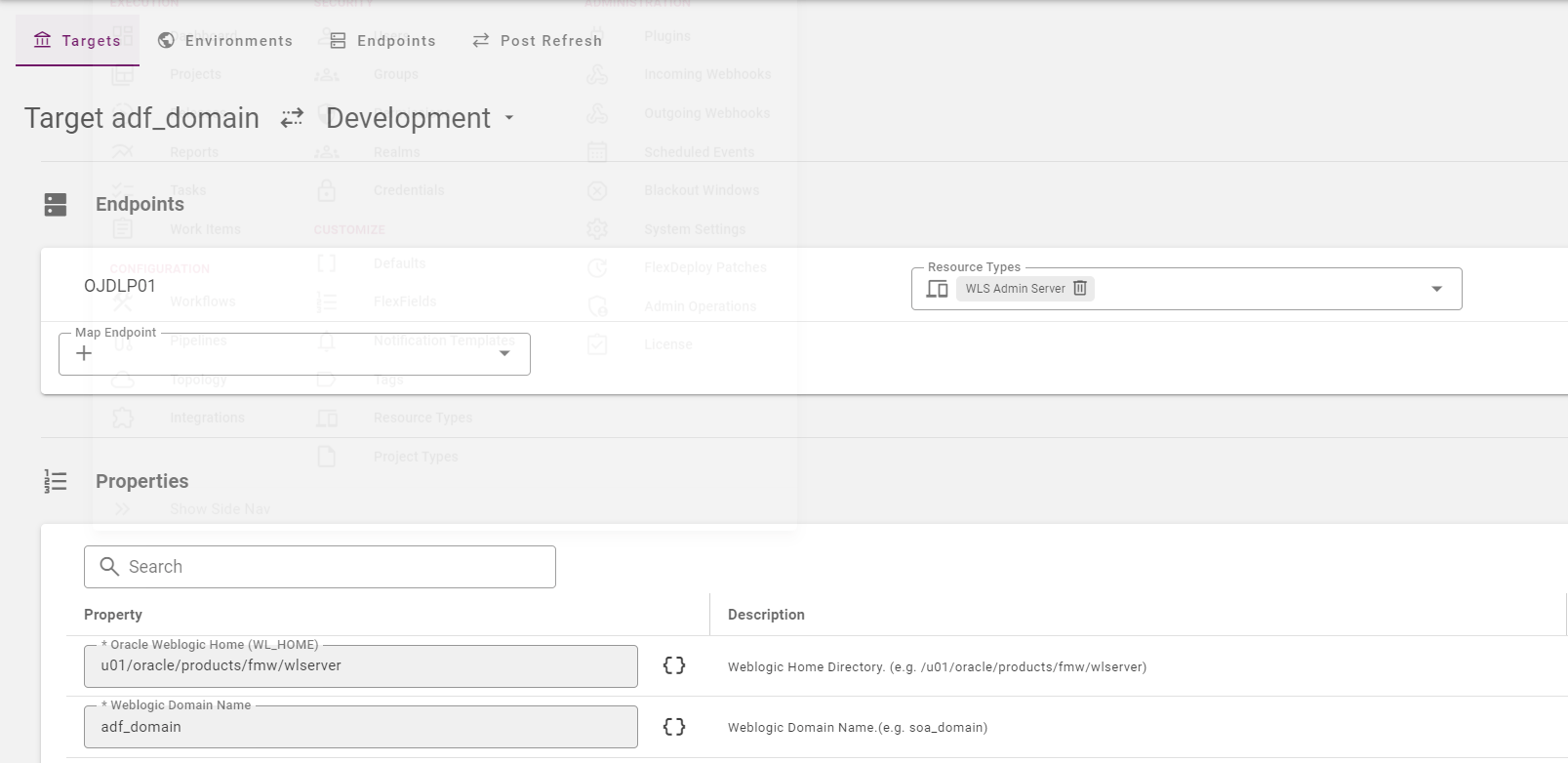
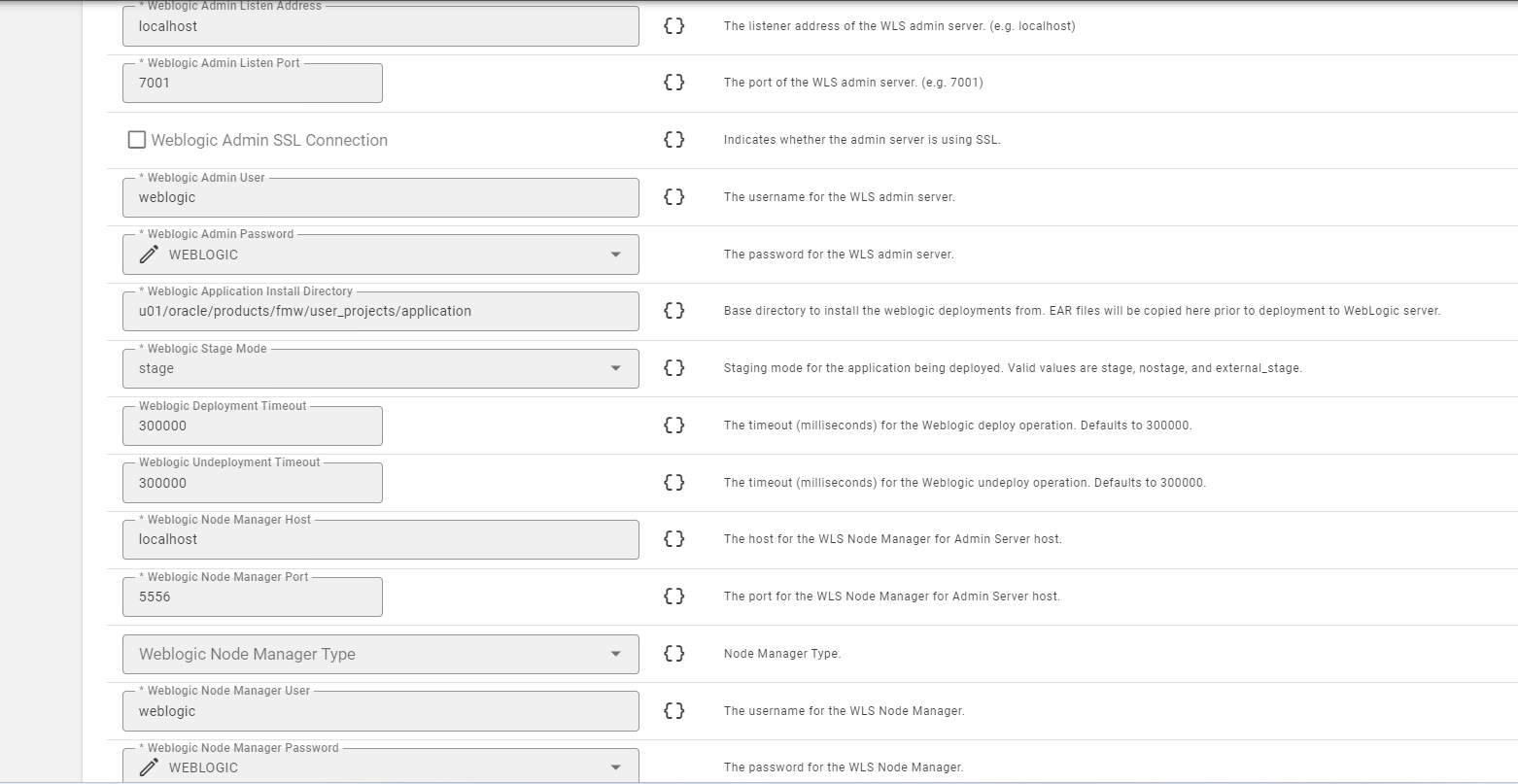
Source Code Repository Connection (SCM Instance)
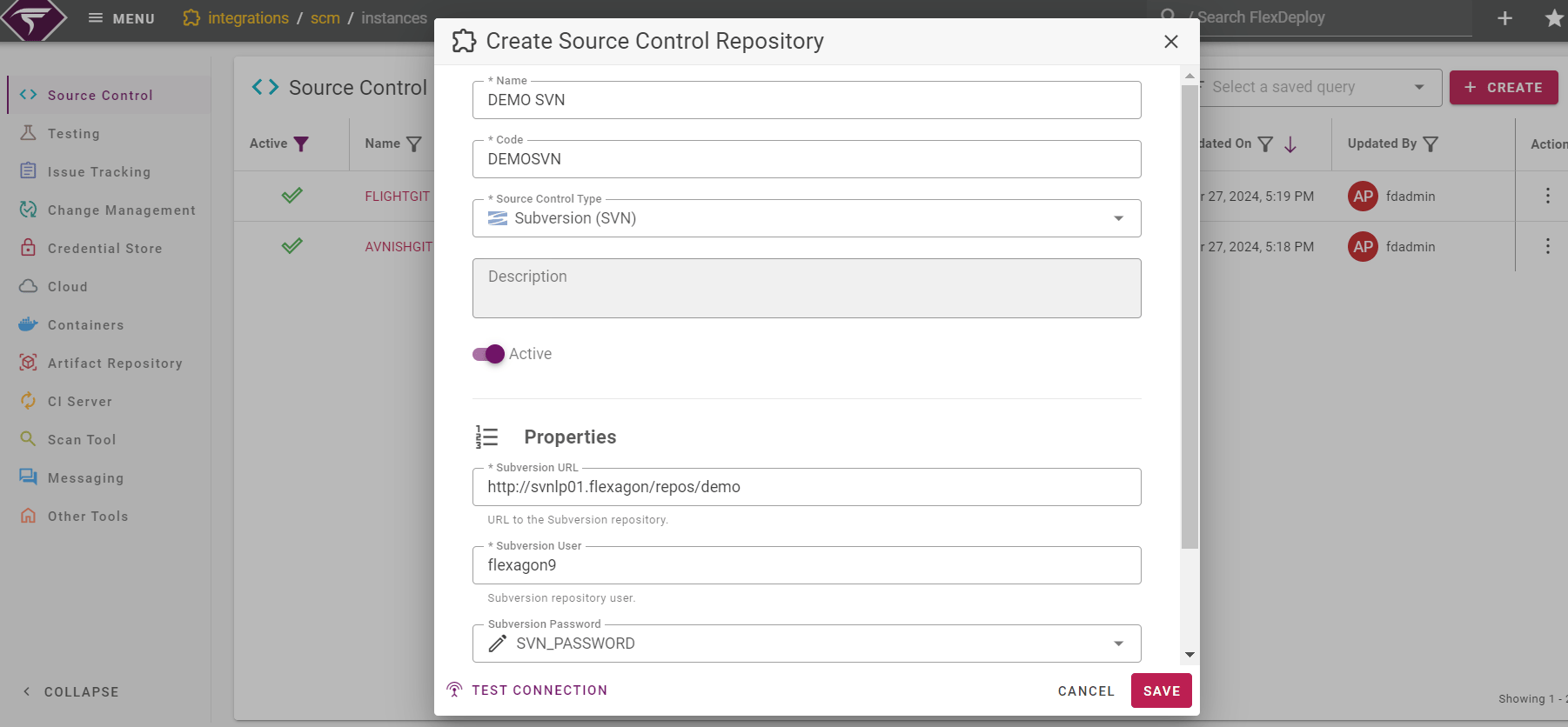
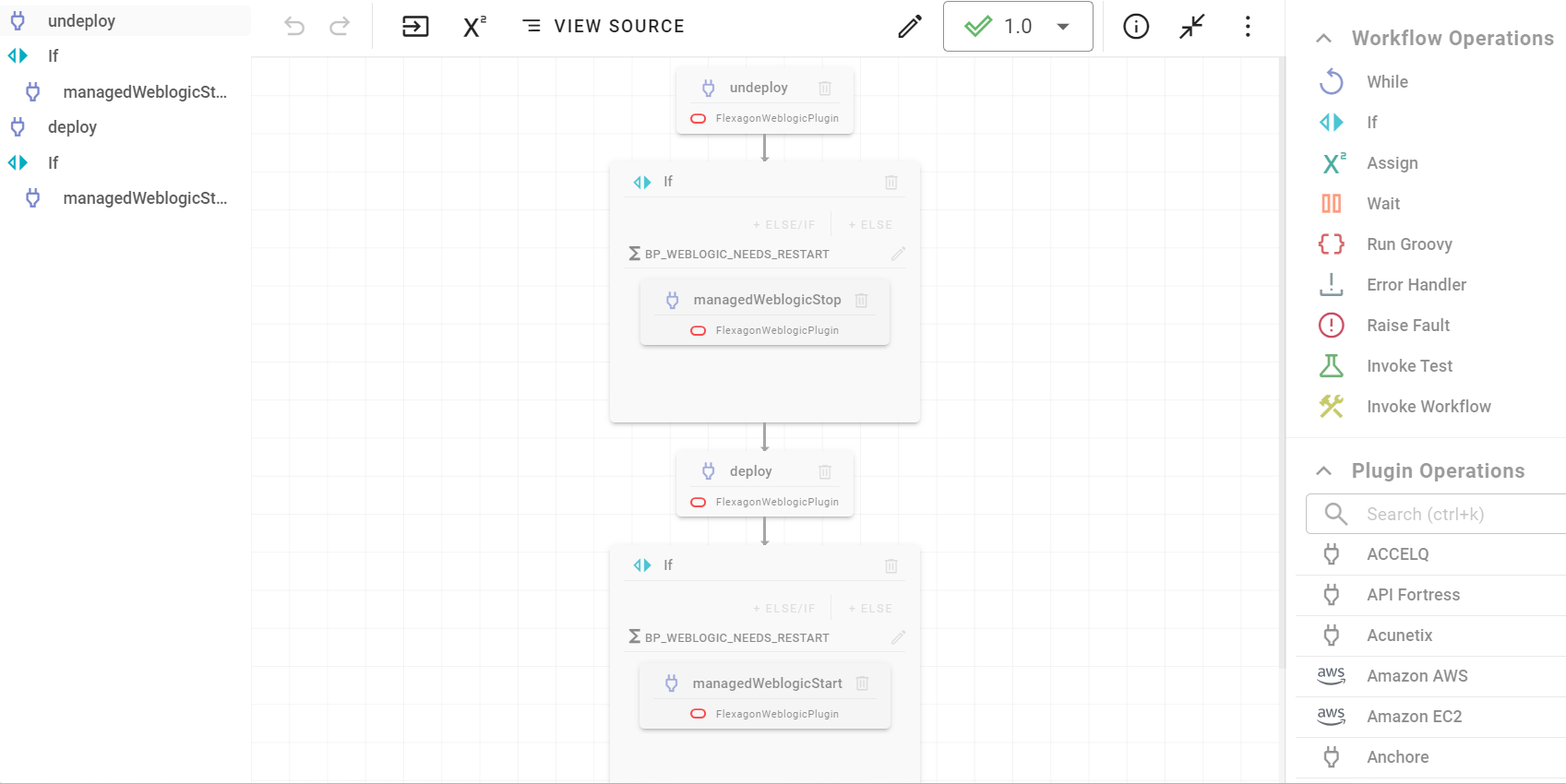
Workflows
Build workflow - Build JDeveloper Application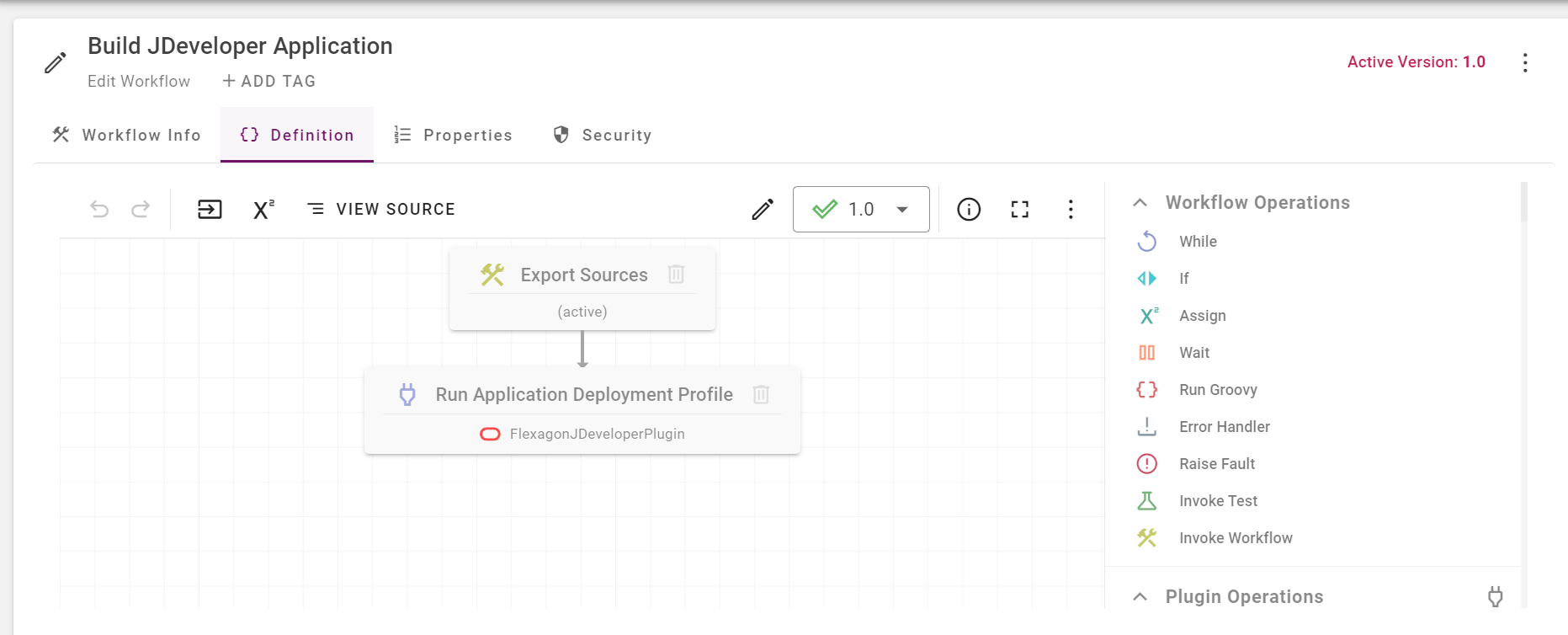
Project