
Navigation
The Notification Templates page can be accessed through the Customize -> Notification Templates menu. This screen shows all of the out-of-box templates and any custom templates created for the events.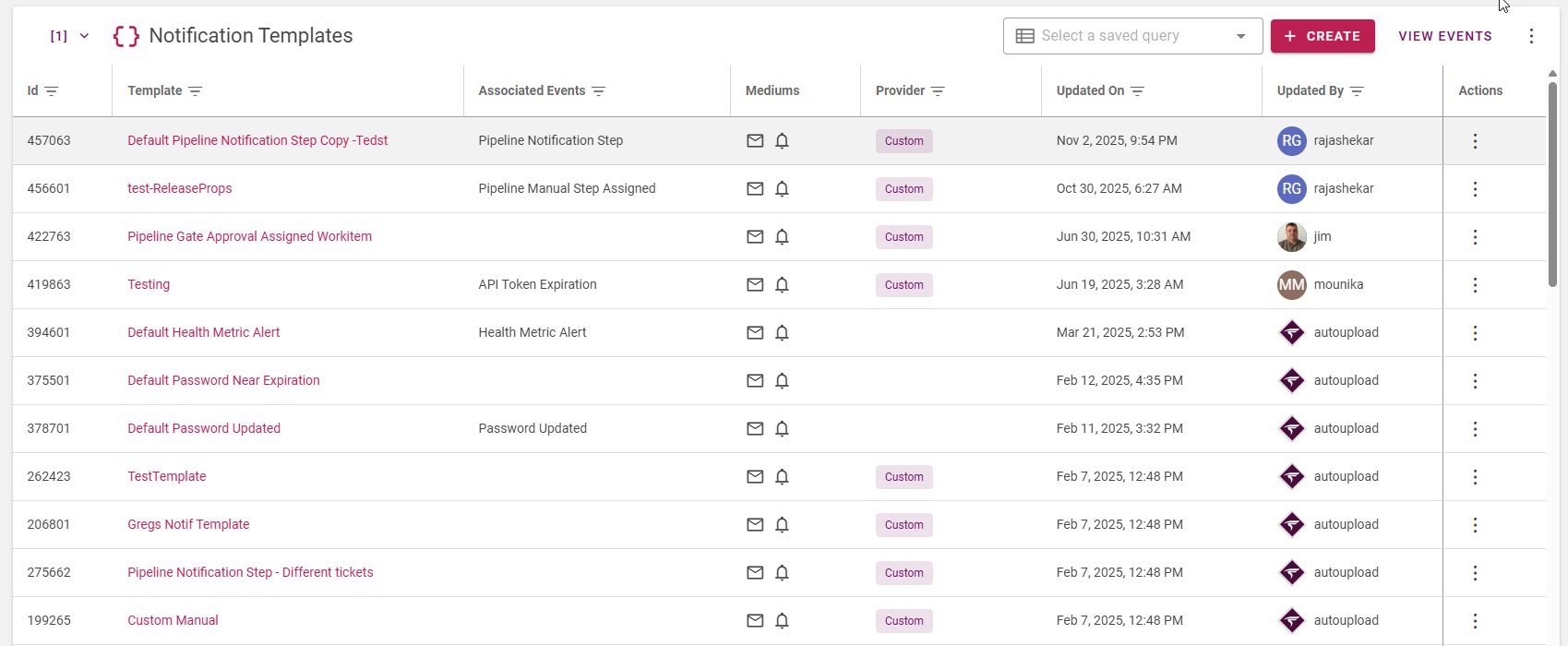
Terminology
Term | Description |
|---|---|
Template | The HTML content of an email used to send notification messages for one or multiple events. |
Events | “Change of state” of an object in FlexDeploy like workflow or task. Each template can be assigned to be used for one or multiple events. e.g. Workflow Request Failed, Pipeline Gate Approval Assigned |
Mediums | The way the message is sent. Currently In-App and Email notifications are supported. |
Additional Topics
- To view the templates, follow the steps in View Notification Templates.
- Templates are also listed by events. See View Events.
- For creating a new template or making any changes to an existing custom template, view Create or Edit Notification Templates.