
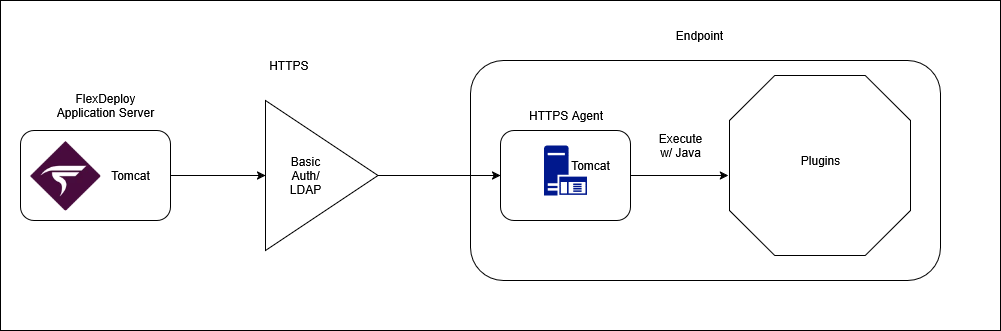
Architecture
Starting and stopping the agent
The scripts located inside the agent installation directory are used for starting and stopping the agent.Start
LinuxStop
LinuxTroubleshooting
Run the following command to confirm if the agent is running, as well as see launch arguments.Logs
Viewing Logs
View the logs by going to HTTPS_AGENT_HOME/apache-tomcat-flexdeploy-https-agent/logs Agent logs will be in the same pattern as FlexDeploy logs, flexdeploy.<number>.log with 0 being the most current log. Catalina logs as well as garbage collection logs will also be located here.Changing log level
To change the log level adjust the HTTPS_AGENT_HOME/apache-tomcat-flexdeploy-https-agent/conf/logging.properties file. Change the following lines to the desired log level.Certificate expiration warnings
@Since 11.2.0.0 The HTTPS agent checks the Tomcat SSL certificate in the agent keystore and writes a warning when the certificate has expired or will expire within 30 days (configurable). Warnings appear in:- Agent logs under HTTPS_AGENT_HOME/apache-tomcat-flexdeploy-https-agent/logs, from a daily background check that starts when the agent starts
- Plugin execution logs, so the warning is visible during workflow execution on that endpoint