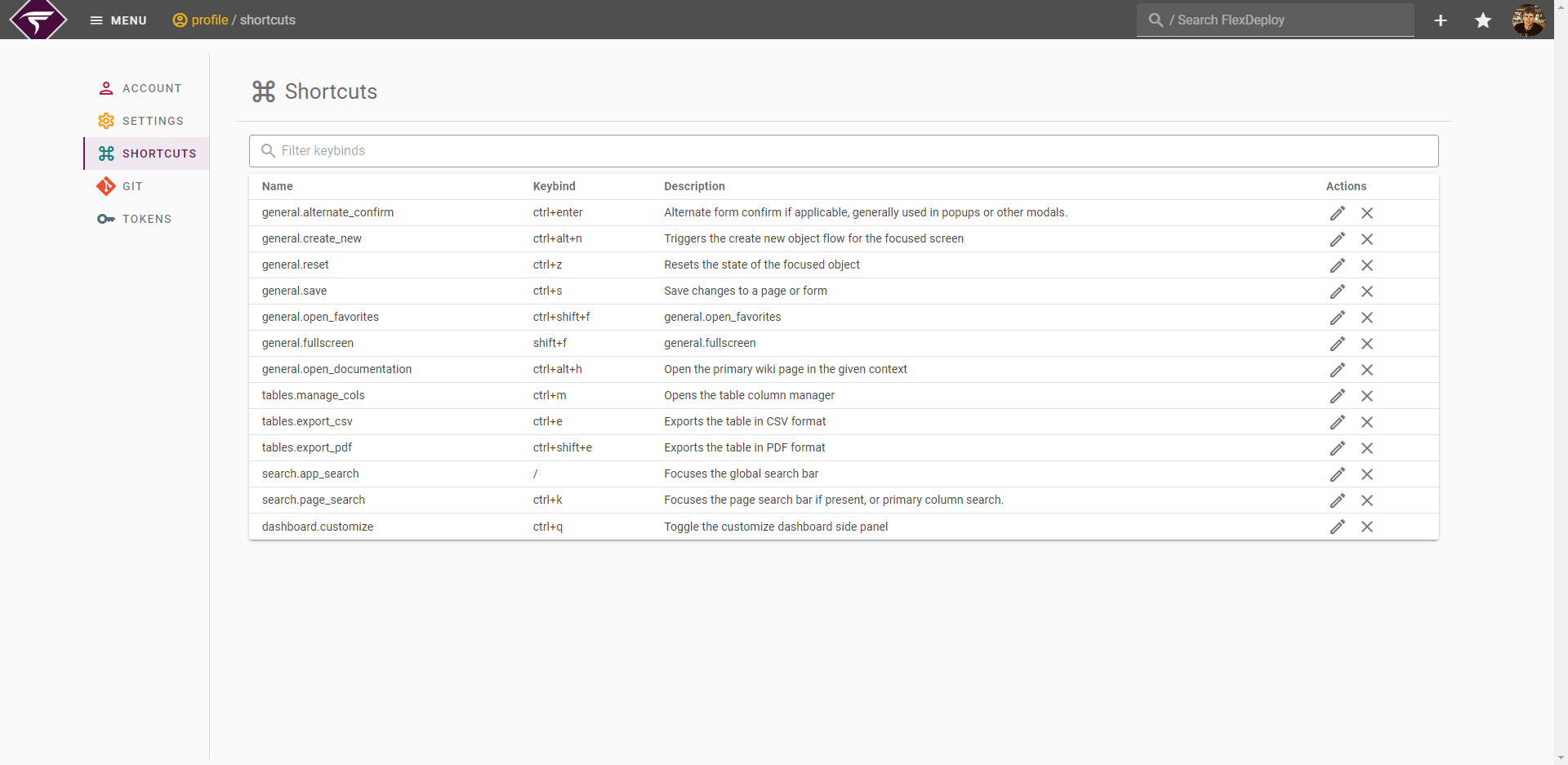
Modifying a Shortcut
You can change the keybind of a shortcut by simply clicking on the row or clicking on the Pencil Icon in the row.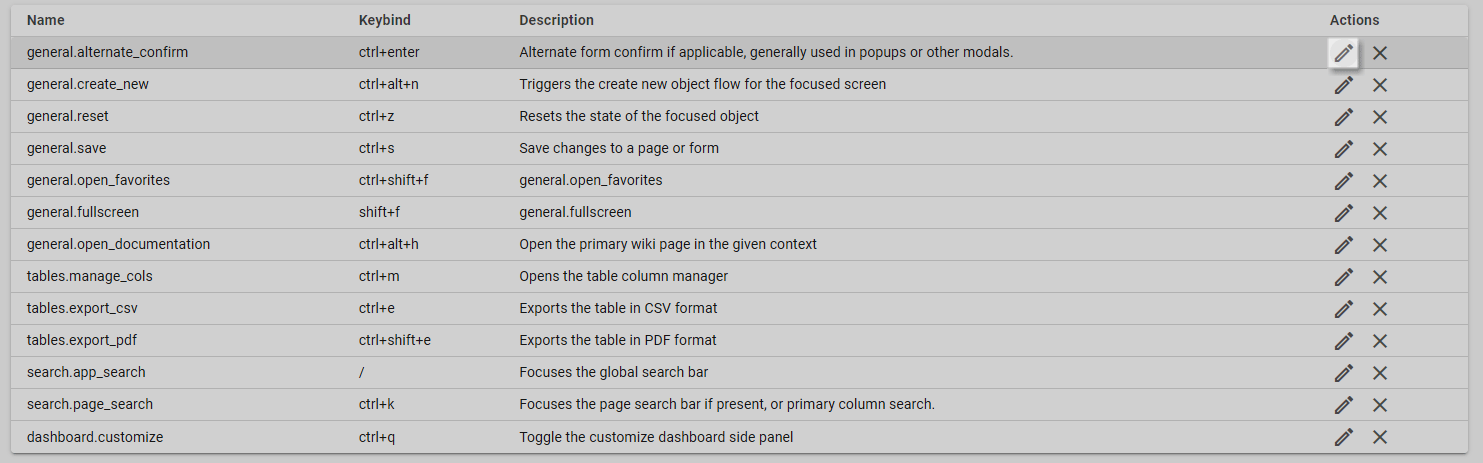
Note that some browsers restrict certain keybind combinations. In this case you may notice the keybind will not show up when modifying it. When this happens you will need to select an alternate binding.
Resetting a Shortcut
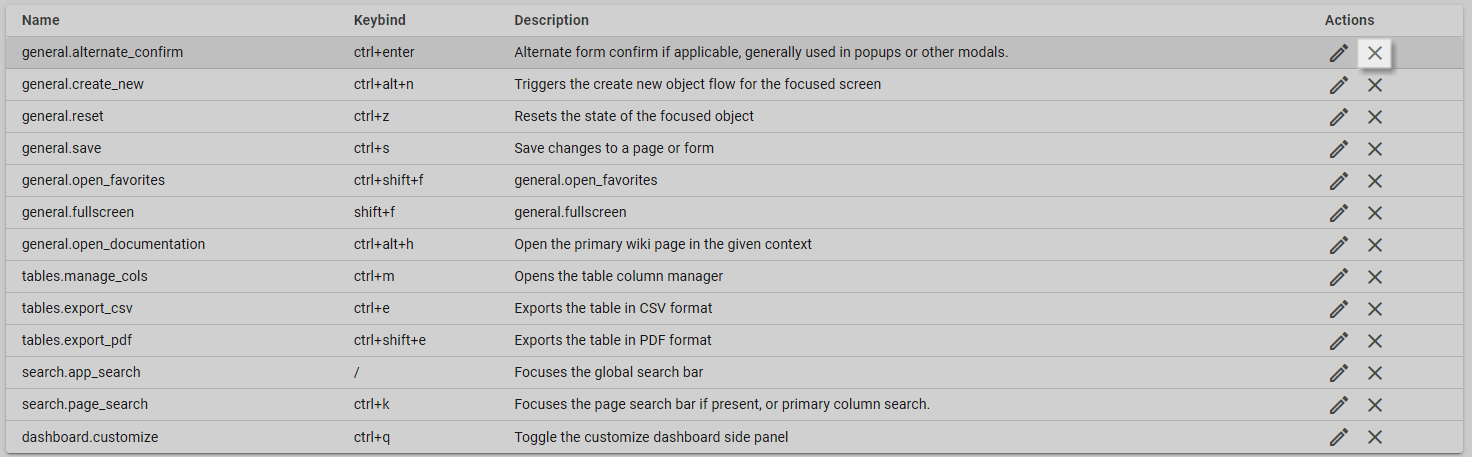
You may reset a shortcut to its default binding by clicking on the X Icon or by selecting Use Default in the edit popup.