Build Execution
FlexDeploy is configured with everything that is required to execute a build and deploy request. We will consider an Azure Function App here to showcase the steps. The approach will be pretty much the same for other deployments as well. Let’s execute the first build. Navigate to the Project and click on the Execution tab to submit the build request. Click on Build.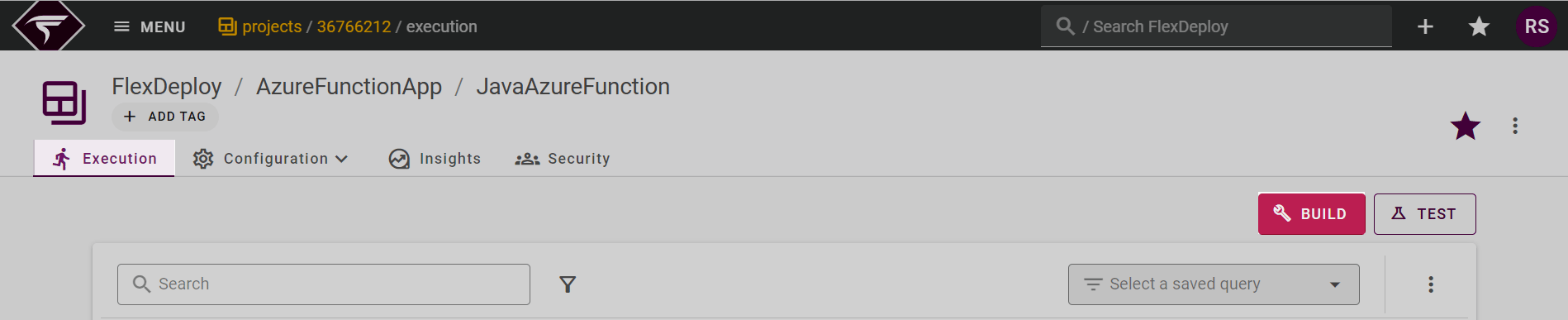
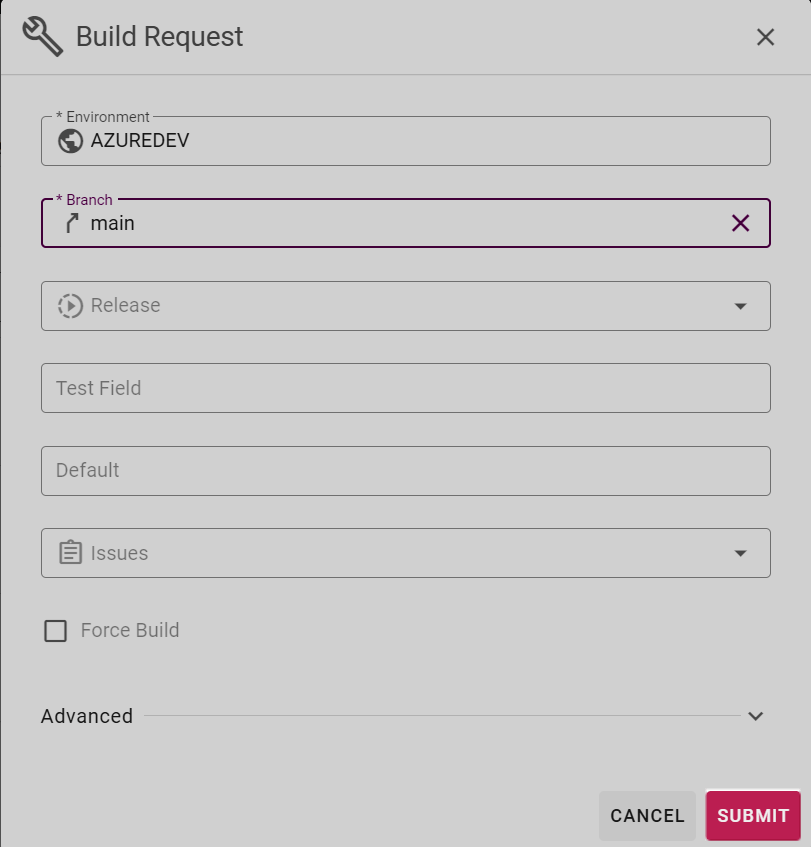
- select the environment we want to build the composite in, the environments that had the Build Environment checkbox will appear in the dropdown
- select the SCM Branch that was configured on the project, this will be pre-populated if there is only one configured Branch.
- submit the request, this will initiate the Build workflow
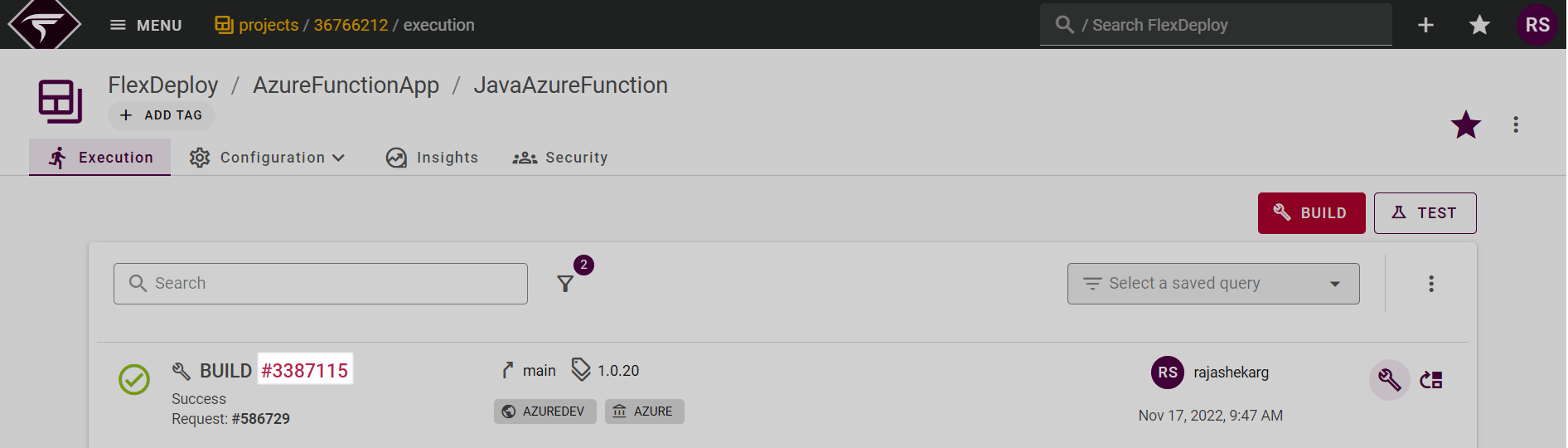
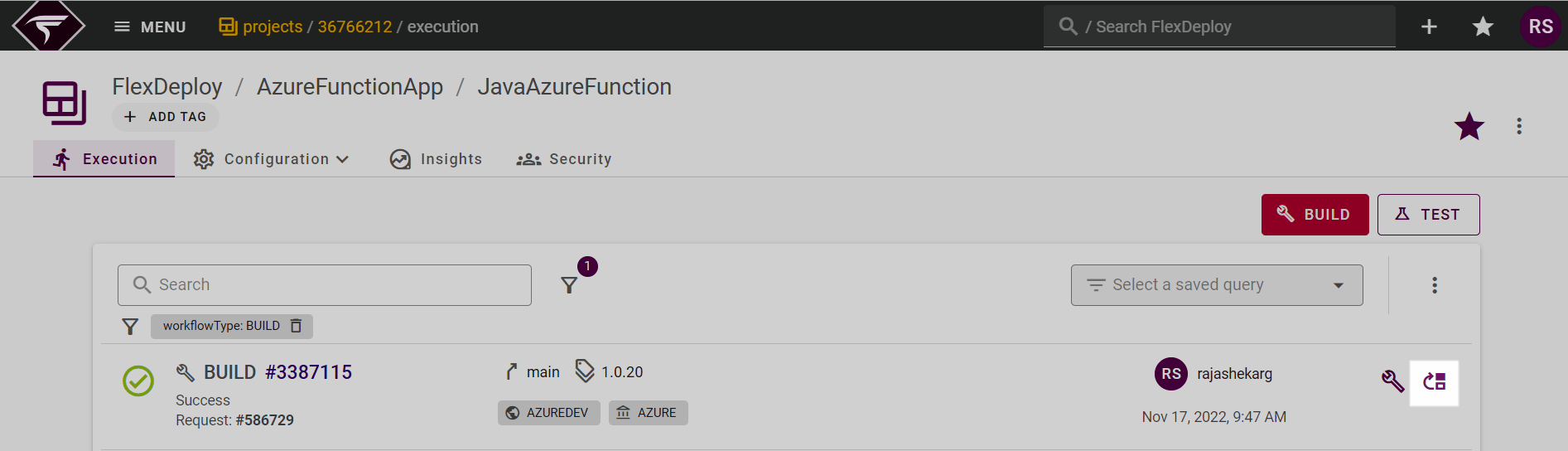
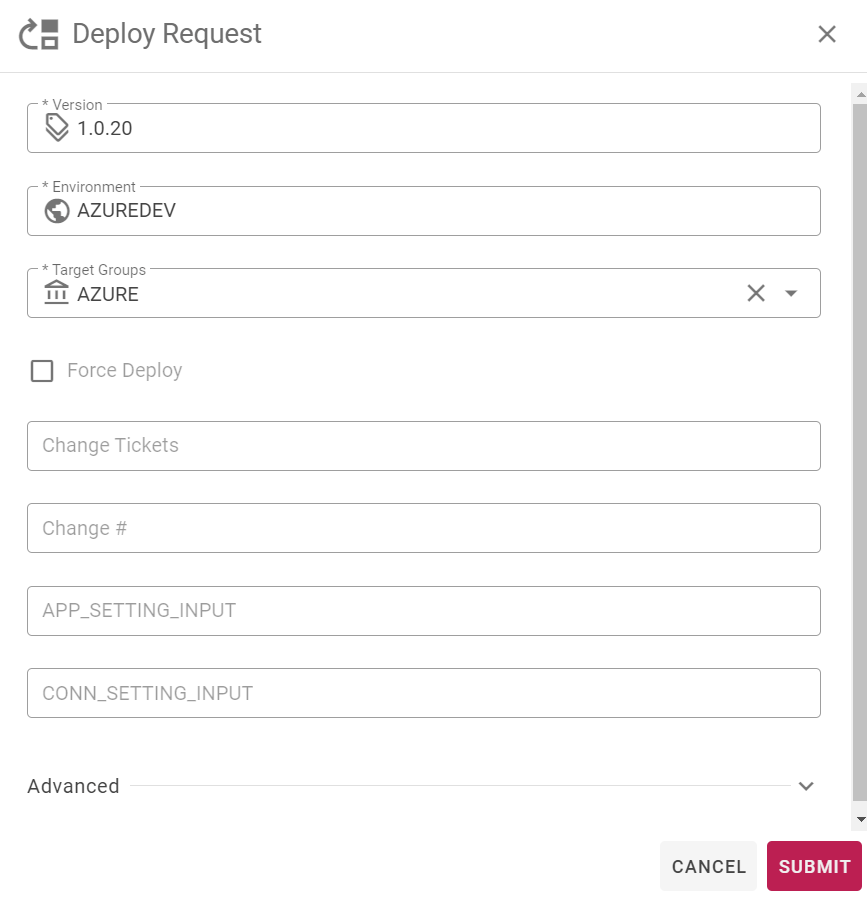
- The Project Version will be updated the same as the build project version. However, the dropdown will contain all previously create Project Versions
- select the Environment that the deployment will be executed in
- The Deploy Instance will be updated the same as the deploy instance on the General Configuration.
- Additional input arguments(optional) can also be provided in case needed.
- submit the request, this will initiate the Deploy workflow
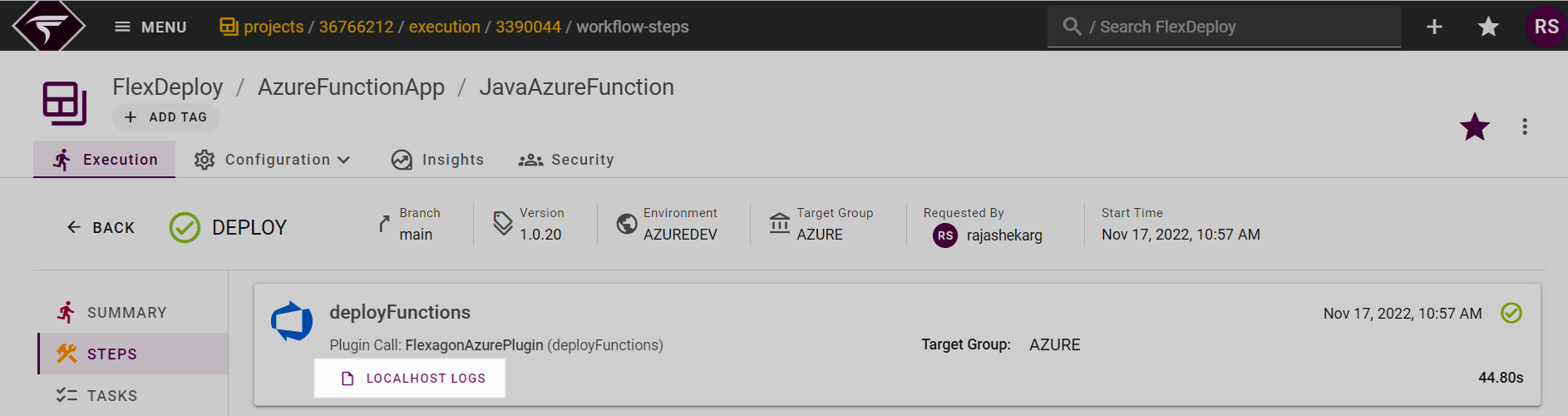
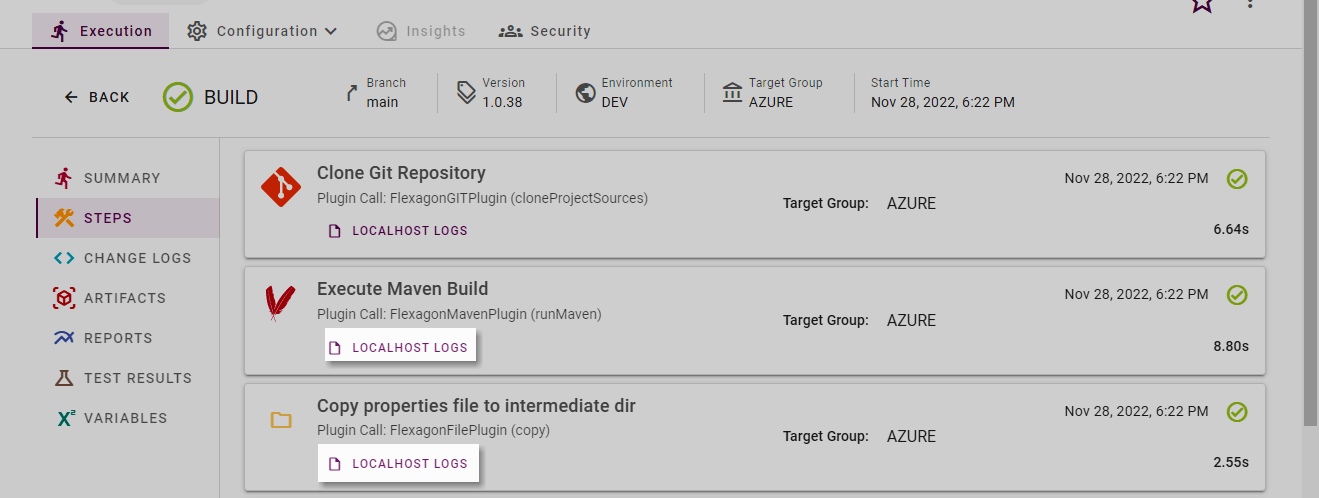
- the workflow execution steps
- the logs for each workflow step, which can be viewed by clicking on the link under the step
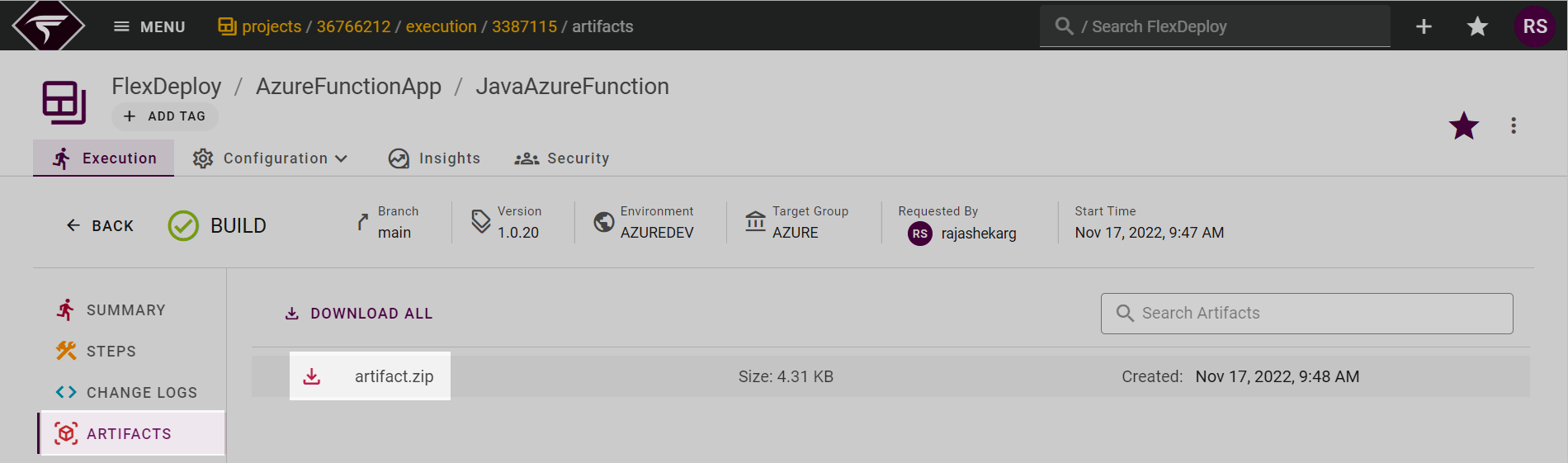
- the artifact, which can be downloaded
- the project and environment instance property values at the time of execution