
Target Properties
Property Name | Property Code | Required | Description |
|---|---|---|---|
OIC Account |
| No | The OIC account with all the required properties like Base URI, Username and Password for running OIC Instance. |
Project Properties
Property Name | Property Code | Required | Description |
|---|---|---|---|
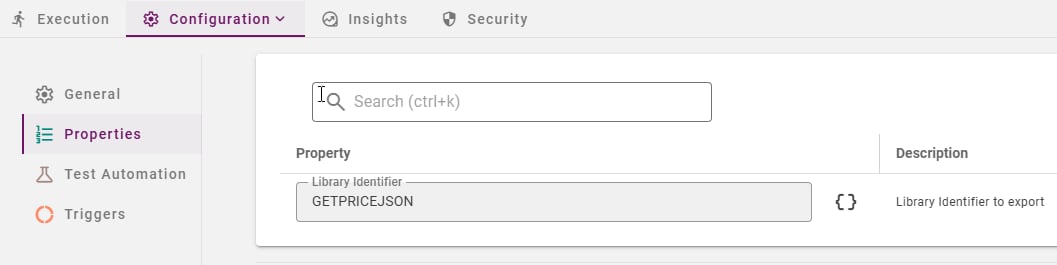
Library Identifier |
| Yes | Library Identifier (Code) to export. |
Inputs
Input Name | Input Code | Required | Description |
|---|---|---|---|
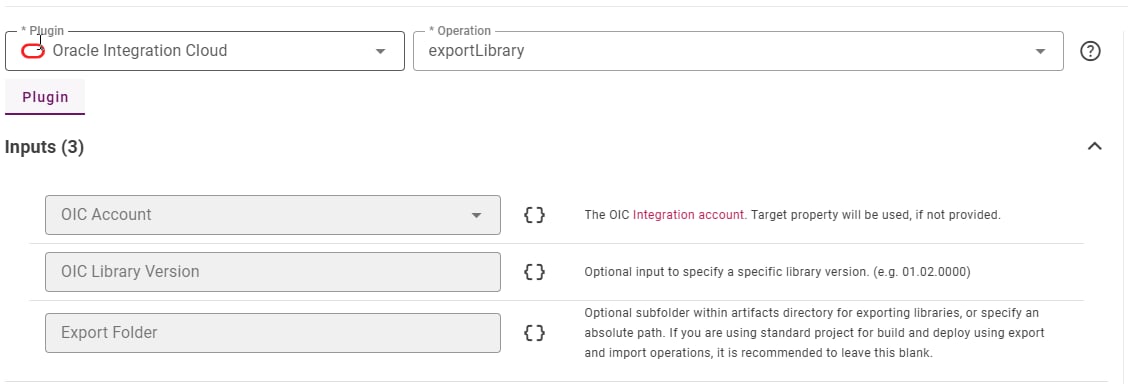
OIC Account |
| No | The OIC account with all the required properties like Base URI, Username and Password for running OIC Instance. |
OIC Library Version |
| No | Optional Library Version to export. Leave blank to export last updated version. Version id should be of the format (01.02.0000) |
Export Folder |
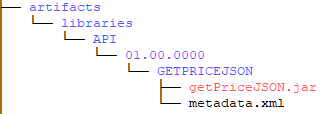
| No | Optional subfolder within artifacts directory for exporting libraries, or specify an absolute path. If you are using standard project for build and deploy using export and import operations, it is recommended to leave this blank. Since 9.0.0.6. e.g.: |
Outputs
Output Name | Description |
|---|---|
| The final Library version used for export. |