- For file type (artifact) objects, it uploads the snapshot artifact. That snapshot is then imported into EPM which will update the files included in the snapshot.
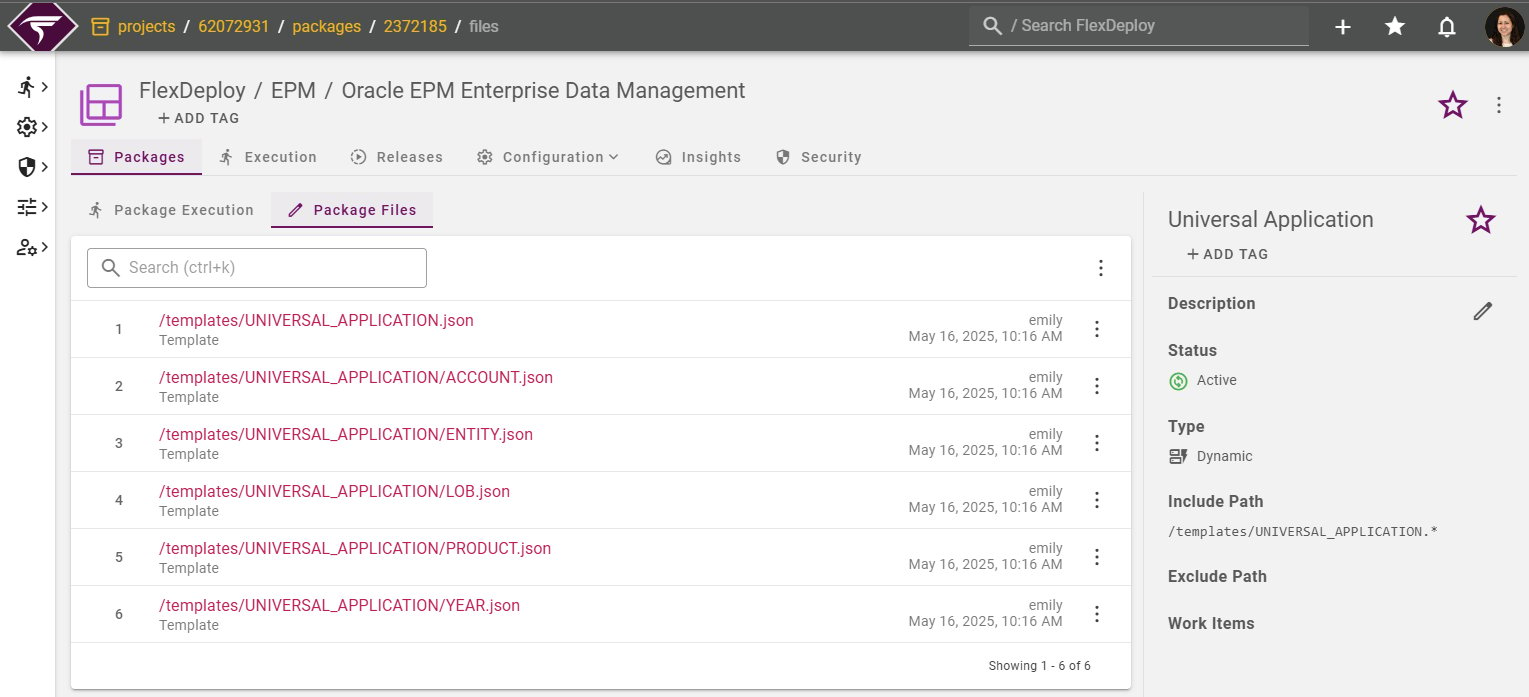
- For template type objects, the operation will import a template JSON file containing an application/dimension for each file in the execution.
- Planning
- FreeForm
- Financial Consolidation and Close
- Account Reconciliation
- Tax Reporting
- Enterprise Profitability and Cost Management
- Oracle Strategic Workforce Planning Cloud
- Oracle Sales Planning Cloud
- Enterprise Data Management
Target Properties
Property Name | Property Code | Required | Description |
|---|---|---|---|
Oracle EPM Account |
| Yes | Oracle EPM Account integration instance where the import will take place. See Configuring Oracle EPM Cloud Account for instructions on how to create Oracle EPM cloud account in FlexDeploy. |
Project Properties
Property Name | Property Code | Required | Description |
|---|---|---|---|
Snapshot Base Name |
| *No | The Snapshot prefix used when exporting a Snapshot. The prefix will be followed by the workflow execution id to form the snapshot name. *Required except when deploying EDMCS template files |
Delete Imported EPM Objects |
| Yes | Once the import operation completes, should the imported snapshot/templates be deleted from EPM. |
Backup Files Prior to Import |
| Yes | Indicates whether a backup of the files should be performed prior to importing the files. The backup snapshot will be named with the Snapshot Base Name plus “_backup”. This only applies to File type objects and not Templates. For more information on the backups repository see: FlexDeploy Backups Repository |
Inputs
Input Name | Input Code | Required | Description |
|---|---|---|---|
Oracle EPM Snapshot Timeout |
| No | Time to wait in seconds for the snapshot to be imported, uploaded or downloaded. Defaults to 300. |
Artifacts
This operation consumes artifacts from the artifacts repository.Endpoint Selection
This operation will select all available endpoints associated to the target.Endpoint Execution
This operation will execute on any one of the selected endpoints and will be random in the determination of which one.Special Considerations
Deploying Consolidation and Translation Rules
When deploying consolidation and translation rules through FlexDeploy, their deployment status in EPM will match the status from the source environment. For example, to undeploy a consolidation rule, undeploy it in your source EPM instance, then build the consolidation rule in FlexDeploy and deploy to your target EPM instance.Importing Templates