
- For file type (artifact) objects, it generates a snapshot (containing meta information of on the files only) based on the files selected in the package being built. That snapshot is uploaded to the EPM server and Repeat Export is called which looks at the meta information in the uploaded snapshot and generates an updated snapshot with the files from that EPM server. That new snapshot is downloaded to FlexDeploy as the artifact and the snapshot on the EPM server is deleted.
- For template type objects, this operation exports a JSON template from an Enterprise Data Management instance. The dimension or application which will be exported is the file name in FlexDeploy.
- Planning
- FreeForm
- Financial Consolidation and Close
- Account Reconciliation
- Tax Reporting
- Enterprise Profitability and Cost Management
- Oracle Strategic Workforce Planning Cloud
- Oracle Sales Planning Cloud
- Enterprise Data Management
Exporting Templates
Application-level template exports automatically include all dimensions in the application. For accurate deployment history and change detection in FlexDeploy, it is recommended to also include all application dimensions in your FlexDeploy package when exporting an application. This can be done by manually adding dimensions to the package or by using a dynamic package (see below), which would automatically add any new application dimensions to the package.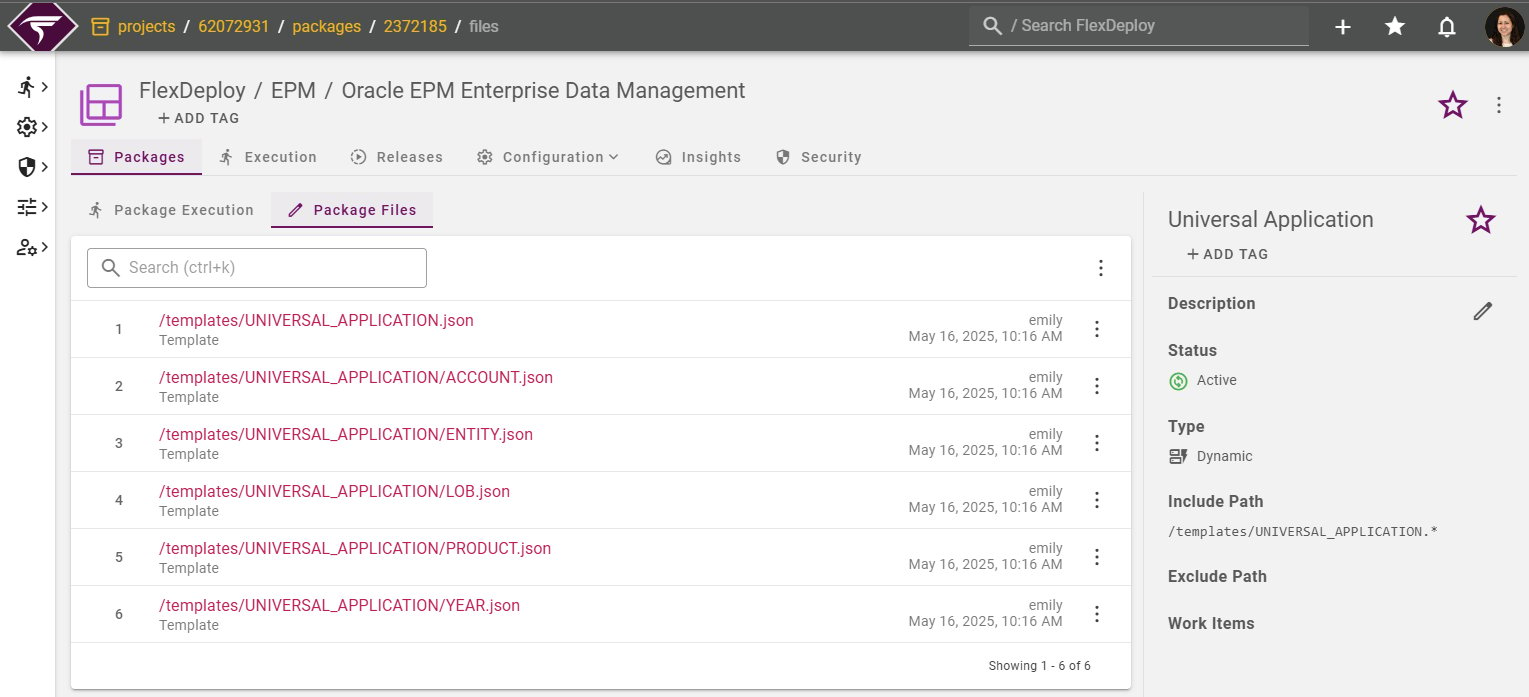
Discovery
Prior to initiating a build, the user must discover the files to be included in future builds for that project. For file type (artifact) objects, the discovery will use the project property Oracle EPM Discover Snapshot to determine the files to add to the catalog. Since FlexDeploy @9.0.0.6, each dimension and application in your EDMCS instance will be discovered as a JSON template file. Template files will have the following path structure:-
/templates/<Application name>/<Dimension name>.jsonfor dimension files -
/templates/<Application name>.jsonfor application files
- Consolidation Rules
- Translation Overrides
-
A subset of Data Management types
- Import Formats
- Locations
- Data Load Rules
- Data Load Mappings
- Logic Groups
- Check Rule Groups
- Check Entity Groups
Target Properties
Property Name | Property Code | Required | Description |
|---|---|---|---|
Oracle EPM Account |
| Yes | Oracle EPM Account integration instance to export from. See Configuring Oracle EPM Cloud Account for instructions on how to create Oracle EPM cloud account in FlexDeploy. |
Project Properties
Property Name | Property Code | Required | Description |
|---|---|---|---|
Discover Snapshot |
| *No | The Oracle EPM Snapshot that will be used to discover which files are available. *Required except when deploying EDMCS template files |
Snapshot Base Name |
| *No | The Snapshot prefix used when exporting a Snapshot. The prefix will be followed by the workflow execution id to form the snapshot name. *Required except when deploying EDMCS template files |
Inputs
Input Name | Input Code | Required | Description |
|---|---|---|---|
Oracle EPM Snapshot Timeout |
| No | Time to wait in seconds for the snapshot to be imported, uploaded or downloaded. Defaults to 300. |