
- User Account
- User Settings
- User Accessibility
- Shortcuts
- Connected Apps
- API Tokens
- Security 2FA
- Saved Queries
- User Favorites
- Tours
Updating Personal User Settings
To modify your personal user settings you must be logged in to FlexDeploy. Otherwise, click on your profile picture in the upper right-hand corner of the header and select Profile.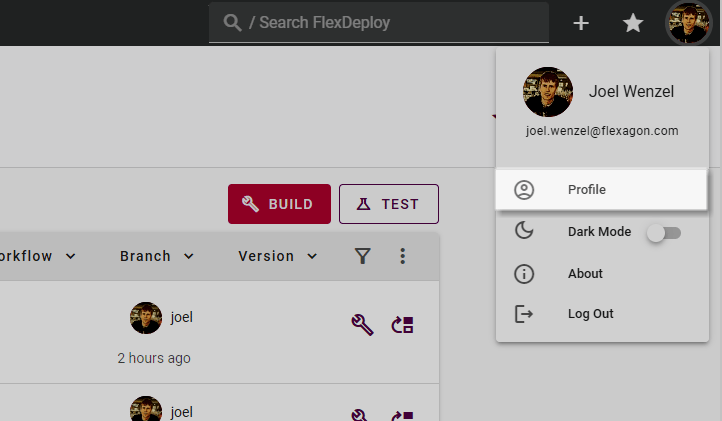
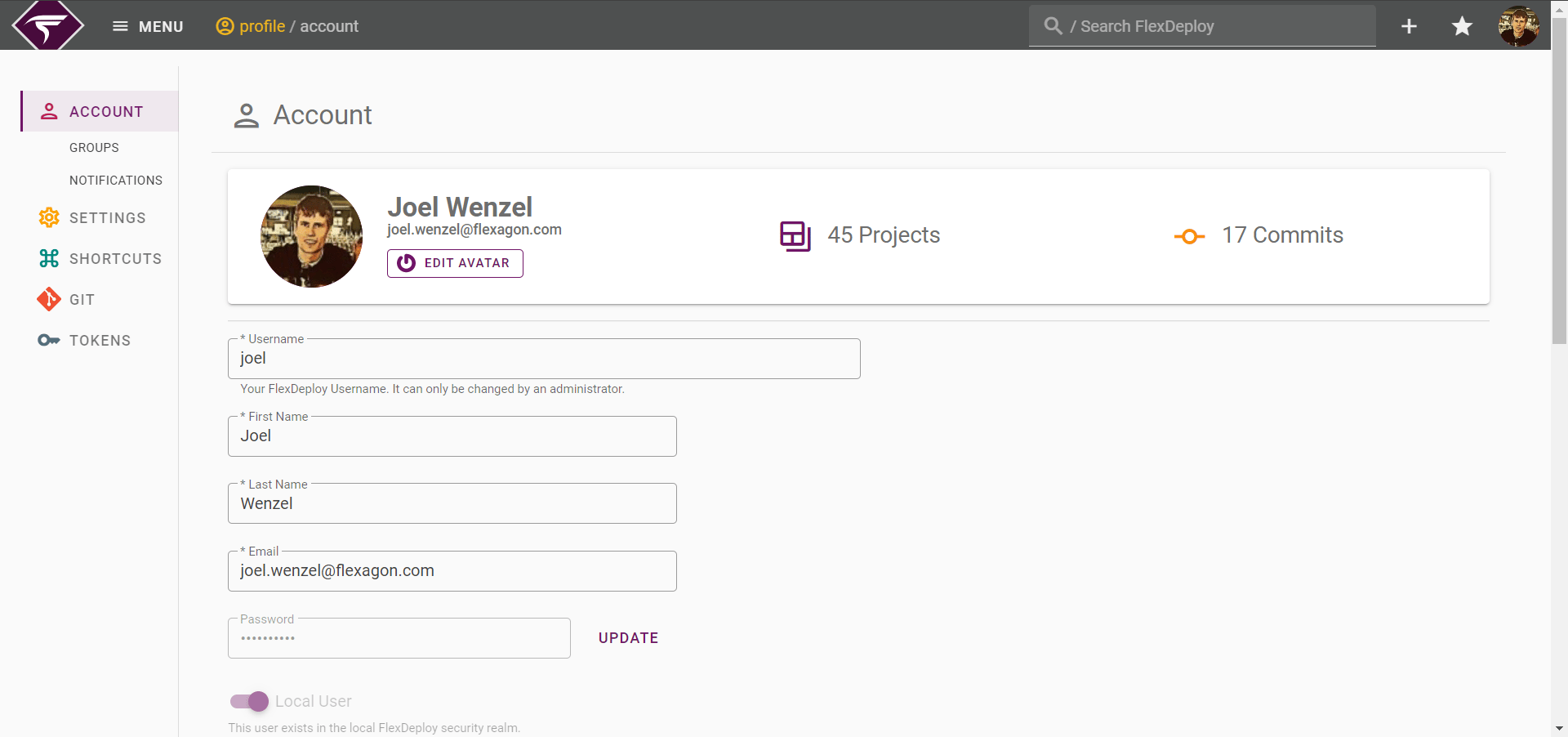
Note that Saved Queries and Favorites have no dedicated page but are integrated throughout the FlexDeploy application.