What are Environments?
An Environment is a logical name given to a group of servers, applications, and technologies which work together to provide a software solution for the purpose of development, testing, or a production implementation. Typical Environments include, but are not limited to, Development (DEV), System Integration Testing (SIT), User Acceptance Testing (UAT), and Production (PROD).Viewing Environments
To view the list of Environments defined within FlexDeploy, select Topology from the menu, and then choose the Environments tab.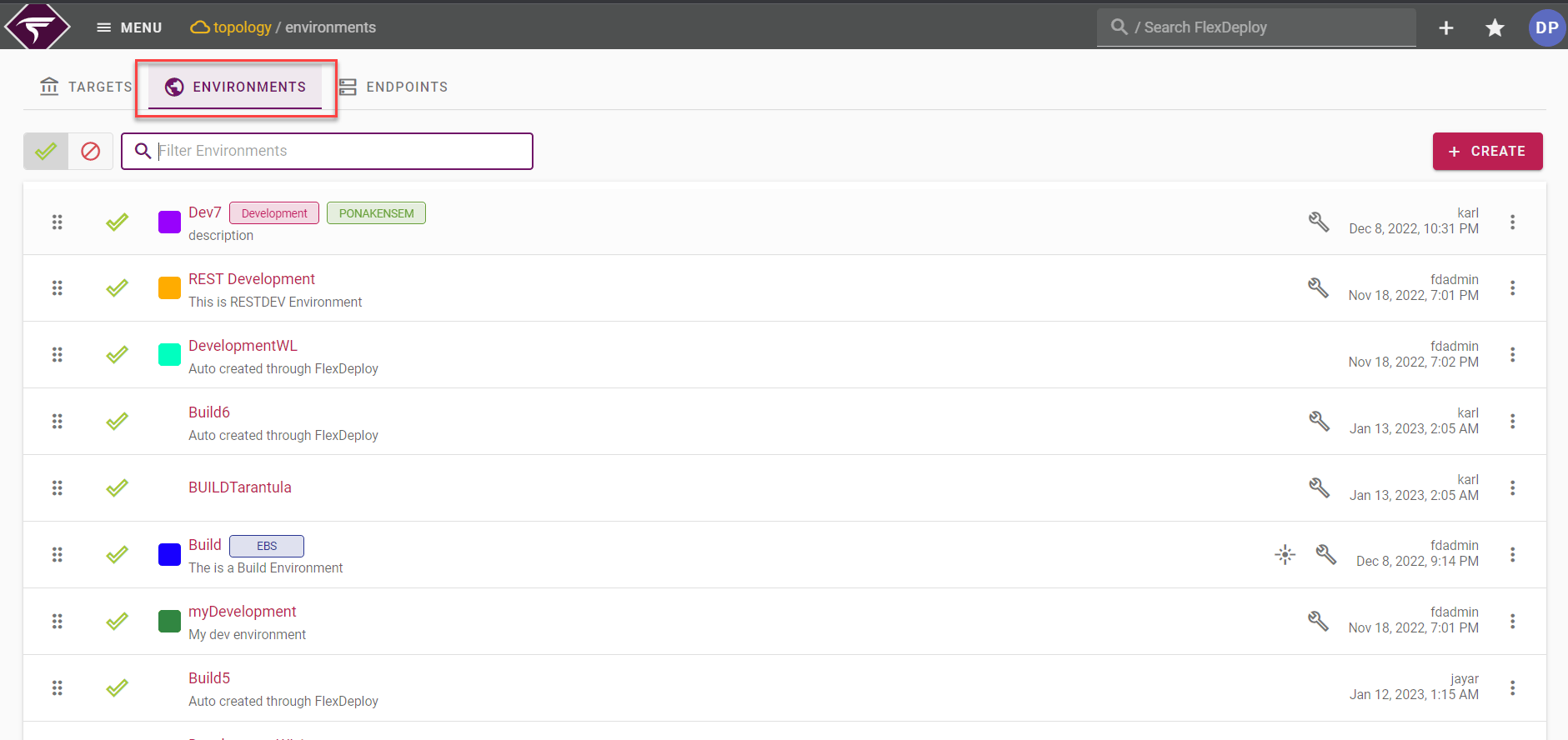
Creating and Editing an Environment
To create an Environment, click the Create button in the top right. To edit an Environment click on it’s name, or click on the 3 dots of an existing Environment row from the list.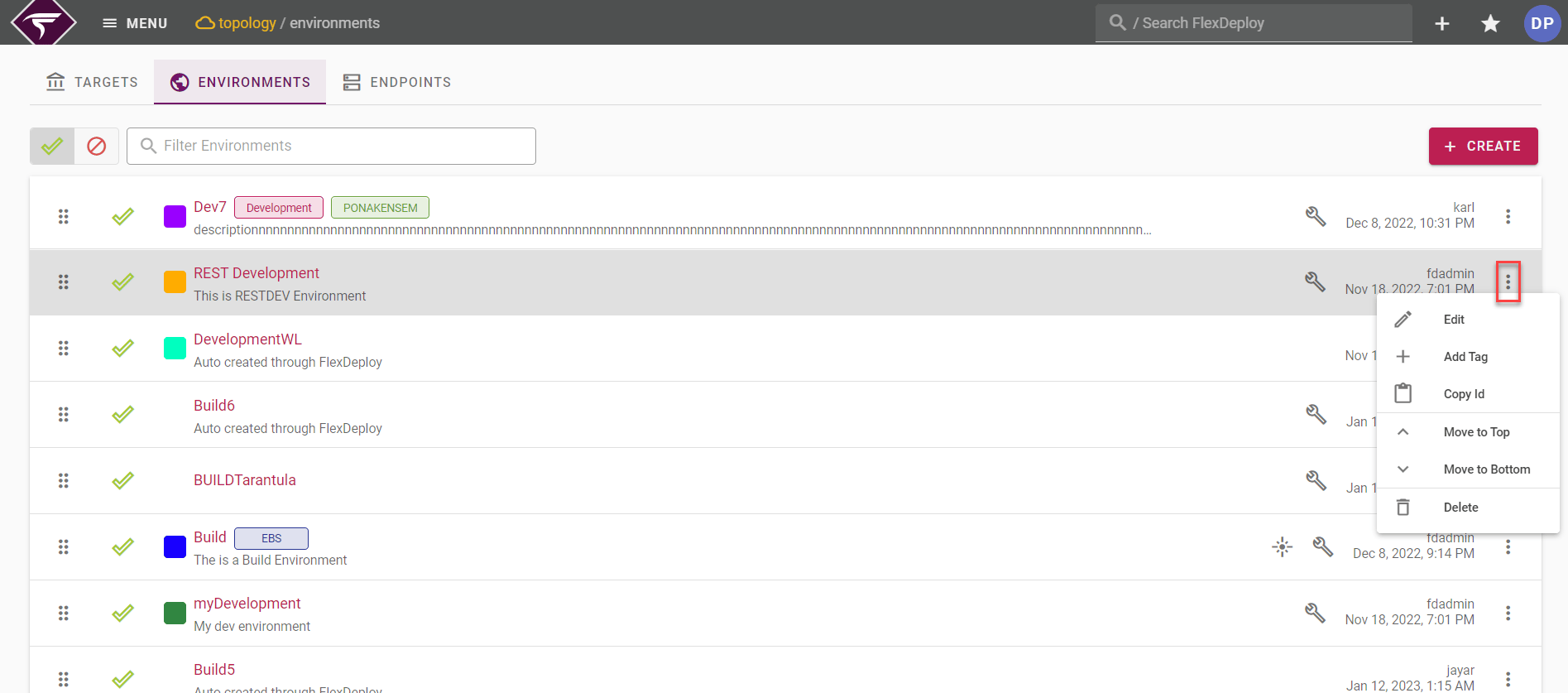
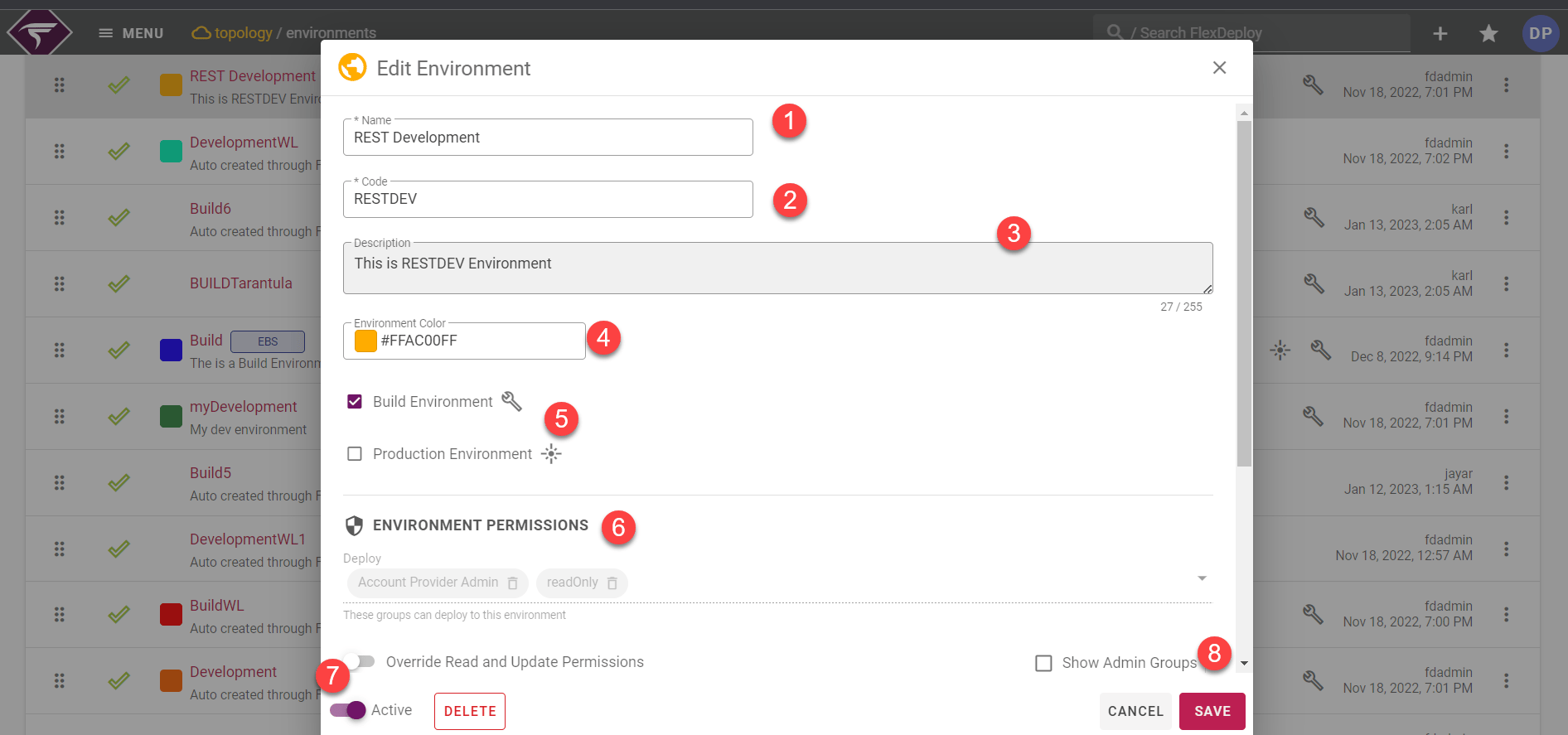
Field Name | Required | Description |
|---|---|---|
Code | Yes | Short name for the Environment. |
Name | Yes | Long display name for the Environment. |
Description | No | A description of the Environment. |
Environment Color | No | To display specific color to the environment. |
Build Environment | Yes | Identifies whether the Environment is used for builds. |
Production Environment | No | Whether to use Environment as used for production |
Environment Permissions | Yes | You can toggle a slider to override the default permissions. If overriding, you can assign certain groups permission to modify the environment. If users have write access to both the target group and environment, then they can modify the target’s properties and endpoints. |
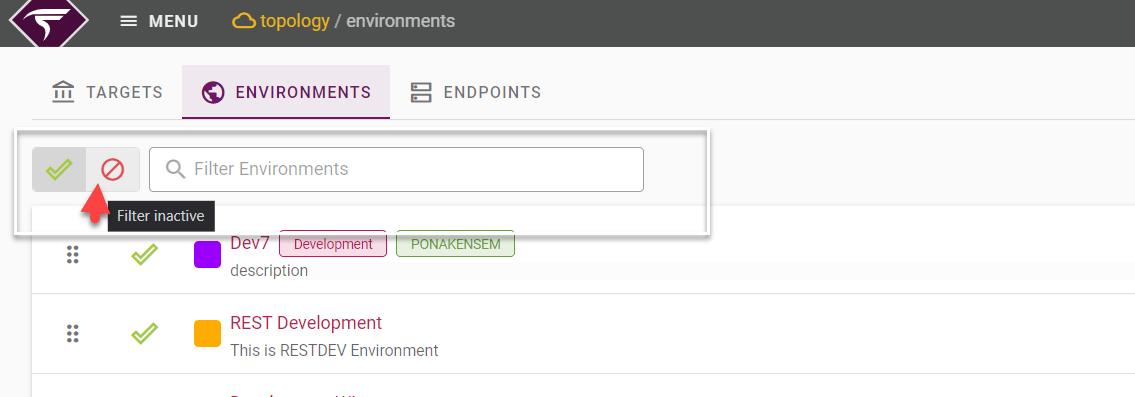
Active | Yes | Whether or not the Environment is active in the system. Defaults to “Yes”. |
Environment Sort Order
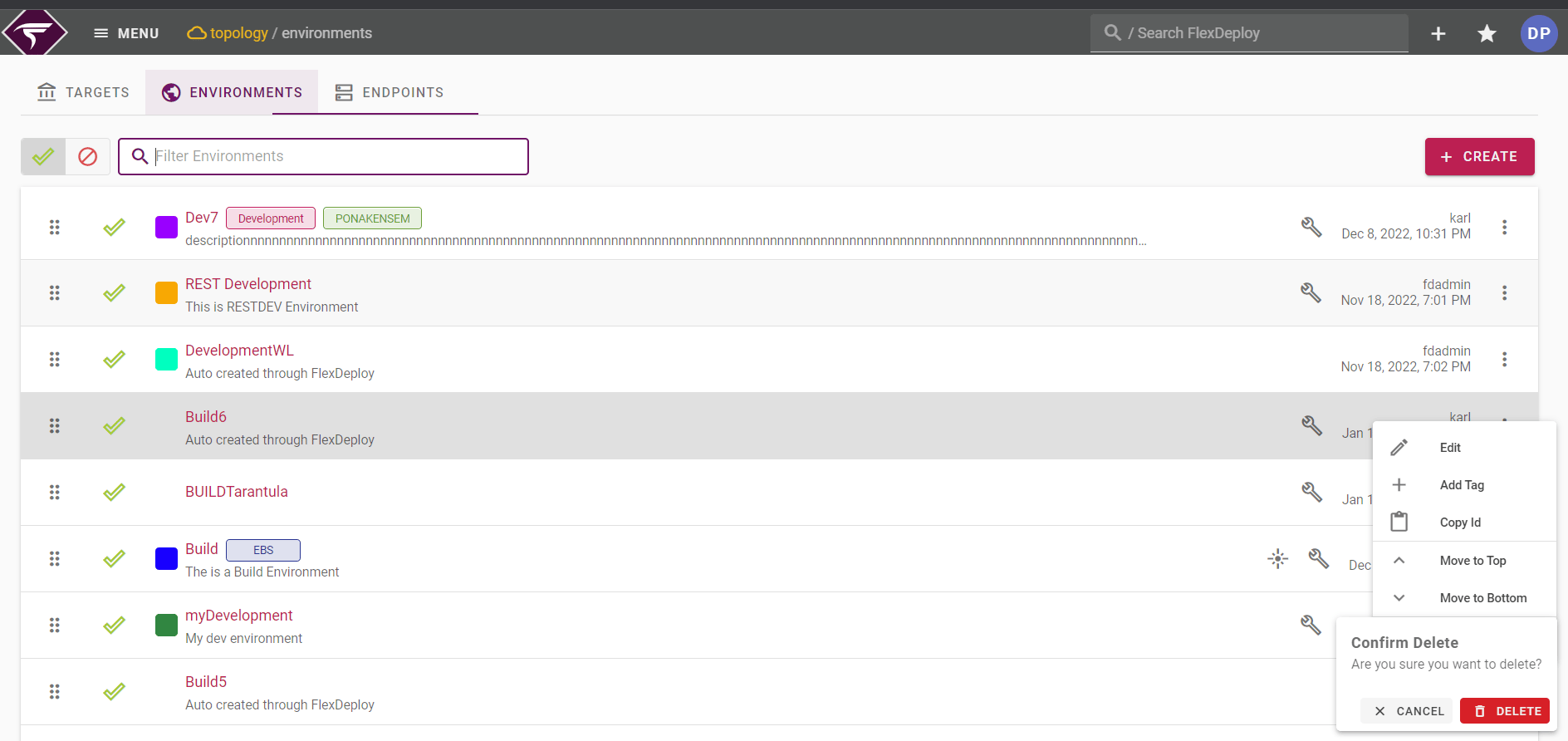
Environments can be ordered in list view using drag icon. This is referenced as Sort Order as main usage is to order environments displayed in drop downs. Order can reflect general promotion path, where Production will be at the bottom of screen. Such ordering is for 2 reasons.- Environments in various drop downs are listed as per this order.
- If workflow execution threads are exhausted, pending executions for environments higher in this sort order will be considered first for execution when threads become available, i.e. preference will be given to environment at the bottom on environments list.
Environment Tags
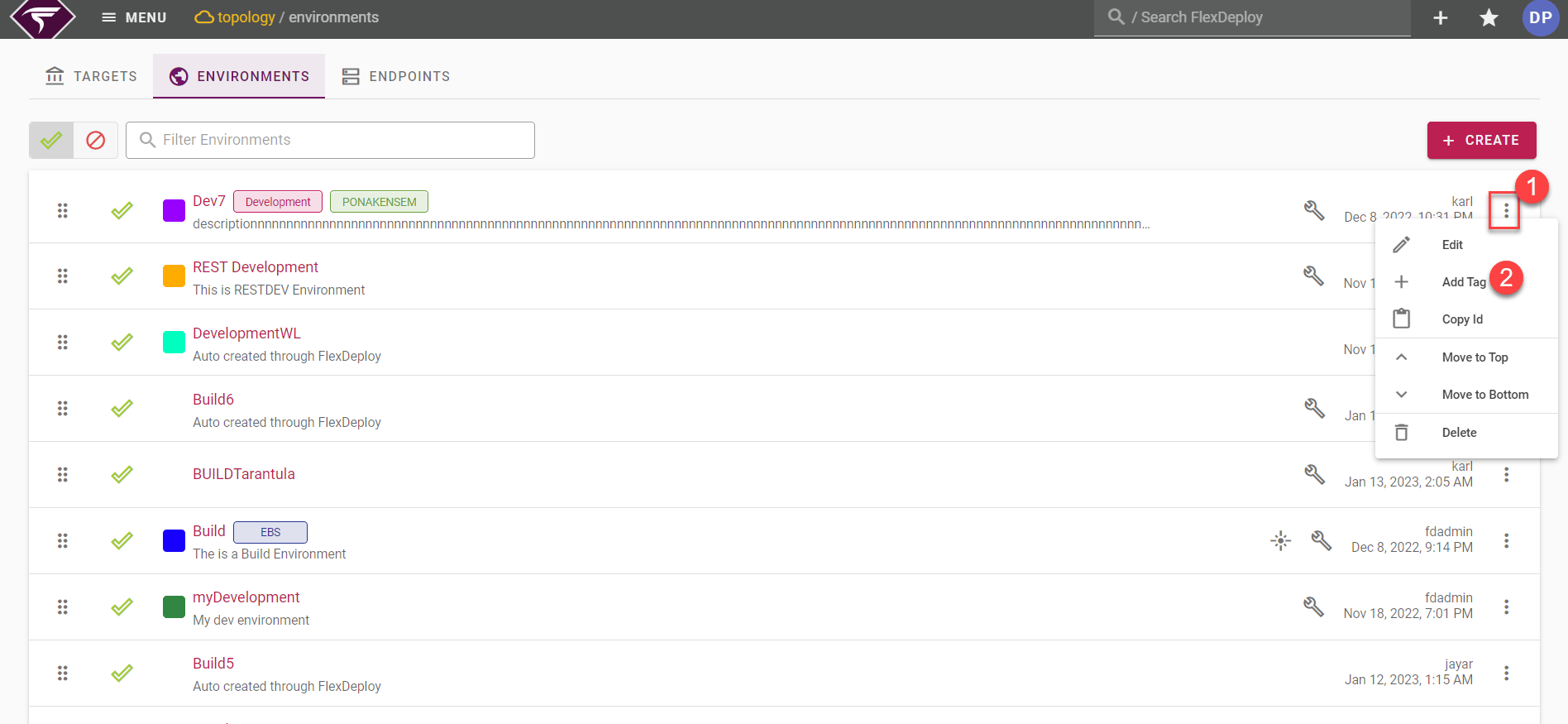
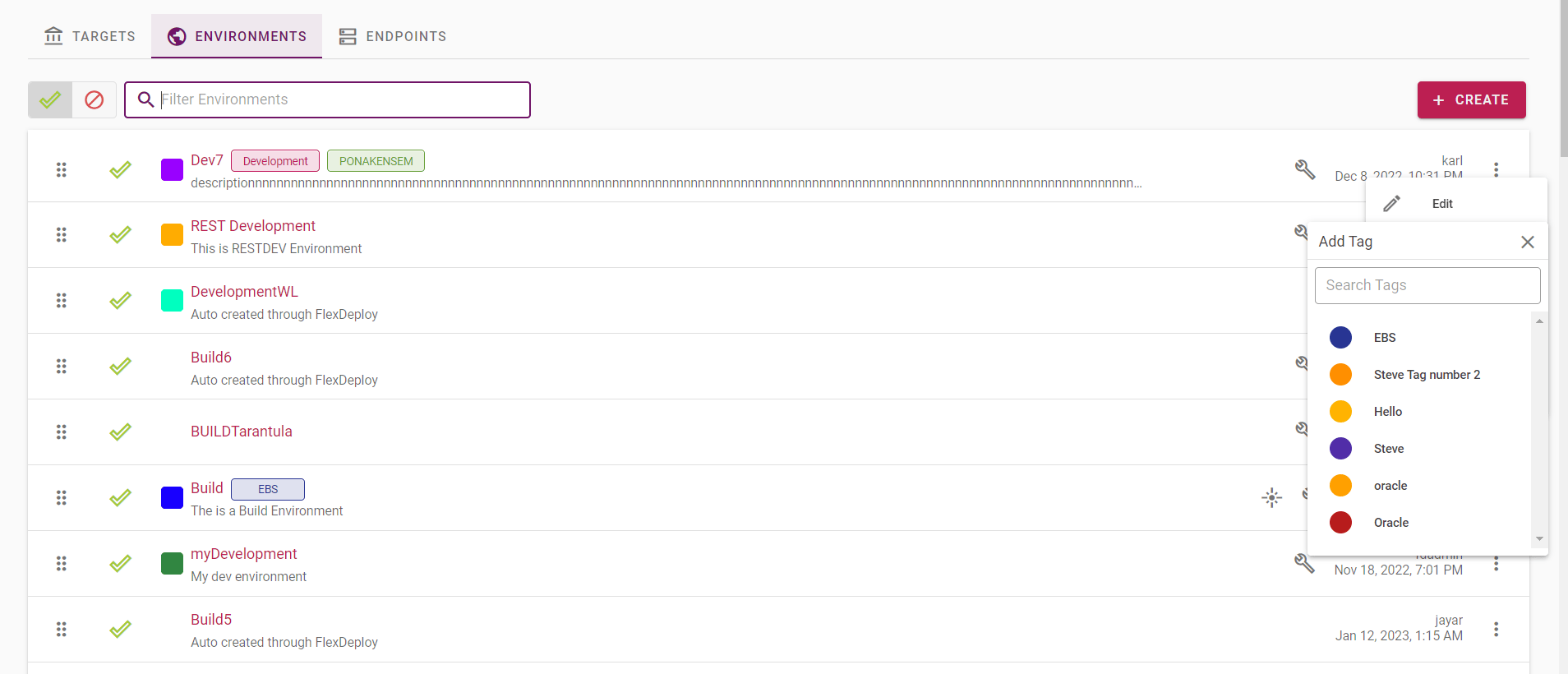
To add Tag to the Environment , click on the three dots that we are seeing on right side of the particular Environment row.