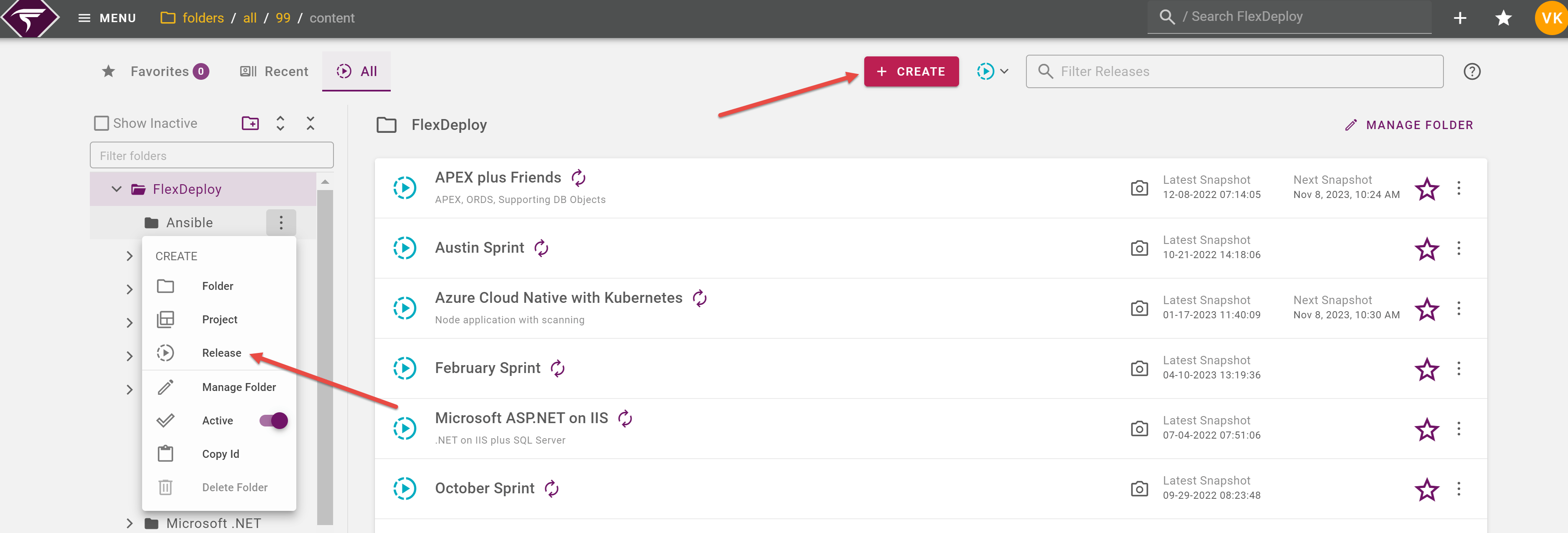
Click on an existing release to open it. You can edit the folder for each release from the options menu on the right side of each row.
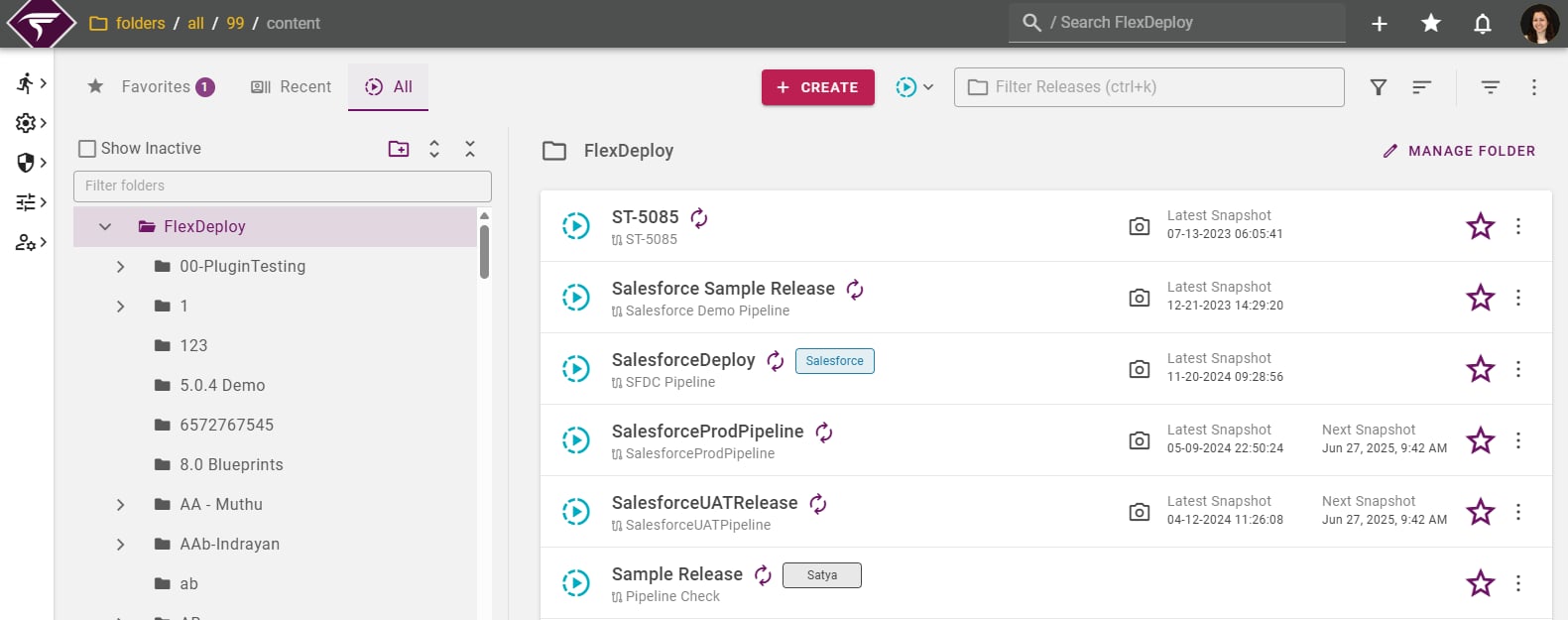
Viewing Folder Content
The All tab for Projects and Releases lists out content by folder. When navigating from the Projects or Releases menu items, only items of the given type will be shown. To show both Projects and Releases, change the type filter to all

To view who last updated each item and when, enabled the Show Updated Info option in the menu.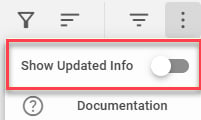
Saved Queries @Since 9.0.0.8
The :Filter:filter and :Sort:sort menus are available to manage and organize what content you’d like to see in the selected folder. The list is sorted alphabetically by default, with only active items. Available fields for sorting/filtering may change depending on whether you’re viewing Projects, Releases, or All content. Any Project-specific filters are discarded if the list is switched to show only Releases, and vice versa. Any applied filters and sorts can be saved in a saved query. Open the saved queries menu to view and manage any saved queries available for whichever type is being viewed. A badge will be shown on the menu button if a saved query is currently applied. Save and discard options will be shown if any changes are made to the active query.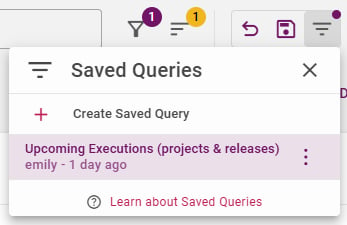
Creating Releases
To create a new release, either click on the :Create_Button: button at the top or select Release from a folder’s context menu. To view or edit a release, click on the release name link.