
Inputs
Input Name | Input Code | Required | Description |
|---|---|---|---|
Code Snippet |
| Yes | The commands and/or bat scripts that are to be executed in a Windows environment. |
Restrict Environment |
| No | Provide comma-separated instance codes to restrict environment variables in shell to specified instance codes. If no value is provided all properties are available to shell environment. |
No Secure Variables |
| No | Check if you do not want to pass secure/encrypted properties in shell environment. |
Lock Name |
| No | If a value is given, only a single simultaneous execution with the given name is allowed per endpoint. |
Outputs
Output Name | Required | Description |
|---|---|---|
User Defined | No | See Special Considerations below. |
Artifacts
This operation delegates consumes/produces artifacts decision to the workflow developer. Check Consumes Artifacts on the workflow step editor if this operation requires artifacts to be delivered prior to execution of the script. Check Produces Artifacts on the workflow step editor if this operation creates artifacts. The artifacts folder is available via theFD_ARTIFACTS_DIR variable.
Endpoint Selection
This operation delegates endpoint selection to the workflow developer. The workflow editor will default the selection to “All”, which selects all available endpoints associated to the Target. Selecting a specific resource will result in selection of endpoints associated to the Target which have that resource defined.Endpoint Execution
This operation delegates endpoint execution to the workflow developer. The workflow editor will default to “Any”, which will execute on any one of the selected endpoints, which will be randomly picked from selected endpoints or a specific endpoint where previous step may have executed. Changing this value to “All” to will result in execution on all selected endpoints.Special Considerations
Using Properties
The Windows shell plugin can use regular Windows shell variable syntax with properties.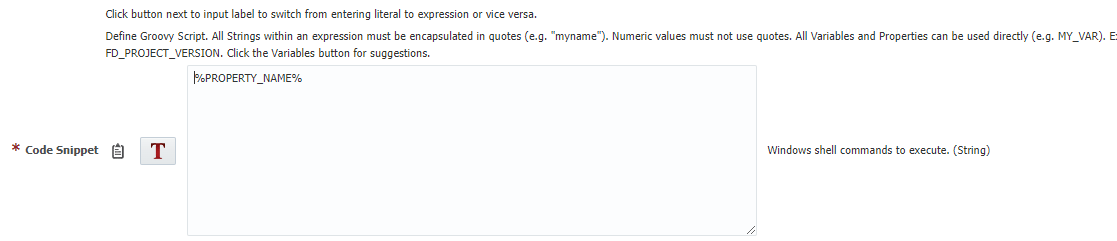
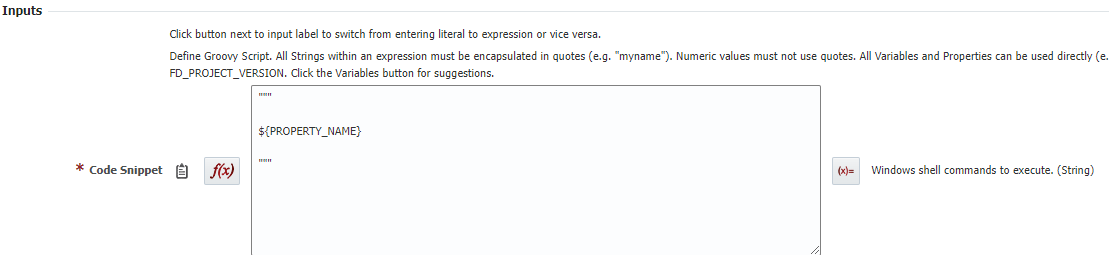
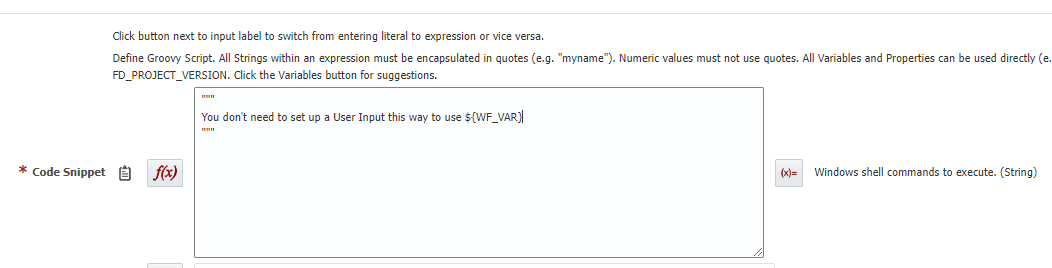
Using workflow variables
The Windows shell plugin can use regular Windows shell variable syntax with properties, if you set them up as custom inputs.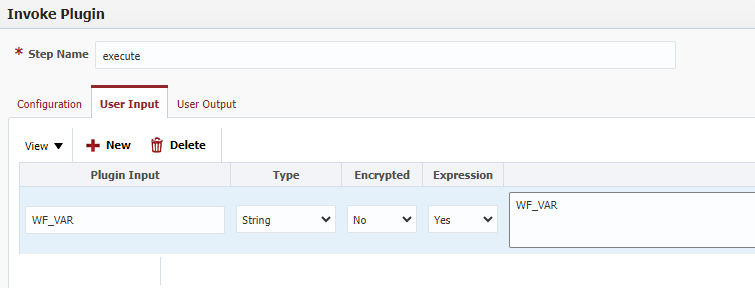
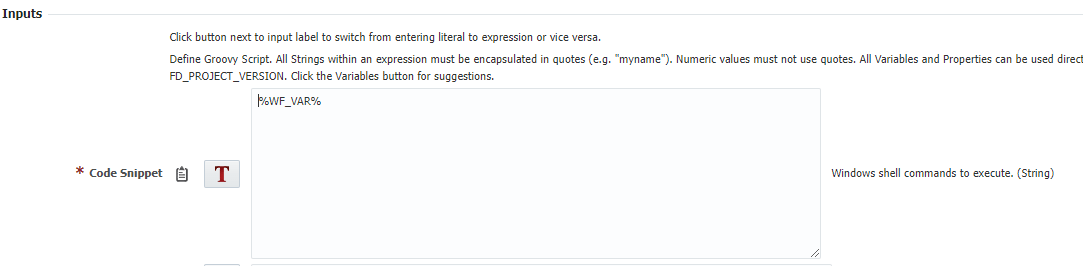
Output Syntax
Note
In Windows, special characters like&, <, >, ^, and | require an escape character to be processed as regular text. Starting from FlexDeploy Windows plugin version @9.0.0.2.3, these symbols are handled automatically, eliminating the need to escape them explicitly within the script.