Supported Versions
Supports both Windows and Unix Operating Systems.- Java 8 must be used on the endpoint
Key Features
-
Optional arguments to build a development version of your web application:
- Release: Build in release mode.
- Build configuration: Specify the build config file for signing the hybrid app.
- SASS: Manages Sass compilation.
- SVG: Manages SVG re-compilation for JET specified theme.
-
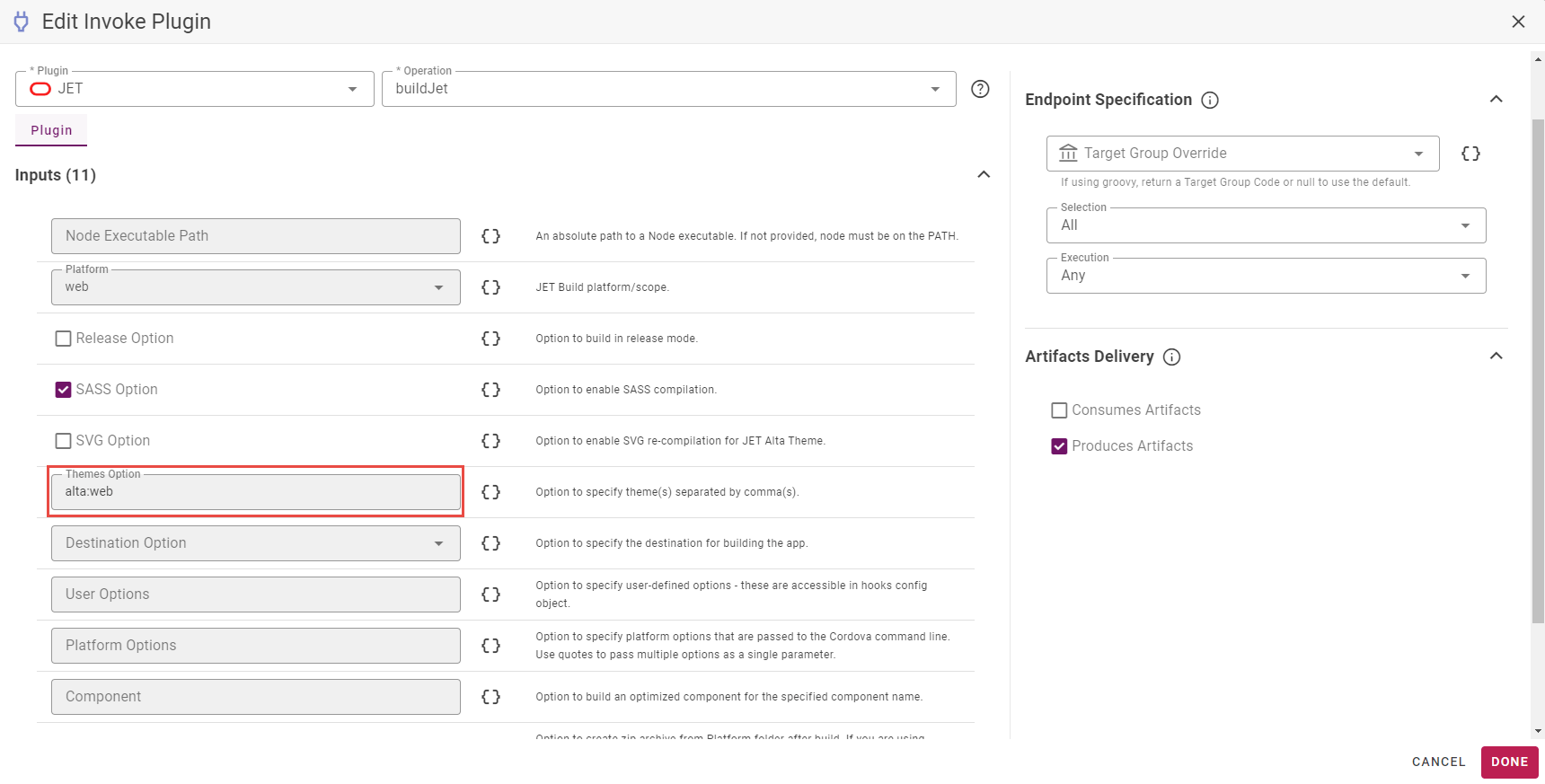
Themes: Specify the theme to use for the application. The theme defaults to
alta:web, but you can specify a hybrid mobile theme (alta:android,alta:ios,alta:windows) if you want your application to have the look and feel of a mobile application. You can edit the default alta theme as you wish after deployment. Oracle has a great example for changing theme to fit your application needs: https://www.oracle.com/webfolder/technetwork/jet/public_samples/JET-Theme-Builder/public_html/index.html. - User: Specify user defined options.
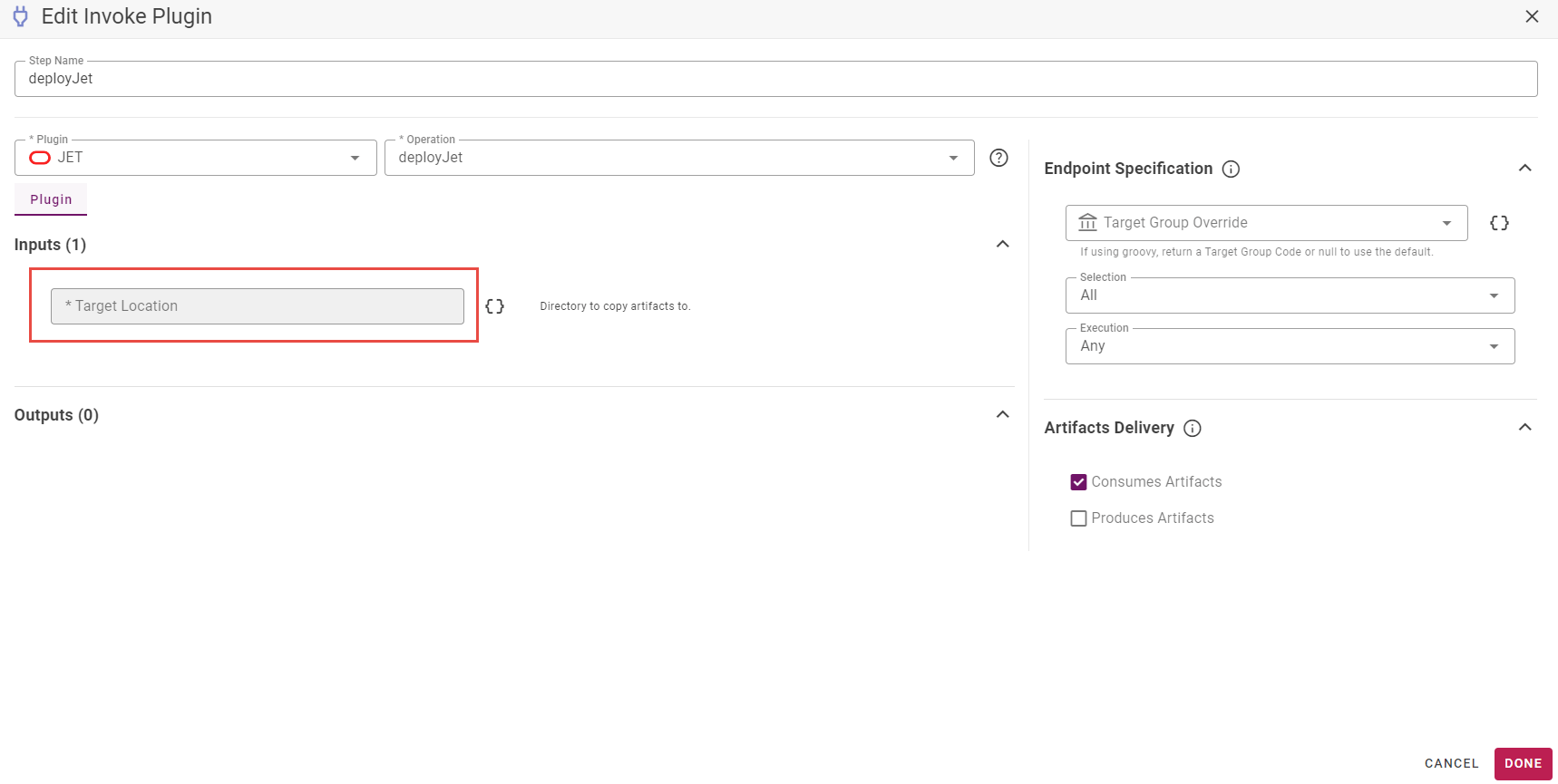
- Destination: Specify the target location for building the application.
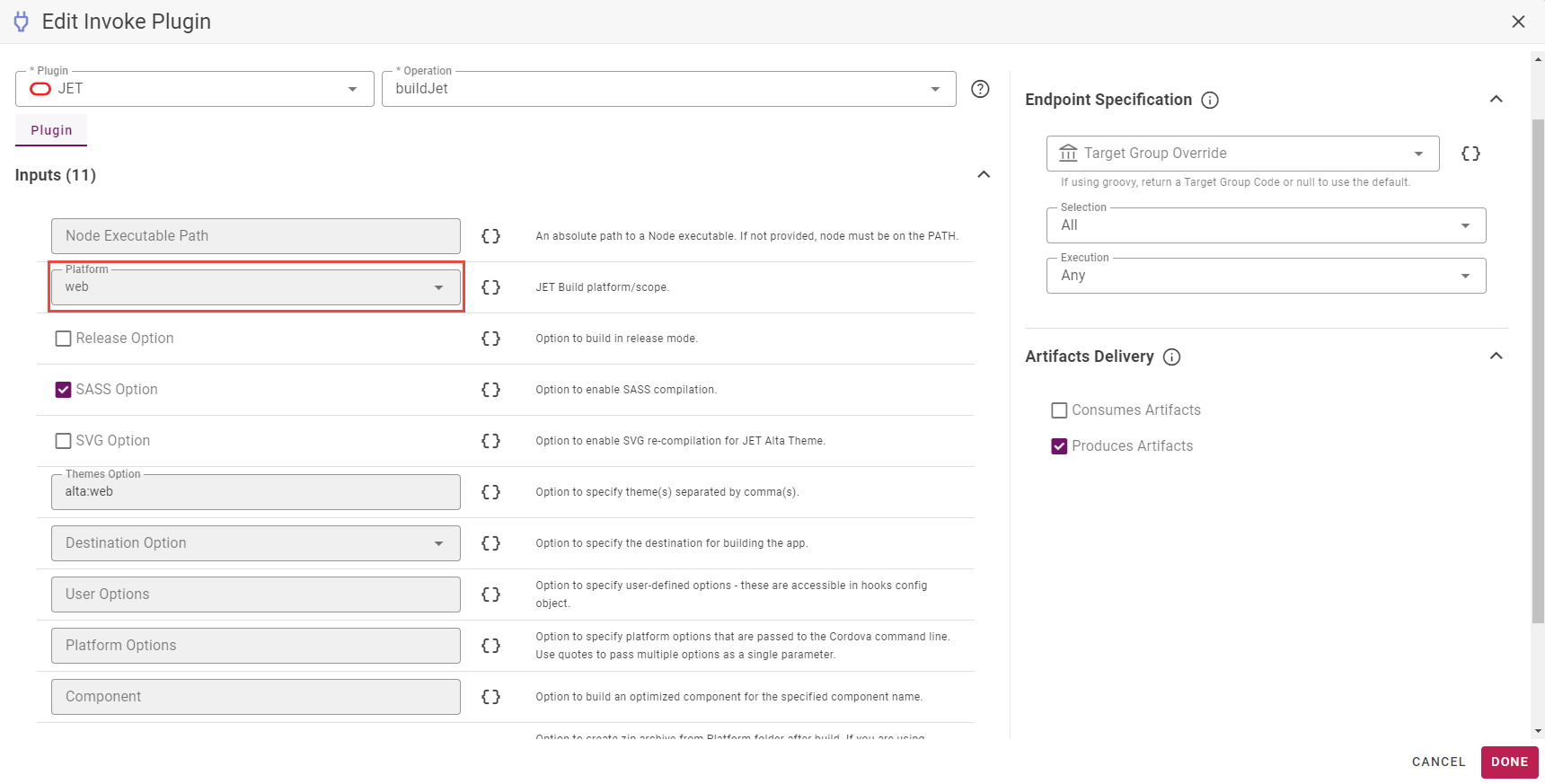
- Platform: Specify the platform specific options that are passed to the Cordova command line. Use quotes to pass multiple options as a single parameter value.
- Component: Build an optimized component for the specified component name.
Plugin Operations
When creating your workflow for the build operation make sure to select a platform type as an input from the drop-down menu or in the project properties. The other inputs are optional.