
Jenkins Configuration
Installing the Plugin
To upload the plugin, connect to your Jenkins server and click “Manage Jenkins.” Then choose “Manage Plugins.”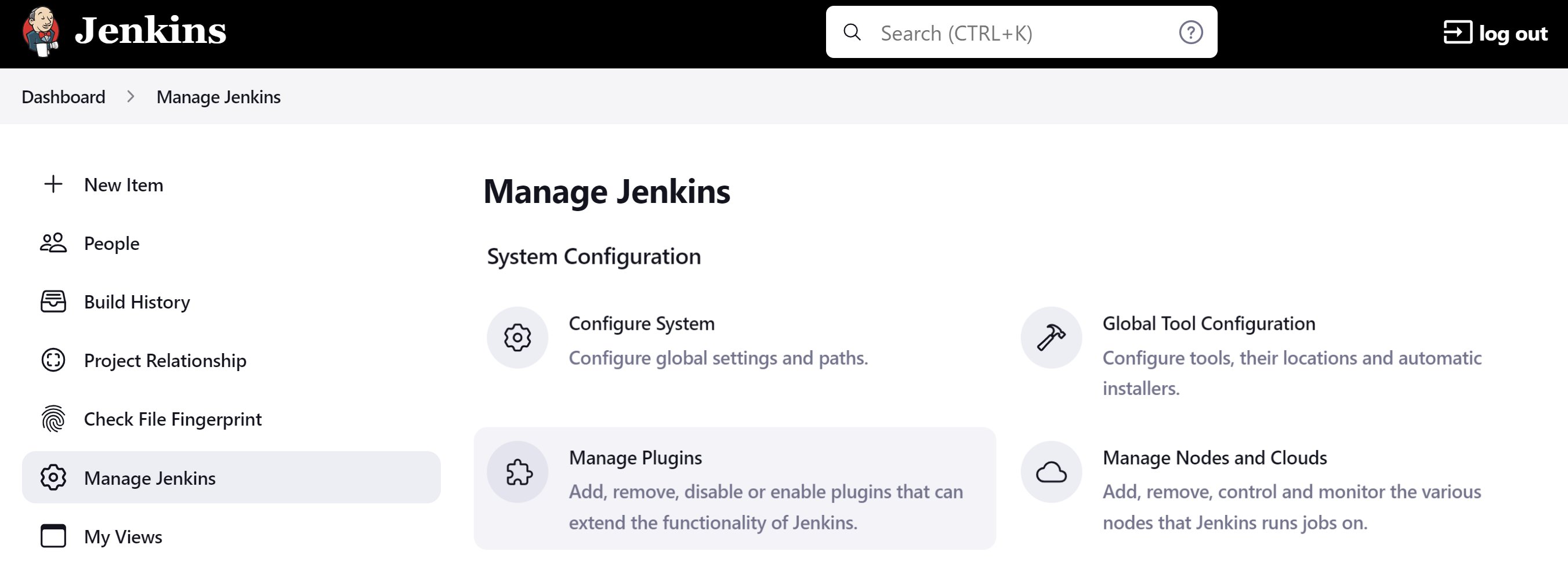
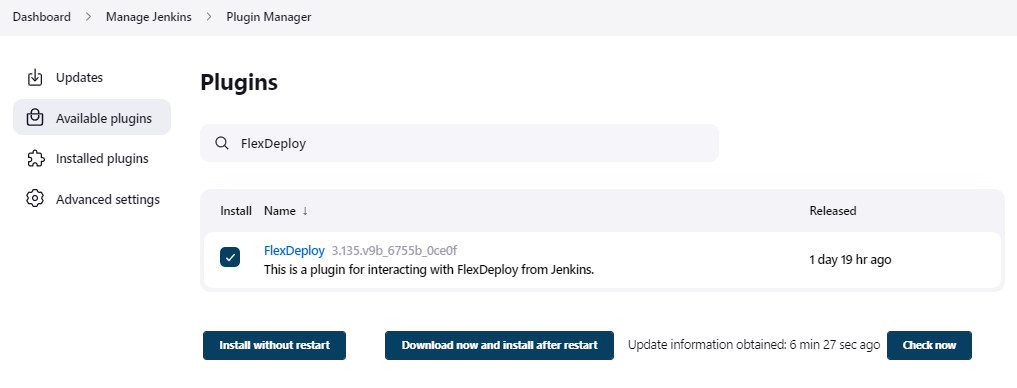
If you don’t see the FlexDeploy Plugin in the update center, you can still download it directly from here. Click here to expand…a. Download the Jenkins FlexDeploy Plugin from the Jenkins Support Site.b. On the Manage Plugins page, choose the Advanced tab, then click Choose File under the Upload Plugin section.
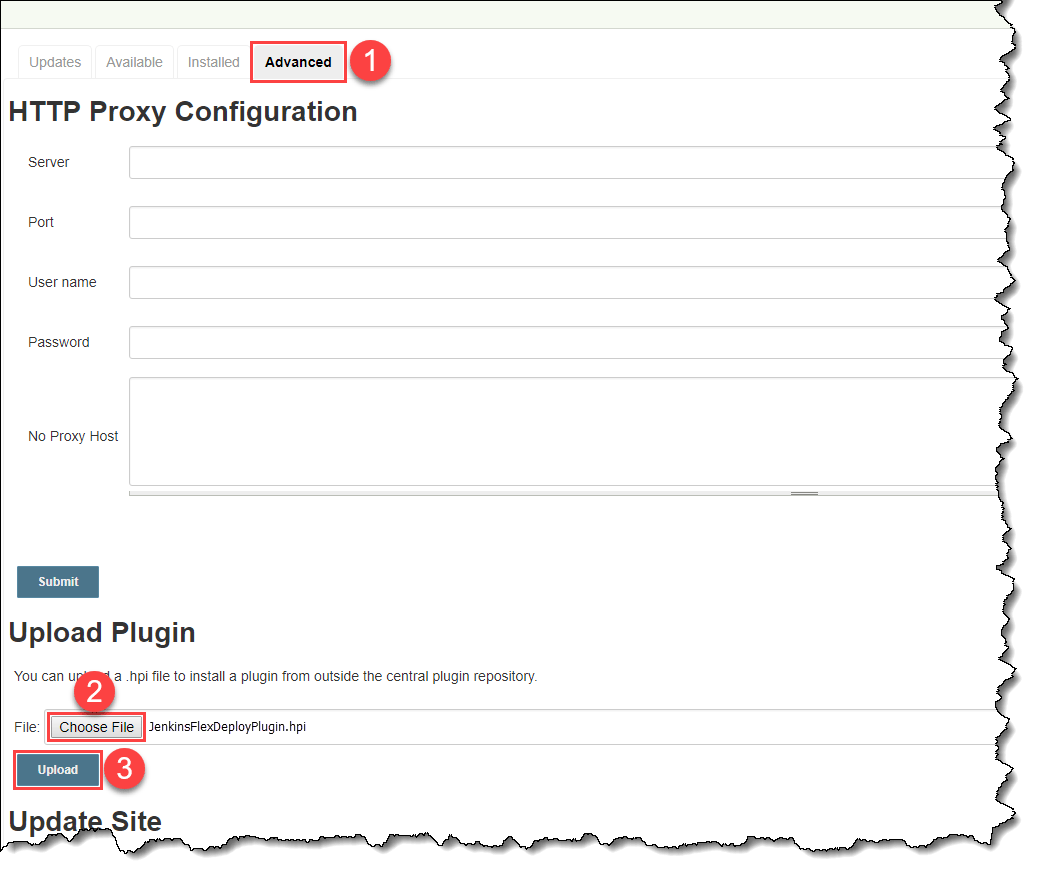
Click here to expand…a. Download the Jenkins FlexDeploy Plugin from the Jenkins Support Site.b. On the Manage Plugins page, choose the Advanced tab, then click Choose File under the Upload Plugin section.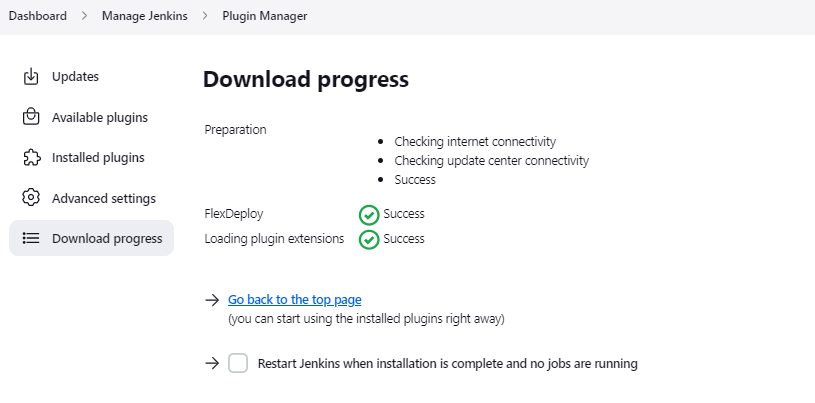
Configuring the Plugin to work with FlexDeploy
In your Jenkins project configuration, scroll down to the Post-Build Actions section, and click Add Post-Build Action.Make sure that you place the Archive the artifacts step before the FlexDeploy plugin step so the plugin can find the proper artifacts.
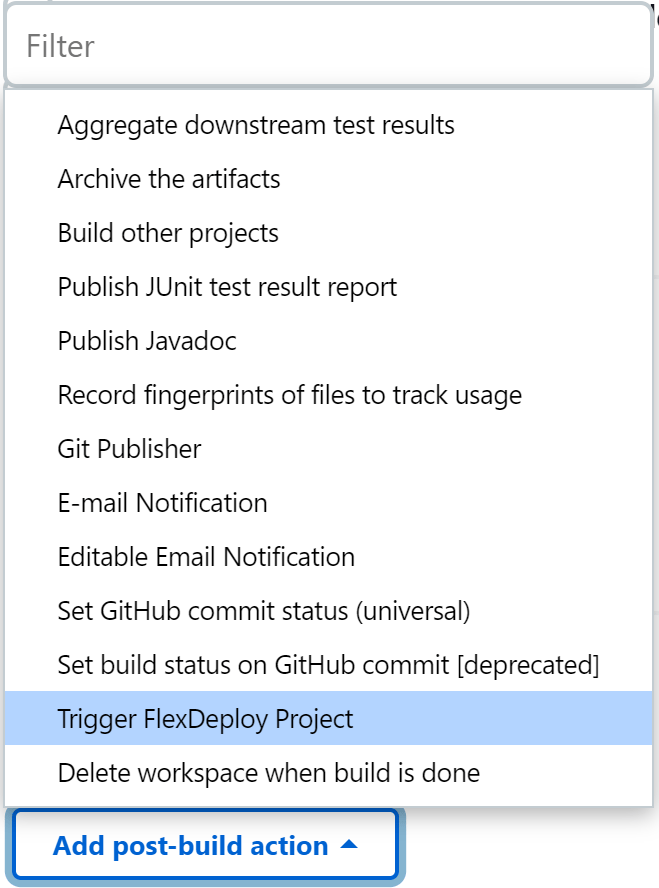
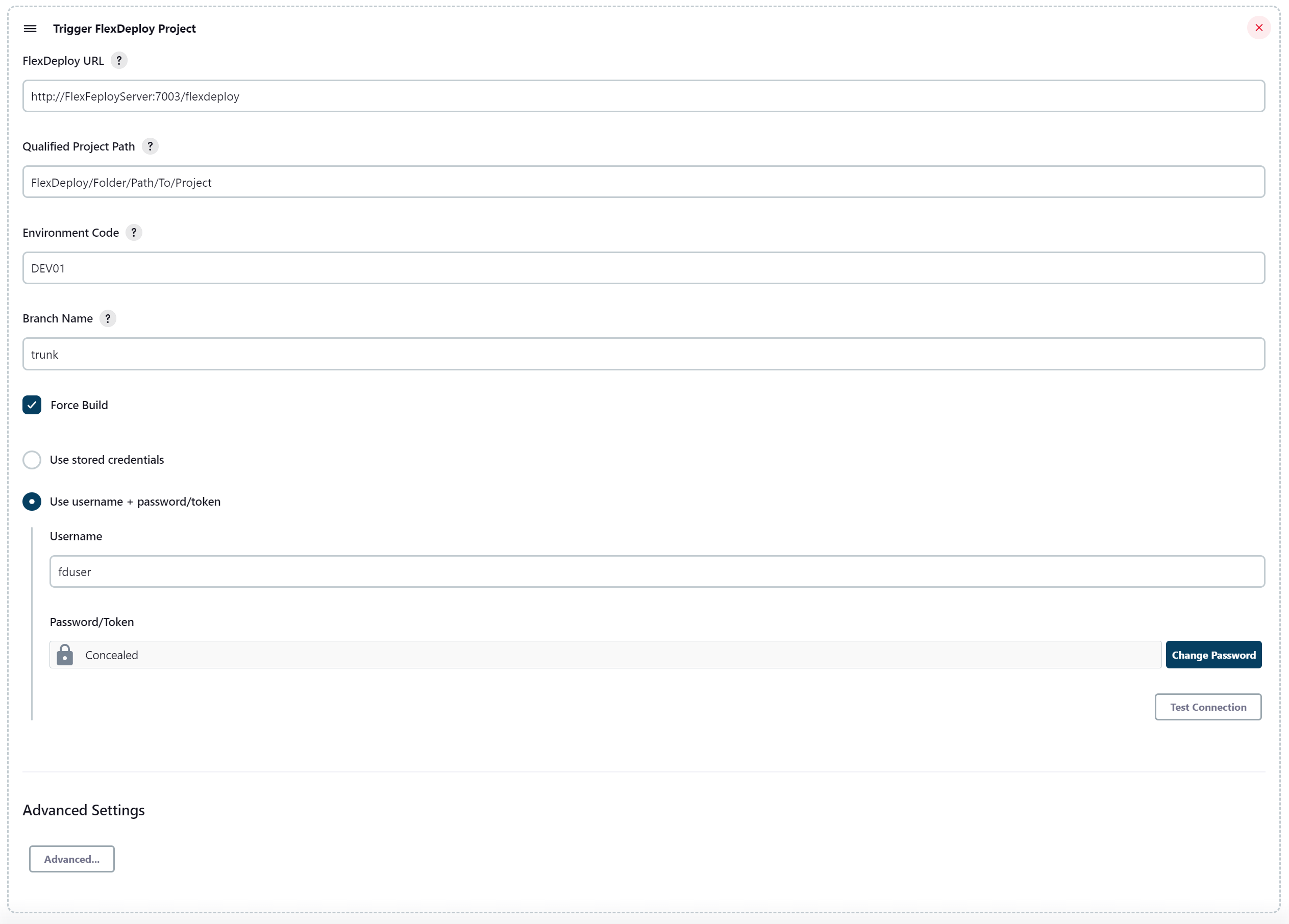
Advanced... dropdown button.
Full list of input fields can be found here: Jenkins
FlexDeploy Configuration
After uploading the FlexDeploy Jenkins Plugin to FlexDeploy, go to your Target configuration for the Environment and Target Group you plan to run this plugin in. You should see a page like this: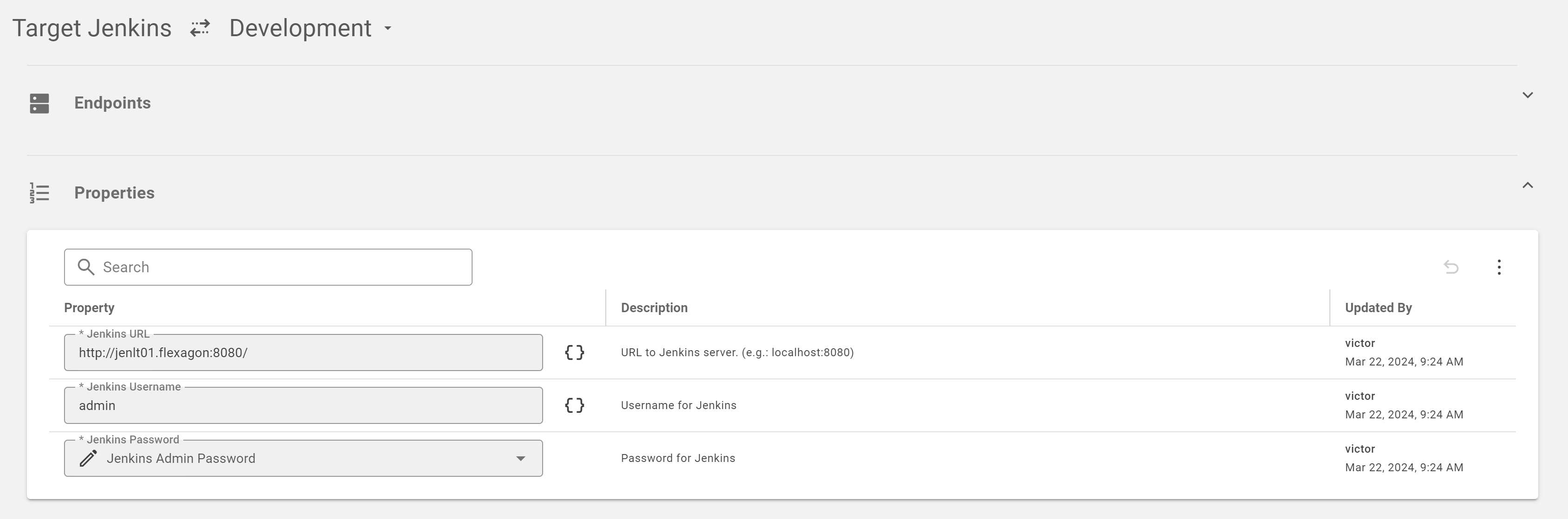
- Jenkins URL - The URL of the Jenkins server to connect to.
- Jenkins Username - The username to connect to Jenkins as.
- Jenkins Password - The password for the Jenkins User
retrieveArtifacts step from the Jenkins Plugin.
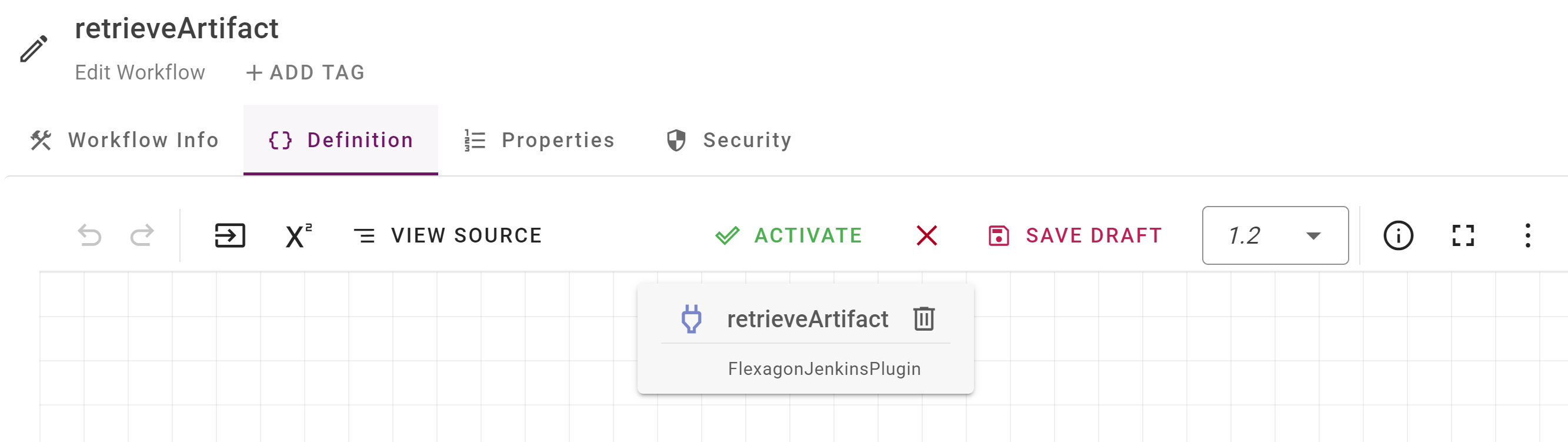
inpBuildNumber.
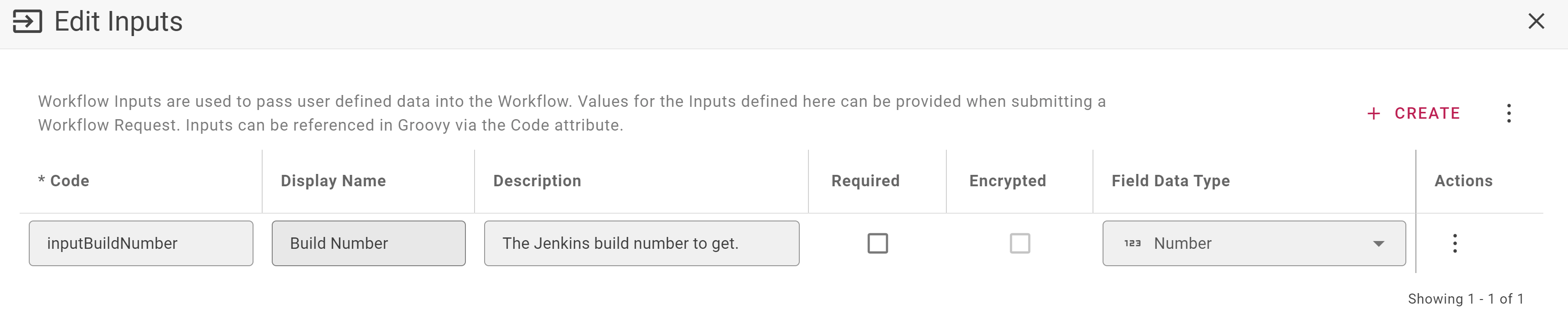
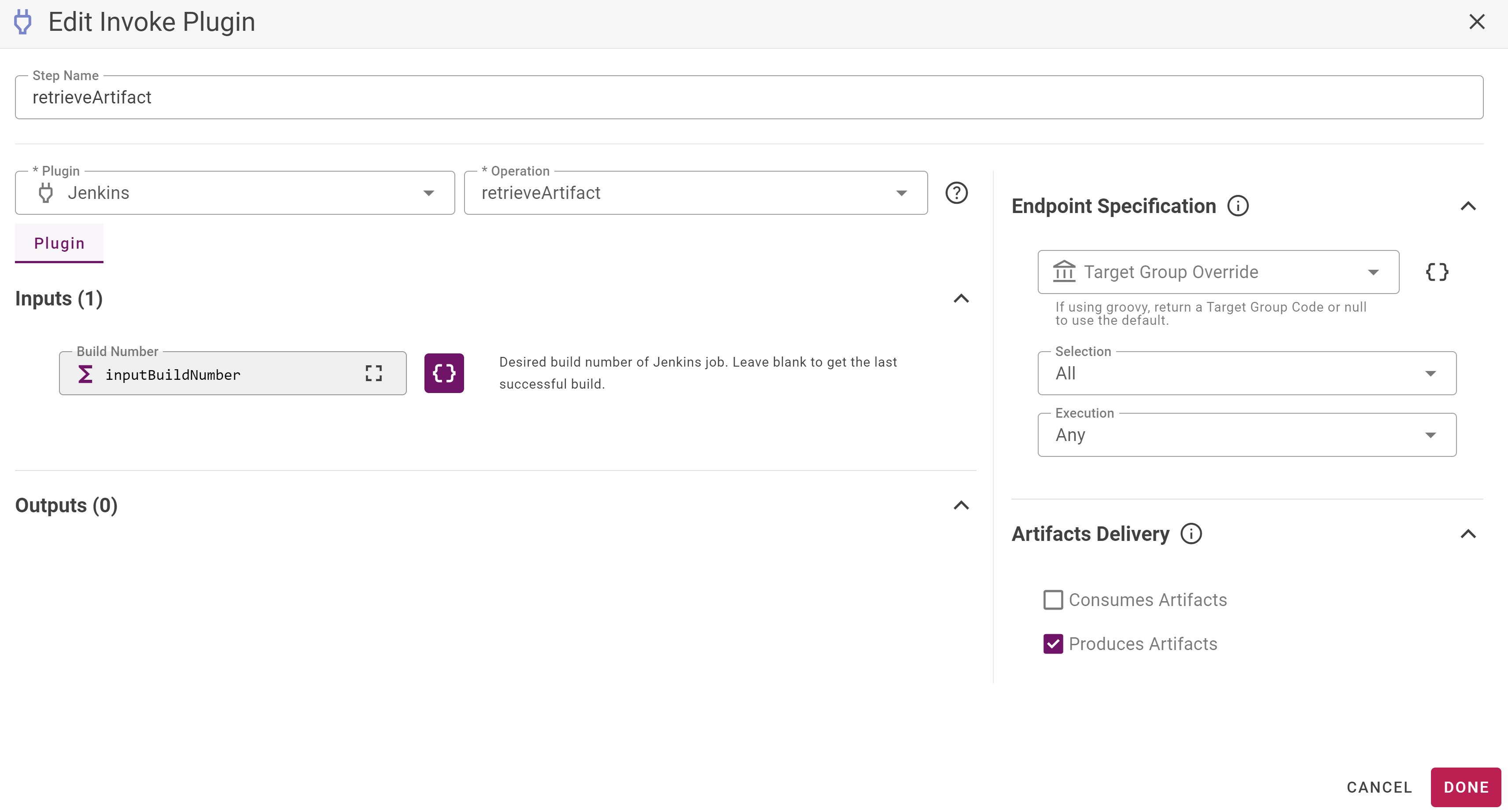
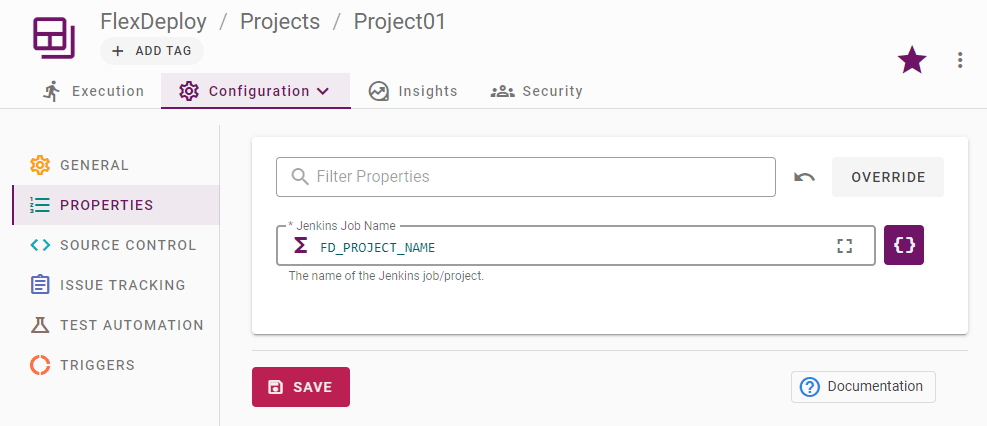
FD_PROJECT_NAME variable to minimize the potential for project misconfiguration.
- Once you’ve configured the workflow and the project property, you should be set up to use a Jenkins artifact in FlexDeploy!
- If you want to use FlexDeploy to deploy an artifact built in Jenkins, configure a deploy workflow to deploy an artifact from the FlexDeploy Artifact Repository. Then you can set up a Post Build Trigger on your FlexDeploy project, and choose the Environment and Branch Name that you’re using from Jenkins.
Project Execution
- Go to your Jenkins server where you configured a project using the FlexDeploy plugin.
- Click Build Now and you should see the project start to execute.
- Now go back to your FlexDeploy server and navigate to the project you set up to get an artifact from Jenkins. Once the Jenkins build is finished, you should see FlexDeploy start building the project.
- From there you can use any of FlexDeploy’s many plugins to deploy the artifacts.